
The Environment
- Local file servers with limited remote access
- Email system without modern collaboration features
- Project documents shared across teams and job sites
- Inconsistent file versioning and duplication
- Limited security controls for file access
- Growing need for remote and mobile access
What ITAD4Me Did
- Planned and executed migration to Microsoft 365
- Moved email, files, and collaboration tools to the cloud
- Configured SharePoint and OneDrive for structured document management
- Implemented Teams for communication and project collaboration
- Set up role-based access controls for secure file access
- Enabled multi-factor authentication for user accounts
- Organized file structures to improve usability and control
- Provided user guidance on collaboration best practices
- Aligned the environment with long-term scalability and security needs
The Results
- Improved collaboration between office staff and job sites
- Centralized access to project files and documents
- Reduced file duplication and version confusion
- Enhanced security for business data and communication
- Enabled secure remote and mobile access
- Established a scalable collaboration platform for growth
Related Services Used
This case study connects to Microsoft 365 & Email , Cloud & Virtualization , Cybersecurity , Managed IT Services , Help Desk .
Background
The company needed a better way to manage communication and project documentation across teams. Existing systems made it difficult to access files, collaborate efficiently, and maintain control over data.
Modernizing the environment became a priority.
The Business Risk
Outdated systems created several risks:
- Limited access to project files from job sites
- Confusion around file versions and duplication
- Reduced efficiency in communication and collaboration
- Increased risk of data loss or unauthorized access
- Difficulty scaling operations as the business grew
Without improvement, these issues would continue to impact productivity.
ITAD4Me’s Approach
ITAD4Me focused on migrating the business to a modern, cloud-based platform.
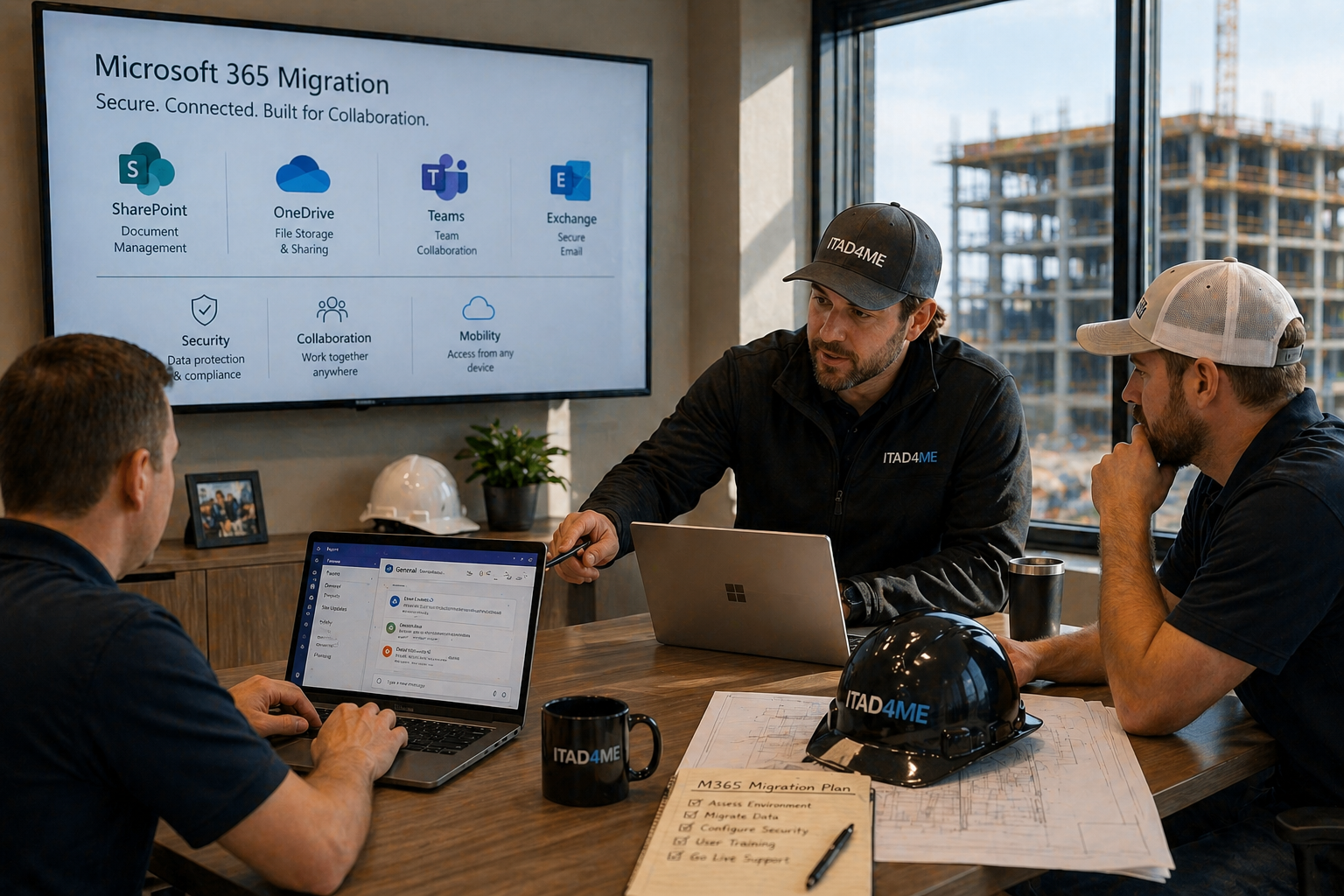
Email, files, and collaboration tools were moved into Microsoft 365. SharePoint and OneDrive were structured to improve organization and access control. Teams was introduced to support communication and project coordination.
Security controls such as multi-factor authentication and role-based access were implemented to protect data.
The goal was to create a system that is easy to use, secure, and scalable.
Outcome
The company now operates with a centralized collaboration platform that supports both office and field teams.
Access to files is consistent, communication is improved, and data is better protected. The business is positioned to scale and adapt as project demands increase.
Services Connected to This Case Study
This engagement directly relates to Microsoft 365 & Email, Cloud & Virtualization, Cybersecurity, and Managed IT Services.
Modern collaboration tools help teams work more efficiently and securely, especially in industries that depend on coordination across multiple locations.