
The Environment
- Microsoft 365 environment with SharePoint and OneDrive usage
- Multiple practice areas with shared and private documents
- User-created sharing links and ad hoc permissions
- Limited oversight of who had access to sensitive data
- No standardized permission structure or policies
- Growing volume of documents and collaboration
What ITAD4Me Did
- Audited SharePoint and OneDrive permissions across the environment
- Identified overexposed files, folders, and sharing links
- Removed unnecessary or risky access permissions
- Implemented role-based access controls aligned with practice areas
- Restricted external sharing and unsecured link usage
- Standardized folder structures for easier permission management
- Enabled monitoring and alerts for unusual access activity
- Documented permission models for ongoing management
- Provided guidance on secure collaboration practices
The Results
- Reduced risk of unauthorized access to client data
- Clear and consistent permission structure across the firm
- Improved visibility into who can access sensitive information
- Simplified management of SharePoint and OneDrive access
- Stronger alignment with legal data confidentiality requirements
- Improved confidence in document security and collaboration
Related Services Used
This case study connects to Microsoft 365 & Email , Cybersecurity , Identity & Access Management , Managed IT Services , Help Desk .
Background
The law office relied heavily on SharePoint and OneDrive for document storage and collaboration. As usage increased, permissions were granted informally, leading to a complex and difficult-to-manage environment.
Sensitive client data required better control.
The Business Risk
Unstructured permissions created several risks:
- Unauthorized access to confidential client information
- Overexposed files through sharing links
- Lack of visibility into who had access to documents
- Difficulty managing permissions as the firm grew
- Increased risk of data exposure or compliance issues
Without cleanup, these risks would continue to grow.
ITAD4Me’s Approach
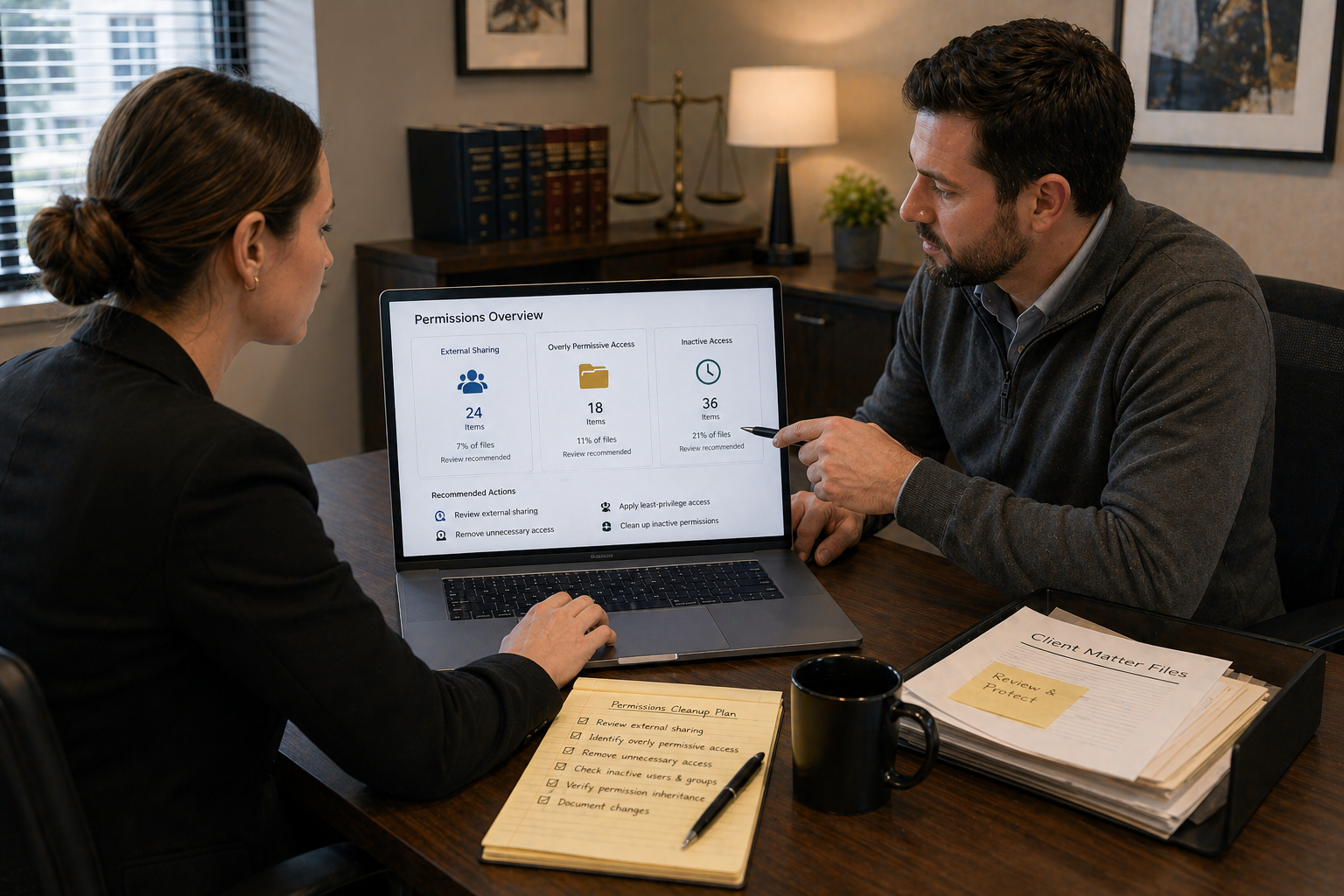
ITAD4Me conducted a full audit of permissions across SharePoint and OneDrive.
Access was reviewed and adjusted to align with user roles and practice areas. Unnecessary sharing links and broad permissions were removed, and a standardized structure was implemented.
Monitoring was added to detect unusual activity, and documentation was created to support ongoing management.
The goal was to balance security with usability.
Outcome
The law office now operates with a clear and manageable permission structure.
Access to sensitive data is controlled, visibility is improved, and the risk of data exposure has been reduced. The environment supports secure collaboration without unnecessary complexity.
Services Connected to This Case Study
This engagement directly relates to Microsoft 365 & Email, Cybersecurity, Identity & Access Management, and Managed IT Services.
Managing access to data is critical in a legal environment. A structured permissions model ensures that information is secure while still accessible to the right people.