Why Growing Companies Drift Out of Backup Hygiene
Each new hire brings another laptop, another Teams channel, and quietly another “temporary” shared folder that never got added to backup scope.
Meanwhile, the person who used to verify restores took a new job—and nobody updated the vendor call list.
Growth does not break backups overnight. It breaks them through slow scope drift and untested assumptions.
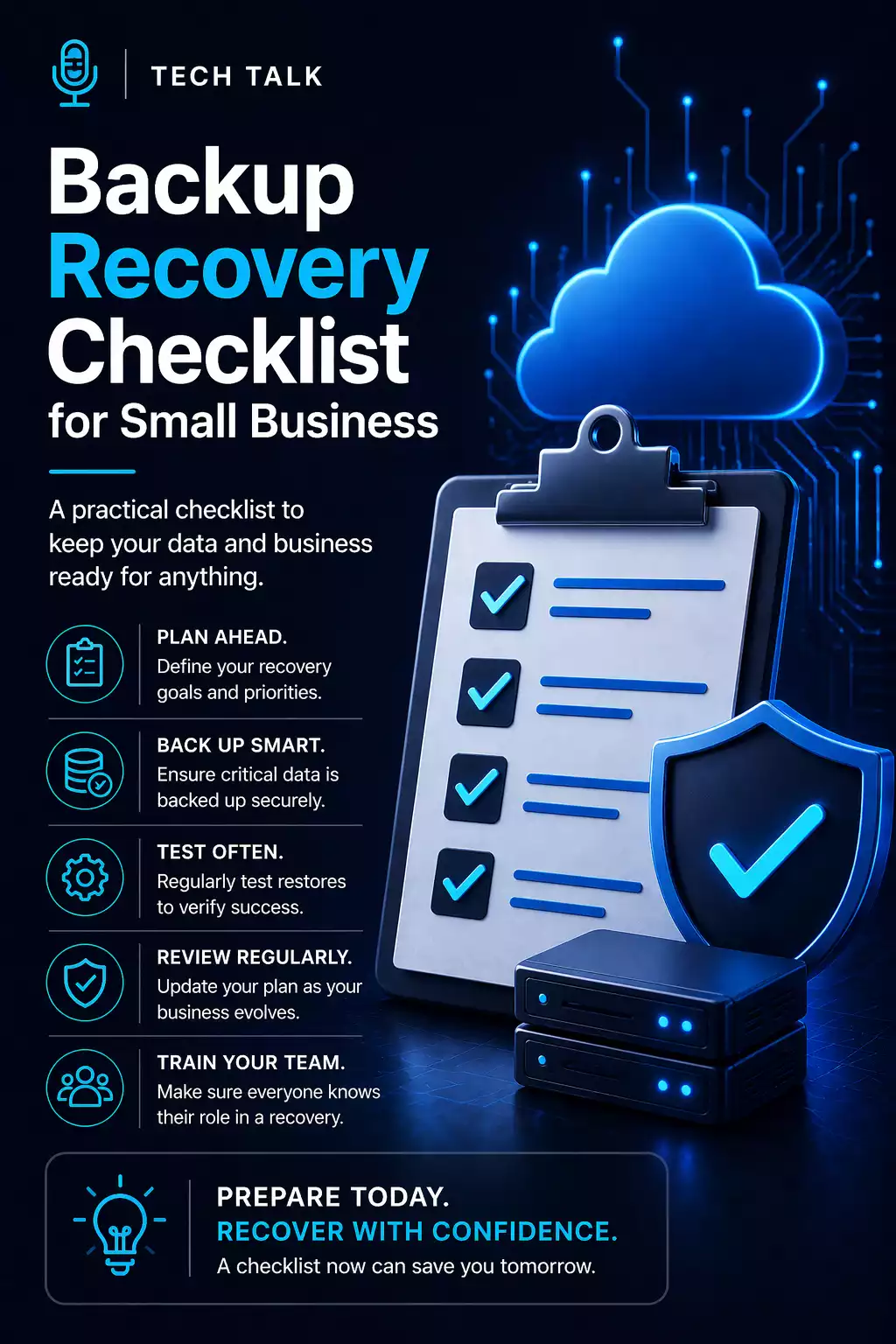
The Checklist (Quarterly Is a Good Cadence)
Scope
- Inventory critical data — ERP, CRM, files, mail, line-of-business SaaS.
- Confirm each source has an owner — name, not “IT generally.”
- Document retention goals — legal, tax, and operational minimums.
If Microsoft 365 is central to work, explicitly validate what is covered versus what is assumed. See Microsoft 365 and Google Workspace backup.
Protection
- Separate backup admin credentials from day-to-day accounts.
- Verify immutability or offline copies for ransomware scenarios (see protect backups from ransomware).
- Encrypt data in transit and at rest where vendors allow—especially laptops leaving the office.
Testing
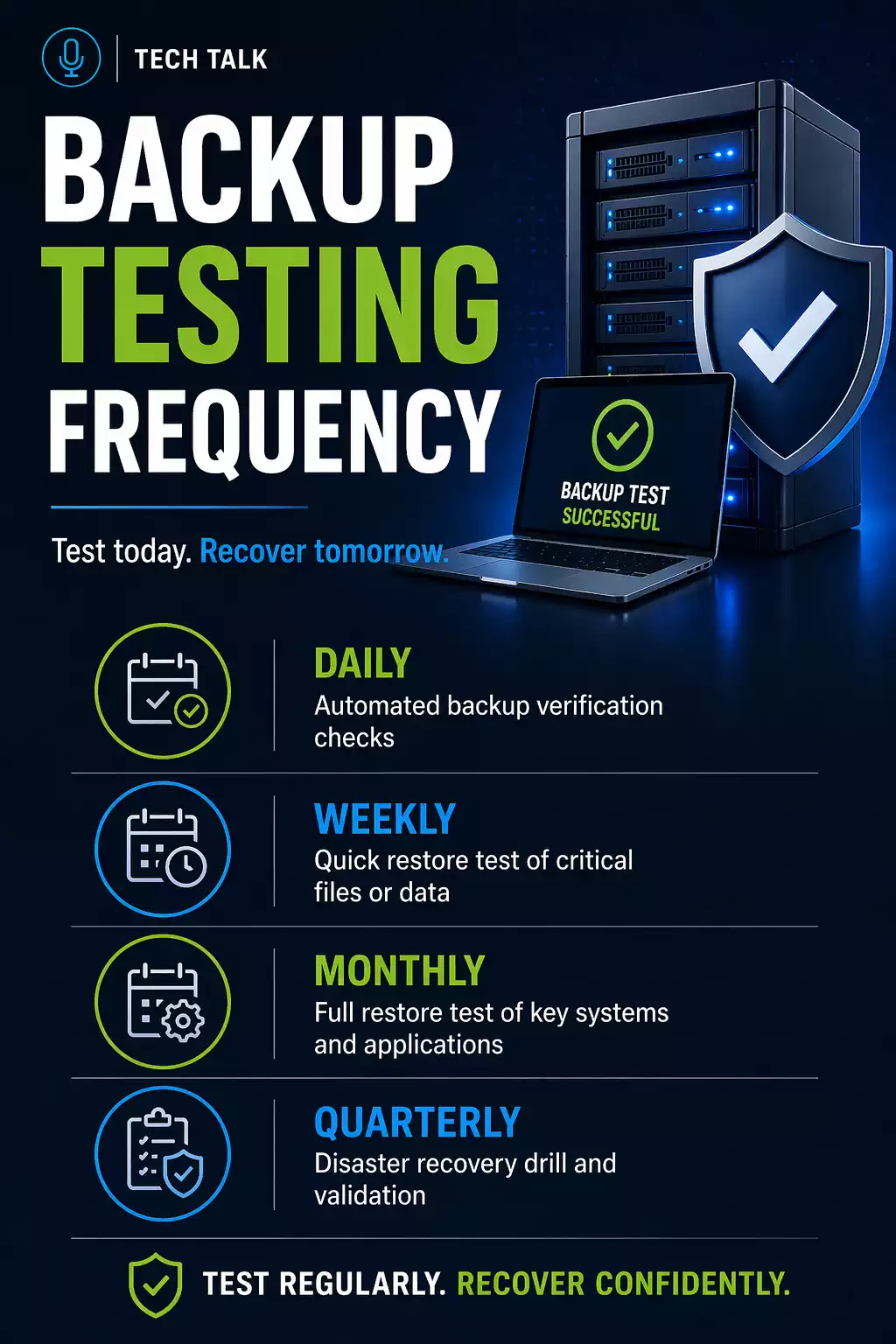
- Restore one random file share to an isolated location—prove permissions and paths.
- Restore one application database with the app team validating login.
- Time the exercise — compare to the recovery targets your leadership believes you have.
Deeper methodology lives in backup monitoring vs testing.
People & Runbooks
- Update the after-hours bridge list — vendors, MSP, internal escalation.
- Print or securely store offline copies of core network diagrams and license keys.
- Assign a backup “deputy” so one vacation does not freeze decisions.
Real-World Example
A 40-person distributor added a new WMS in the cloud. Backups still covered file servers—nobody noticed the WMS held three months of pick exceptions until a bad integration script wiped tables.
The recovery was possible because a quarterly checklist caught that the WMS vendor’s export API had never been tested end-to-end.
Where to Get Hands-On Help
If you want professionals to validate design—not just check boxes—start with backup & recovery services and validated backups & monitoring so alerts mean something before a crisis.
Final Thoughts
Checklists are boring on purpose.
They are also what keeps a 9 p.m. outage from becoming a 3 a.m. argument about who owns the restore console.
Run yours this quarter—then improve it based on what broke, not what you imagined might break.
Need help with this topic?
Make sure your backups actually work when it matters.
Most businesses discover backup failures during an outage. We help you validate recovery, reduce downtime risk, and build a system that works under pressure.
- Backup validation and testing
- Recovery time optimization
- Clear recovery documentation