
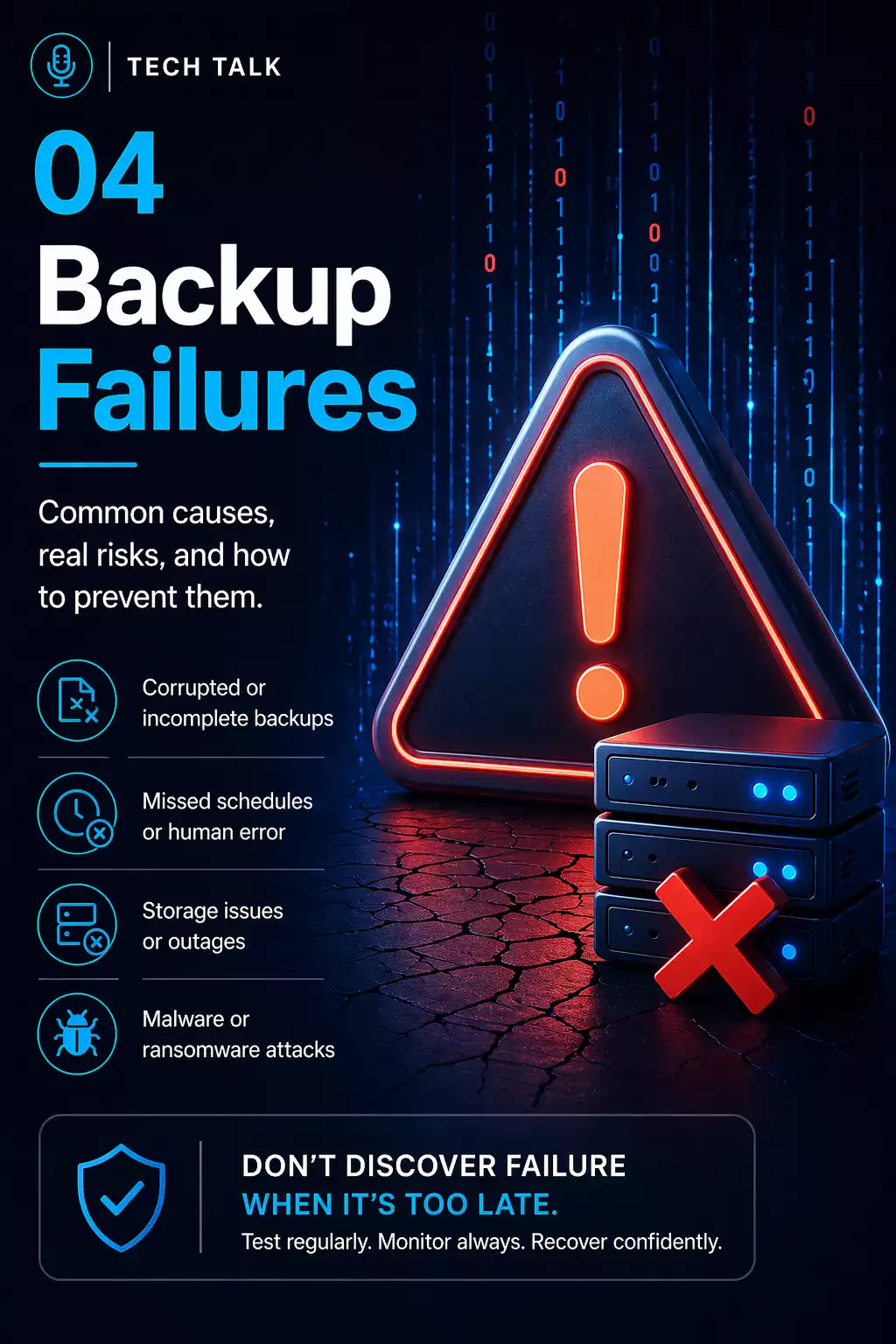
Why Backup Failures Happen
Most businesses do not realize their backups have failed — until they try to recover.
By that point, it is too late.
Backups often appear to be working because:
- reports show successful completion
- storage systems show data exists
- alerts are not triggered
But none of these confirm that recovery will work.
Backup failures are rarely discovered during normal operations — they are discovered during downtime.
A backup that cannot be restored is not a backup.
What a Real Backup Failure Looks Like
A typical failure unfolds like this:
- backups run successfully for weeks or months
- no full restore is ever tested
- a failure occurs (ransomware, deletion, system crash)
- recovery is initiated
- issues appear (missing data, corrupted files, slow systems)
- recovery timelines extend beyond expectations
During this time:
- employees cannot work
- systems remain offline
- business operations are disrupted
Backup failure is rarely a single issue — it is a chain of small gaps that only appear during recovery.
The Most Common Backup Failures
These are the issues that consistently lead to failed recovery.
1. Backups Are Never Tested
This is the most common and most dangerous failure.
Many businesses rely on backup reports instead of actual testing.
Without testing your backups:
- data integrity is unknown
- recovery timelines are unknown
- system functionality is unverified
If you have never tested a restore, your backups are unproven.
👉 System-Level Cause:
Testing is often skipped because backups “appear” successful.
👉 Real Impact:
Issues are discovered only when recovery is already in progress.
2. Backups Are Stored in One Location
Single-location backups create a single point of failure.
If your environment is compromised:
- local backups can be destroyed
- cloud access may be compromised
- recovery options disappear
A reliable backup strategy requires multiple locations.
👉 System-Level Cause:
Convenience and cost lead to centralized storage.
👉 Real Impact:
A single event (attack or failure) eliminates all recovery options.
3. Retention Windows Are Too Short
Retention determines how far back you can recover.
Short retention leads to:
- overwritten clean data
- limited recovery options
- permanent data loss
This is a major issue in backup retention strategies.
Many businesses overwrite good data before they even realize there is a problem.
👉 System-Level Cause:
Retention is often designed around storage cost — not recovery risk.
👉 Real Impact:
Clean data disappears before issues are detected.
4. Backups Are Not Protected
Modern attacks target backups first.
If backups are accessible:
- they can be deleted
- they can be encrypted
- they can be modified
Without protection, recovery becomes impossible.
This is why immutable backups are critical.
👉 System-Level Cause:
Backups share access controls with production systems.
👉 Real Impact:
Attackers eliminate recovery before encryption begins.
5. Recovery Processes Are Undefined
Even with good backups, recovery can fail without a clear process.
Common issues include:
- unclear recovery steps
- no system prioritization
- no assigned responsibilities
A structured disaster recovery plan is required.
👉 System-Level Cause:
Focus is placed on backup, not execution.
👉 Real Impact:
Recovery becomes slow, inconsistent, and chaotic.
6. Backup Monitoring Is Misunderstood
Monitoring confirms that backups ran.
It does not confirm that recovery will work.
Many businesses confuse:
- successful backup execution
with - successful recovery capability
This gap is explained in backup monitoring vs testing.
👉 System-Level Cause:
Monitoring tools provide visibility, not validation.
👉 Real Impact:
False confidence delays detection of failure.
7. Recovery Takes Too Long
Even when recovery works, it may not be fast enough.
Slow recovery leads to:
- extended downtime
- lost productivity
- lost revenue
The true cost of backup failure is measured in how long your business cannot operate.
👉 System-Level Causes:
- large data volumes
- bandwidth limitations
- system dependencies
- lack of prioritization
👉 Real Impact:
Recovery works — but not fast enough to avoid business disruption.
Why Backup Failures Compound
Backup failures rarely happen in isolation.
They stack.
For example:
- untested backups + short retention + slow recovery
= complete recovery failure
Multiple small gaps combine into a single critical failure during recovery.
How to Know If You Are at Risk
You may have backup failures if:
- you have never tested a full restore
- your backups exist in only one location
- you are unsure how long recovery takes
- your backups are not protected
If you cannot confidently validate recovery, your backup system has gaps.
How to Avoid These Failures
Preventing backup failures requires a complete approach.
This includes:
- testing backups regularly
- maintaining multiple backup locations
- implementing proper retention policies
- securing backups from unauthorized access
- defining and testing recovery procedures
A complete backup and recovery strategy addresses all of these areas.
Why Backup Failures Matter More Today
Backup failures are more dangerous today than ever before.
Modern threats:
- target backups directly
- exploit configuration gaps
- delay detection
Today’s threats are designed to exploit backup weaknesses — not just data systems.
What This Means for Your Business
Backup failures are rarely caused by a single issue.
They are caused by gaps across:
- systems
- processes
- validation
Backup success is not defined by whether backups run — it is defined by whether recovery works.
Final Thoughts
Most backup failures are preventable.
But they require:
- awareness
- testing
- structured planning
Need help with this topic?
Make sure your backups actually work when it matters.
Most businesses discover backup failures during an outage. We help you validate recovery, reduce downtime risk, and build a system that works under pressure.
- Backup validation and testing
- Recovery time optimization
- Clear recovery documentation


