
Why This Distinction Matters
Most businesses believe their backups are working.
They see successful backup reports and assume their data is protected.
That assumption is one of the most common causes of failed recovery.
Backup reports confirm activity — not recoverability.
Understanding the difference between monitoring and testing is critical to building a reliable backup and recovery strategy.
What a Real Backup Failure Looks Like
A typical scenario looks like this:
- backups run successfully for weeks or months
- monitoring shows no errors
- a failure occurs (ransomware, deletion, system outage)
- recovery is attempted
- data is incomplete, corrupted, or unusable
- recovery takes longer than expected
At that point:
- downtime increases
- operations are disrupted
- recovery options may be limited
Most businesses discover backup failures only when they attempt to recover.
What Is Backup Monitoring
Backup monitoring tracks whether backup jobs are running successfully.
It answers questions like:
- Did the backup complete?
- Were there errors?
- Did all systems report in?
Monitoring provides visibility into daily operations.
What Monitoring Does Well
- identifies failed or missed backups
- alerts on errors or interruptions
- ensures consistency in execution
Monitoring is essential for identifying immediate issues.
What Monitoring Does Not Do
Monitoring does not validate recovery.
It does not confirm:
- data integrity
- system functionality after restore
- recovery timelines
A successful backup job does not guarantee a successful recovery.
Monitoring answers: 👉 “Did it run?”
It does NOT answer: 👉 “Will it work?”
What Is Backup Testing
Backup testing verifies that your data and systems can actually be restored.
It answers questions like:
- Can data be restored successfully?
- Do systems function after recovery?
- How long does recovery take?
Testing validates real-world recovery capability.
The Phases of a Real Recovery Test
Testing is not just restoring data — it mirrors real recovery.
A full test includes:
1. Backup Selection
- identifying correct recovery points
2. Data Restoration
- restoring files or systems
3. System Validation
- verifying applications and services
4. Operational Testing
- confirming users can function normally
Testing reveals issues across the entire recovery process — not just the backup itself.
What Testing Confirms
- Data integrity after restore
- System functionality
- Recovery timelines under real conditions
Without testing, recovery remains unverified.
Levels of Backup Testing (Depth Matters)
Not all testing is equal.
File-Level Testing
- restores individual files
- verifies basic functionality
System-Level Testing
- restores full applications or servers
- validates system behavior
Full Recovery Testing
- restores entire environments
- validates business continuity
File restores confirm access — full recovery tests confirm business survival.
Monitoring vs Testing (Side-by-Side)
Monitoring
- Tracks backup activity
- Detects failures or errors
- Focuses on execution
Testing
- Validates recovery capability
- Confirms data usability
- Measures recovery timelines
Monitoring tells you backups ran. Testing tells you whether your business can recover.
Why Businesses Confuse the Two
Monitoring is easier.
- automated
- constant
- visible
Testing requires:
- time
- planning
- coordination
Because of this, many businesses rely on monitoring alone.
Relying on monitoring without testing creates false confidence.
How Monitoring and Testing Work Together
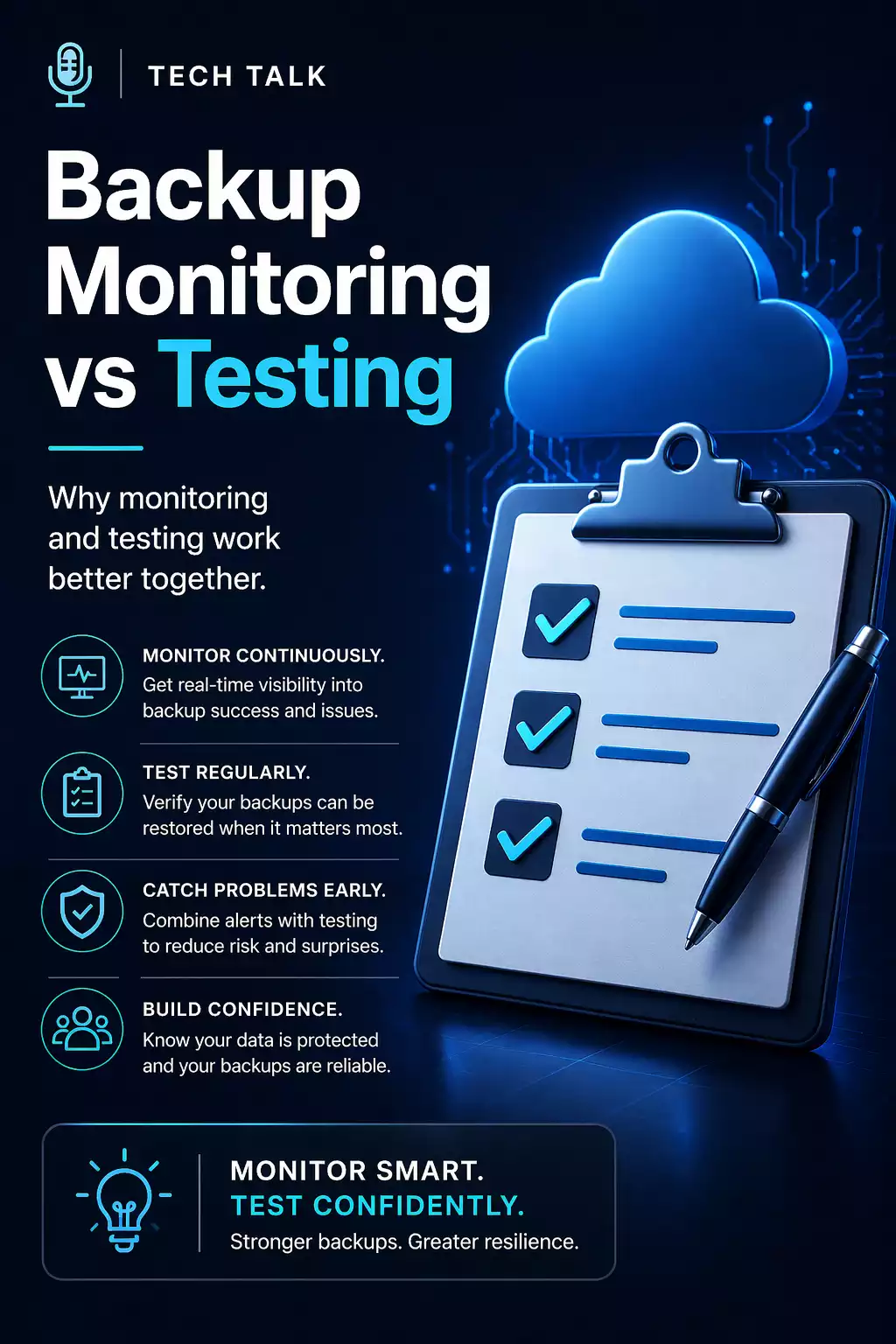
Monitoring and testing are not alternatives — they are complementary.
- monitoring ensures backups run consistently
- testing ensures recovery works when needed
A complete backup strategy requires both.
How to Know If You Are Relying Too Much on Monitoring
You may have a gap if:
- you have never performed a full restore
- you rely solely on backup reports
- you do not know recovery timelines
- your team has never executed recovery procedures
If you have not tested recovery, your backups are unproven.
Why This Matters for Ransomware Recovery
Ransomware exposes weaknesses instantly.
If backups have not been tested:
- recovery may fail
- data may be unusable
- downtime increases
Ransomware does not create backup problems — it exposes problems that already exist.
See ransomware recovery.
What This Means for Your Business
Monitoring alone is not enough.
Testing alone is not enough.
Together, they provide:
- visibility
- validation
- confidence
Confidence in your backups comes from validation — not reports.
Final Thoughts
Backup monitoring and testing serve different purposes.
Both are required to ensure your business can recover from disruption.
Need help with this topic?
Make sure your backups actually work when it matters.
Most businesses discover backup failures during an outage. We help you validate recovery, reduce downtime risk, and build a system that works under pressure.
- Backup validation and testing
- Recovery time optimization
- Clear recovery documentation


