
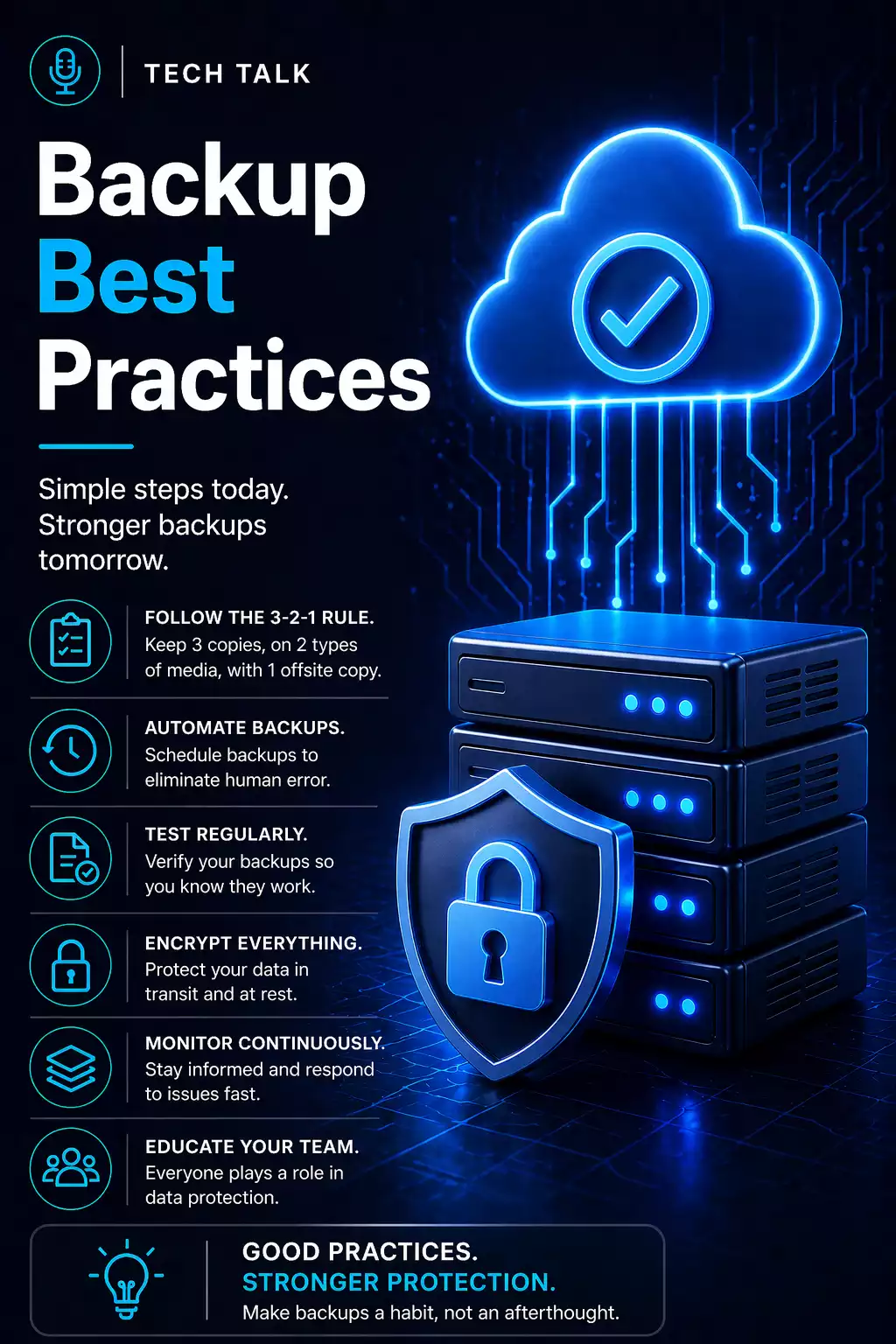
What Backup & Recovery Really Means
Most businesses think they are protected because they “have backups.”
That assumption is where risk begins.
Backups create copies of your data.
Recovery determines whether your business can continue operating when something goes wrong.
Backups fail quietly — and those failures are usually discovered during downtime.
If you cannot restore systems quickly, your backup strategy is not protecting your business.
What a Real Data Loss Event Looks Like
A real incident rarely unfolds cleanly.
It typically looks like this:
- systems fail or are compromised
- the scope of impact is unclear
- teams scramble to assess damage
- backups are located and evaluated
- recovery begins
- unexpected issues appear (missing data, dependencies, slow restores)
During this time:
- employees cannot work
- operations slow or stop
- customer impact increases
Recovery is not a single action — it is a multi-phase process with delays at every stage.
Why Backup & Recovery Matters for Small Businesses
Small businesses are especially vulnerable to disruption.
Common causes include:
- hardware failure
- accidental deletion
- ransomware and cyberattacks
- natural disasters
The impact is not just lost data.
It is:
- downtime
- lost revenue
- operational disruption
Even short outages can create long-term business consequences.
The Backup vs Recovery Gap (Where Most Fail)
Most strategies focus on backup — not recovery.
Backup
- Stores copies of data
- Runs automatically
- Focuses on storage
Recovery
- Restores systems and operations
- Requires coordination and testing
- Determines downtime impact
Backup success does not guarantee recovery success.
The Core Components of a Reliable Strategy
A complete strategy is layered — not a single system.
1. Backup Strategy Design
A strong backup strategy includes:
- multiple copies of data
- different storage locations
- separation from production systems
This eliminates single points of failure.
2. Monitoring and Visibility
You need visibility into backup activity.
Backup monitoring confirms execution — not recovery.
3. Backup Testing
Testing validates recovery.
Without testing your backups:
- data integrity is unknown
- recovery timelines are unknown
- systems may fail during restore
4. Security and Protection
Backups are now a primary attack target.
Immutable backups ensure data cannot be altered or deleted.
How Modern Backup Systems Are Actually Built
High-performing systems are layered:
- local backup → fast recovery
- cloud backup → resilience
- immutable storage → protection
Each layer serves a different purpose.
No single system provides both speed and protection — effective strategies combine multiple layers.
What Actually Slows Down Recovery
Recovery delays are rarely caused by one issue.
Common bottlenecks include:
Data Size
- large datasets take longer to restore
Infrastructure Limits
- network speed
- storage performance
System Dependencies
- applications rely on multiple systems
Human Coordination
- unclear roles
- delayed decisions
Recovery is often slowed by dependencies and coordination — not just technology.
The Most Common Backup Failures
Many strategies fail in predictable ways:
- untested backups
- single-location storage
- short retention windows
- lack of security
- undefined recovery processes
How to Know If Your Business Is at Risk
You may be exposed if:
- you have never tested a full restore
- your backups exist in only one location
- you do not know your recovery time
- your backups are not protected
If you cannot validate recovery, your strategy has gaps.
How Modern Threats Change Backup Strategy
Ransomware has changed everything.
Attackers:
- target backups first
- delay detection
- eliminate recovery options
If backups are accessible, they can be compromised.
See ransomware recovery.
How to Build a Reliable System
A complete system includes:
- multiple backup locations (local vs cloud backup)
- layered retention (backup retention)
- regular testing
- secure storage
This is an ongoing process — not a one-time setup.
What This Means for Your Business
Backup and recovery is not about data.
It is about continuity.
The effectiveness of your strategy is measured by how quickly your business recovers.
Final Thoughts
A complete backup and recovery strategy determines whether your business survives disruption.
It is not theoretical — it is operational.
Need help with this topic?
Make sure your backups actually work when it matters.
Most businesses discover backup failures during an outage. We help you validate recovery, reduce downtime risk, and build a system that works under pressure.
- Backup validation and testing
- Recovery time optimization
- Clear recovery documentation


