
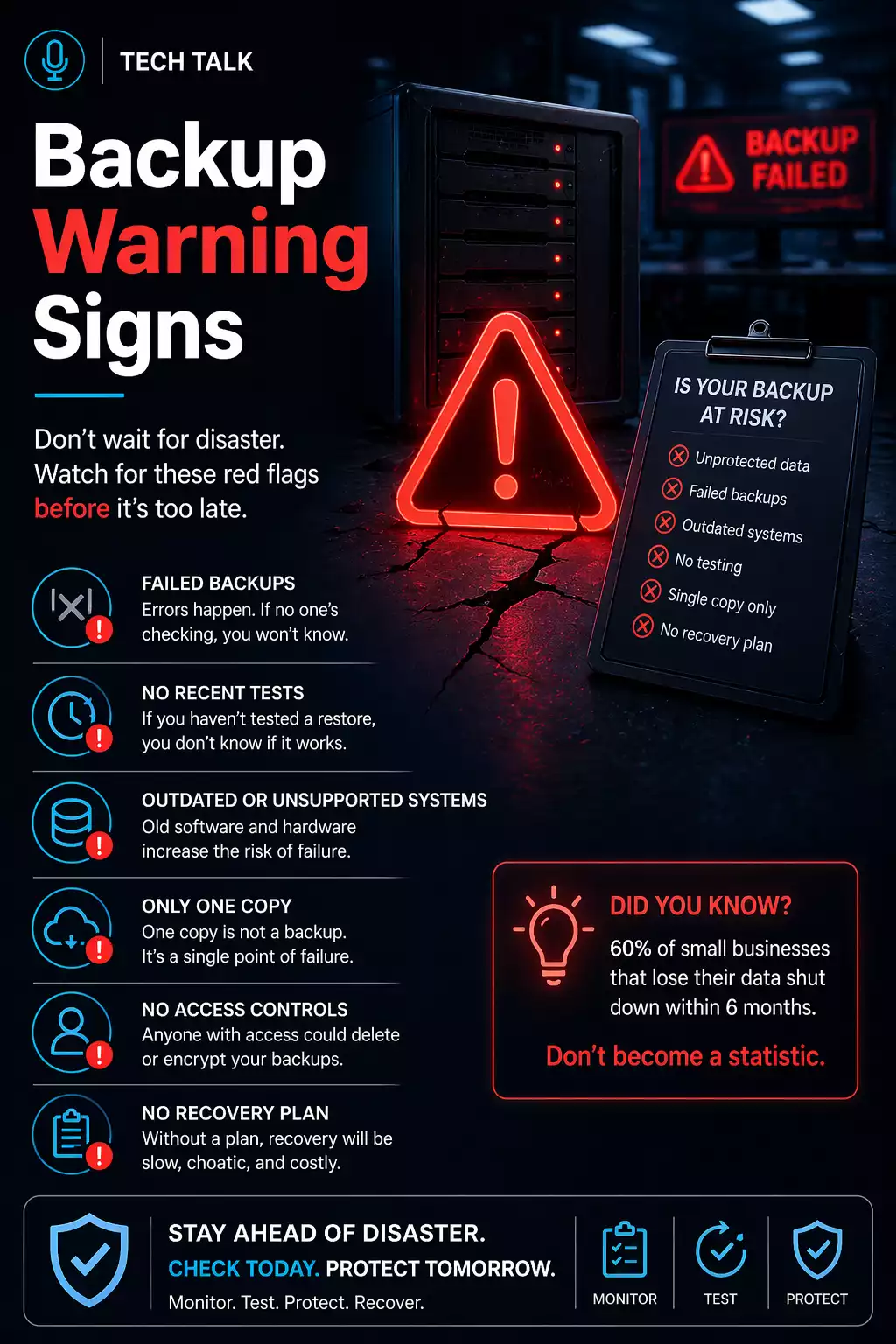
Why Backup Failures Are Often Invisible
Backup systems are designed to run quietly in the background.
Because of this:
- issues can go unnoticed
- failures can go undetected
- risks can build over time
Most backup strategies appear to work — until the moment recovery is needed.
What a Real Failure Looks Like
A typical scenario:
- backups run successfully for months
- no full restore is ever tested
- an incident occurs
- recovery is attempted
- data is missing or incomplete
- recovery takes longer than expected
At that point:
- issues are discovered too late
- downtime increases
- options are limited
Backup failures are rarely sudden — they develop over time.
Early Warning Signs (Often Ignored)
These signs are easy to overlook but indicate risk.
1. You Rely Only on Backup Reports
If your only validation is:
- “backup completed successfully”
then you may not know if recovery will work.
👉 Monitoring does not equal validation.
See
backup monitoring vs testing.
2. You Have Never Tested a Full Restore
Testing is the only way to confirm recovery.
Without it:
- data integrity is unknown
- recovery timelines are unknown
If you have never tested a restore, your backups are unproven.
3. You Do Not Know Your Recovery Time
If you cannot answer:
👉 “How long would recovery take?”
then your strategy is incomplete.
This ties directly to
RTO.
4. You Do Not Know Your Data Loss Window
If you cannot answer:
👉 “How much data could we lose?”
then your backup frequency may be misaligned.
See
backup frequency.
Growing Risk Indicators
These signs indicate increasing exposure.
5. Backups Exist in Only One Location
Single-location backups create a single point of failure.
If that location is compromised:
- recovery may not be possible
6. Your Retention Window Is Short
Short retention increases risk:
- clean data may be overwritten
- recovery options may disappear
See
backup retention.
7. Your Backups Are Not Protected
If backups:
- can be deleted
- can be modified
- are accessible from your network
then they are vulnerable.
If your backups can be accessed, they can be compromised.
8. You Rely on a Single Backup Method
Using only:
- local backup
or - cloud backup
creates gaps.
Advanced Warning Signs (High Risk)
These indicate serious exposure.
9. You Have No Disaster Recovery Plan
If you have backups but no plan:
- recovery will be slow
- execution will be unclear
See
disaster recovery vs backup.
10. You Have Never Tested Full Recovery
Testing individual files is not enough.
If you have never:
- restored full systems
- simulated an outage
then recovery is unverified.
11. You Assume Your Cloud Data Is Safe
Many businesses rely on:
- Microsoft 365
- Google Workspace
without backup.
12. Your Backup Strategy Has Not Been Reviewed
If your environment has changed but backups have not:
- new systems may not be protected
- recovery gaps may exist
Critical Warning Signs (Immediate Risk)
These indicate your strategy may already be failing.
13. You Are Unsure How Backups Work
If you do not understand:
- how backups are created
- how recovery works
then your strategy is not controlled.
14. Recovery Has Never Been Validated
If no one has:
- executed recovery
- measured timelines
- verified outcomes
then success is unknown.
15. You Are Relying on Assumptions
Statements like:
- “we should be fine”
- “it’s probably backed up”
are not strategies.
Assumptions are the most common cause of backup failure.
Why These Signs Matter
Backup failures rarely come from a single issue.
They result from:
- small gaps
- overlooked risks
- untested assumptions
These issues combine into
backup failures.
How to Fix These Issues
Improving your strategy requires:
- testing backups
- increasing retention
- securing backup systems
- defining recovery processes
A complete
backup strategy addresses all of these.
How to Know If You Need Immediate Action
You should act now if:
- multiple warning signs apply
- recovery timelines are unknown
- backups are untested
If you recognize these signs, your backup strategy likely has critical gaps.
What This Means for Your Business
Backup failure is rarely sudden.
It builds over time.
Identifying problems early is the best way to prevent downtime and data loss.
Final Thoughts
The most dangerous backup failures are the ones you do not see.
Until it is too late.
Need help with this topic?
Make sure your backups actually work when it matters.
Most businesses discover backup failures during an outage. We help you validate recovery, reduce downtime risk, and build a system that works under pressure.
- Backup validation and testing
- Recovery time optimization
- Clear recovery documentation


