
The Shift in How Backups Are Attacked
Traditional backup strategies were designed to protect against hardware failure, accidental deletion, and natural disasters.
Today, the biggest threat is different.
Cyberattacks — especially ransomware — now specifically target backup systems first.
If attackers can delete or encrypt your backups, your ability to recover disappears.
Attackers know that backups are your last line of defense — so they eliminate them first.
What Happens During a Real Attack
Modern ransomware attacks follow a predictable pattern:
- attackers gain access to the network
- they escalate privileges
- they locate backup systems
- they disable or delete backups
- they encrypt production systems
If backups are not protected:
- they are removed before the attack is triggered
- recovery options are eliminated
- downtime becomes unavoidable
Backups are not an afterthought in attacks — they are one of the first targets.
What Are Immutable Backups
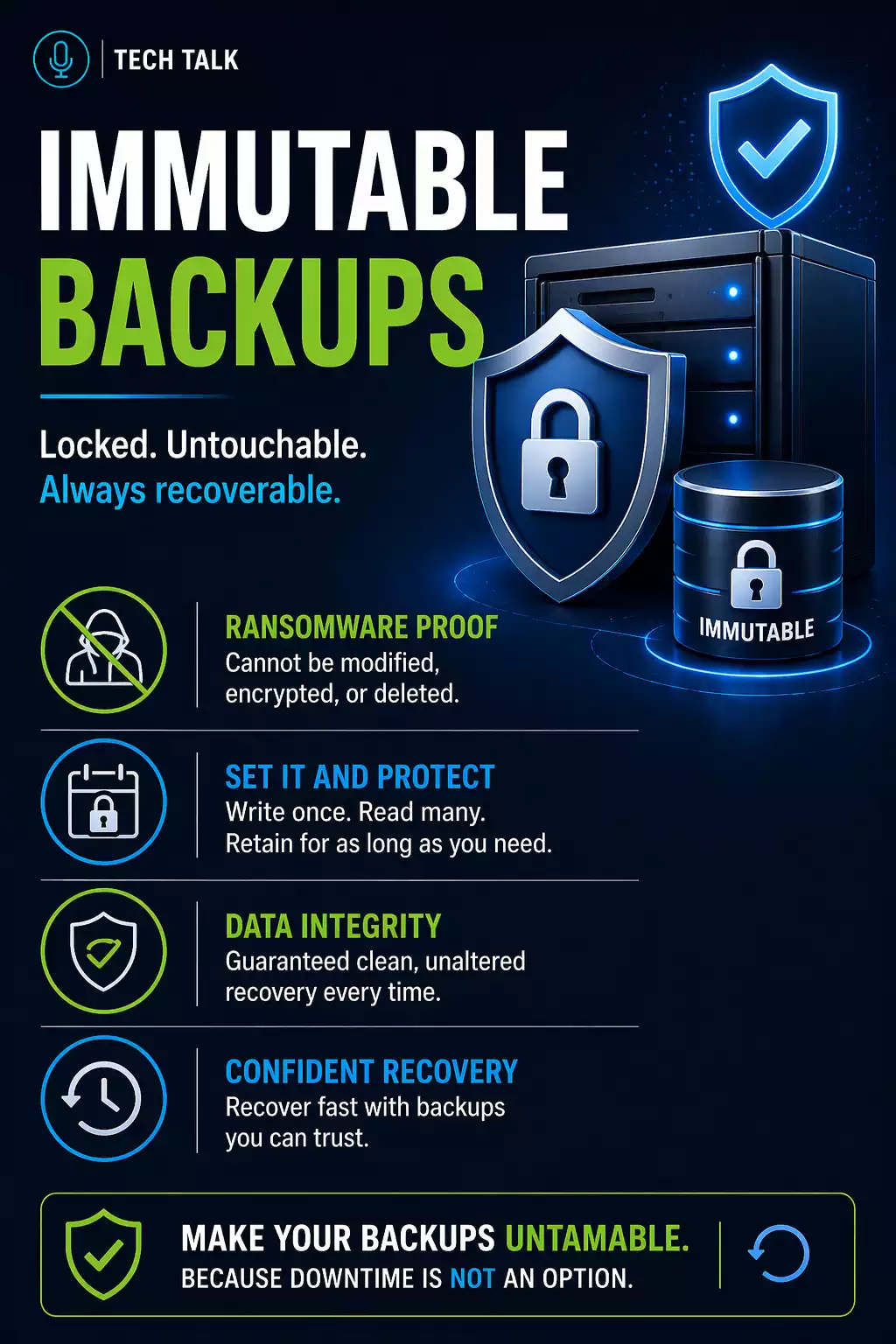
Immutable backups are backups that cannot be altered, deleted, or overwritten for a defined period of time.
Once data is written:
- it cannot be changed
- it cannot be encrypted by ransomware
- it cannot be deleted by an attacker
Immutability ensures that at least one clean, untouchable copy of your data always exists.
How Immutable Backups Actually Work
Immutability is enforced at the storage level — not just through software settings.
Most modern systems use:
- object storage with write-once-read-many (WORM) policies
- retention locks that prevent deletion or modification
- system-level enforcement that overrides user permissions
Once data is written:
- it is locked for a defined retention period
- even administrators cannot delete it
- changes require creating new versions
Immutability is enforced by the storage system itself — not by user permissions.
Why Traditional Backups Are No Longer Enough
Many businesses still rely on standard backup systems that:
- allow deletion
- allow modification
- are connected to production environments
If an attacker gains access, traditional backups can be deleted, encrypted, or disabled.
With vs Without Immutable Backups
Standard Backup
- Can be deleted
- Can be encrypted
- Dependent on access control
- Vulnerable during compromise
Immutable Backup
- Cannot be deleted during retention
- Cannot be encrypted
- Protected at storage level
- Remains recoverable during attack
Standard backups can fail silently. Immutable backups ensure recovery remains possible.
Immutability vs Backup Isolation
These concepts are related — but not the same.
- Isolation separates backups from production systems
- Immutability prevents changes even if access is gained
Both are required.
Isolation alone does not prevent backup deletion if attackers gain access.
How Immutable Backups Protect Your Business
Immutable backups ensure:
- a clean copy always exists
- backups cannot be altered or deleted
- recovery remains possible after compromise
- Data cannot be modified during retention
- Backups cannot be deleted
- Recovery remains possible after ransomware
Monitoring vs Immutability
Monitoring
- Confirms backups run
- Detects failures
- Provides visibility
Immutability
- Prevents deletion or tampering
- Protects against ransomware
- Ensures recoverable data exists
Monitoring tells you something happened.
Immutability ensures your data survives.
How Long Should Backups Be Immutable
Retention determines how long data remains protected.
Typical ranges include:
- short-term: 7–14 days
- standard: 30–90 days
- extended: 6–12 months
Retention should account for:
- delayed attack detection
- recovery timelines
- compliance needs
If your immutable window is too short, clean backups may be overwritten before detection.
How Immutable Backups Fit Into a Modern Backup Architecture
A complete system includes:
- local backups for fast recovery
- cloud backups for redundancy
- immutable storage for protection
This layered approach ensures:
- fast recovery
- survivable backups
- reliable restoration
Immutability is the layer that guarantees recovery when everything else fails.
Common Use Cases
Immutable backups are critical for:
- ransomware protection
- compliance requirements
- disaster recovery
- business continuity
Immutable backups are becoming a baseline requirement — not an advanced feature.
Key Considerations
When implementing immutable backups:
- define retention duration
- secure backup access
- separate environments
- test recovery regularly
Final Thoughts
Backup strategies have evolved.
It is no longer enough to store copies of your data.
You must ensure those copies cannot be altered or destroyed.
Need help with this topic?
Make sure your backups actually work when it matters.
Most businesses discover backup failures during an outage. We help you validate recovery, reduce downtime risk, and build a system that works under pressure.
- Backup validation and testing
- Recovery time optimization
- Clear recovery documentation


