
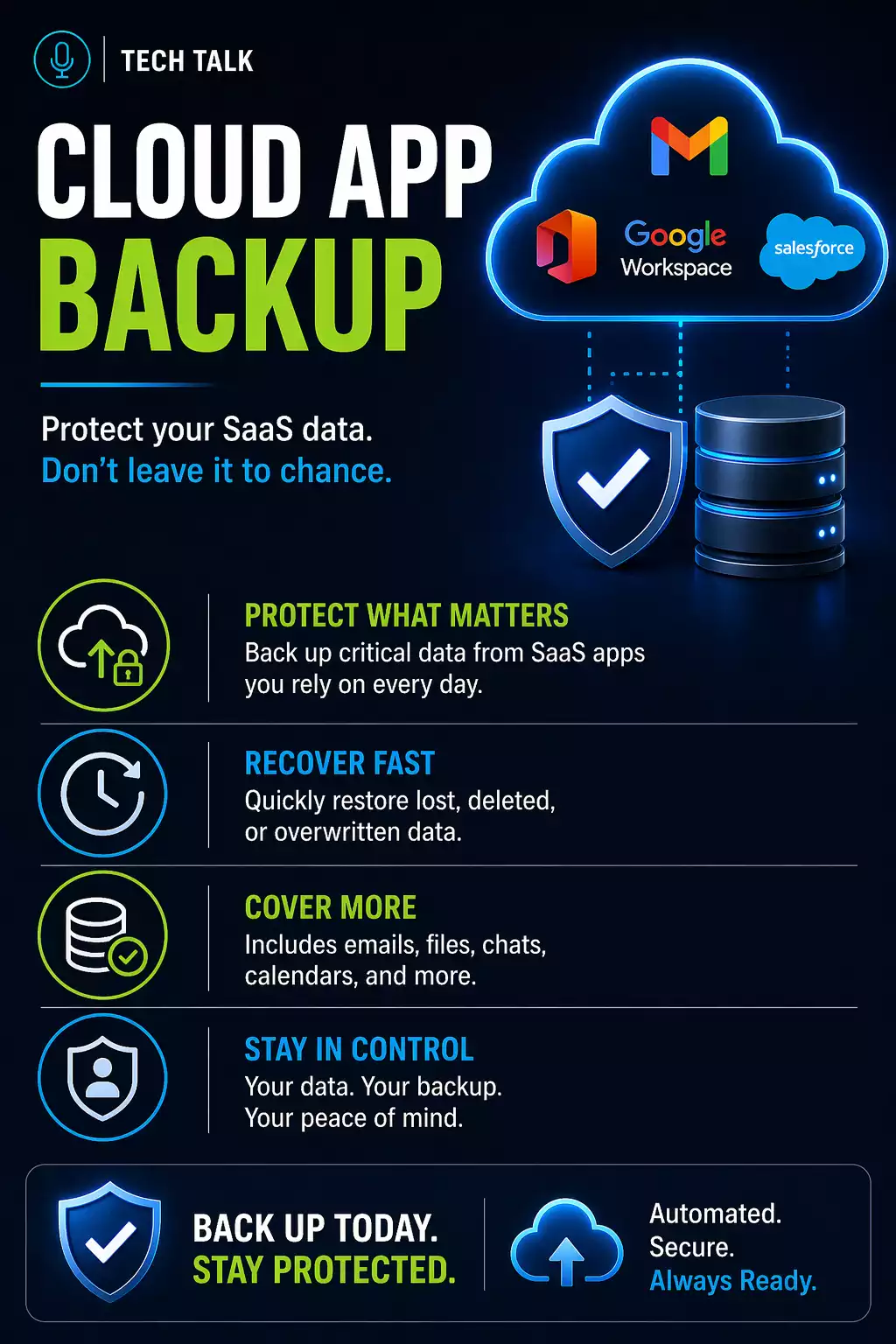
The Common Assumption
Most businesses believe their data is already protected because it is in the cloud.
They assume platforms like Microsoft 365 or Google Workspace include backup.
That assumption creates risk.
Cloud platforms provide availability — not full backup and recovery protection.
What Microsoft 365 and Google Workspace Actually Provide
Cloud platforms are designed for:
- accessibility
- collaboration
- uptime
They do include:
- basic retention policies
- version history
- recycle bins
These features help with short-term recovery — but they are not complete backup solutions.
What They Do Not Provide
Built-in protections have limitations.
They may not cover:
- long-term data retention
- complete recovery after large-scale deletion
- protection against ransomware or malicious changes
- guaranteed recovery timelines
If data is deleted or compromised beyond retention limits, it may not be recoverable.
Built-In Protection vs Backup (What’s the Difference)
Cloud Platform
- Short-term retention
- Limited recovery windows
- Dependent on user actions
Independent Backup
- Long-term retention
- Full recovery capability
- Protection from deletion or compromise
Shared Responsibility Model
Cloud providers operate under a shared responsibility model.
They are responsible for:
- infrastructure
- uptime
- platform availability
You are responsible for:
- your data
- user actions
- retention policies
Your data is your responsibility — even in the cloud.
Real-World Example: How Cloud Data Gets Lost
A common scenario looks like this:
- an employee deletes files or emails
- the deletion is not noticed immediately
- retention policies expire
- data is permanently removed
At that point:
- the platform cannot recover the data
- version history no longer exists
- recovery is no longer possible
Many businesses only realize data is gone after retention windows have already expired.
Real-World Risks
Businesses lose cloud data more often than expected.
Common causes include:
- accidental deletion
- malicious insiders
- ransomware or account compromise
- sync errors or data corruption
Without independent backup, recovery may not be possible.
Why Retention Is Not Enough
Retention policies only store data for a limited time.
After that:
- data is permanently deleted
- recovery is no longer possible
This is why relying solely on retention creates risk.
Learn more about backup retention.
Why Backup Still Matters in the Cloud
Independent backup provides:
- long-term data protection
- recovery beyond retention limits
- protection from user error
- protection from ransomware
Cloud platforms keep your business running — backup ensures you can recover when something goes wrong.
How to Know If You Are at Risk
You may have a gap if:
- you rely only on built-in retention
- you have never tested restoring cloud data
- you do not know how long data is retained
- you cannot recover older versions of files
If you cannot confidently restore data from your cloud platform, you do not have a complete backup strategy.
How Cloud Backup Fits Into Your Strategy
Cloud application backup should be part of a complete system.
This includes:
- independent backup solutions
- defined retention policies
- regular testing
- secure storage
A full backup and recovery strategy accounts for all data sources.
Why This Matters for Ransomware
Cloud data is not immune to ransomware.
If accounts are compromised:
- files can be encrypted
- versions can be overwritten
- retention windows can expire
Without independent backup, ransomware can impact cloud data just as easily as on-prem systems.
What This Means for Your Business
Using cloud platforms does not eliminate the need for backup.
It changes how backup should be implemented.
Cloud services reduce infrastructure risk — but they do not eliminate data risk.
Final Thoughts
Microsoft 365 and Google Workspace are powerful tools — but they are not backup solutions.
A complete approach includes independent protection.
Need help with this topic?
Make sure your backups actually work when it matters.
Most businesses discover backup failures during an outage. We help you validate recovery, reduce downtime risk, and build a system that works under pressure.
- Backup validation and testing
- Recovery time optimization
- Clear recovery documentation


