
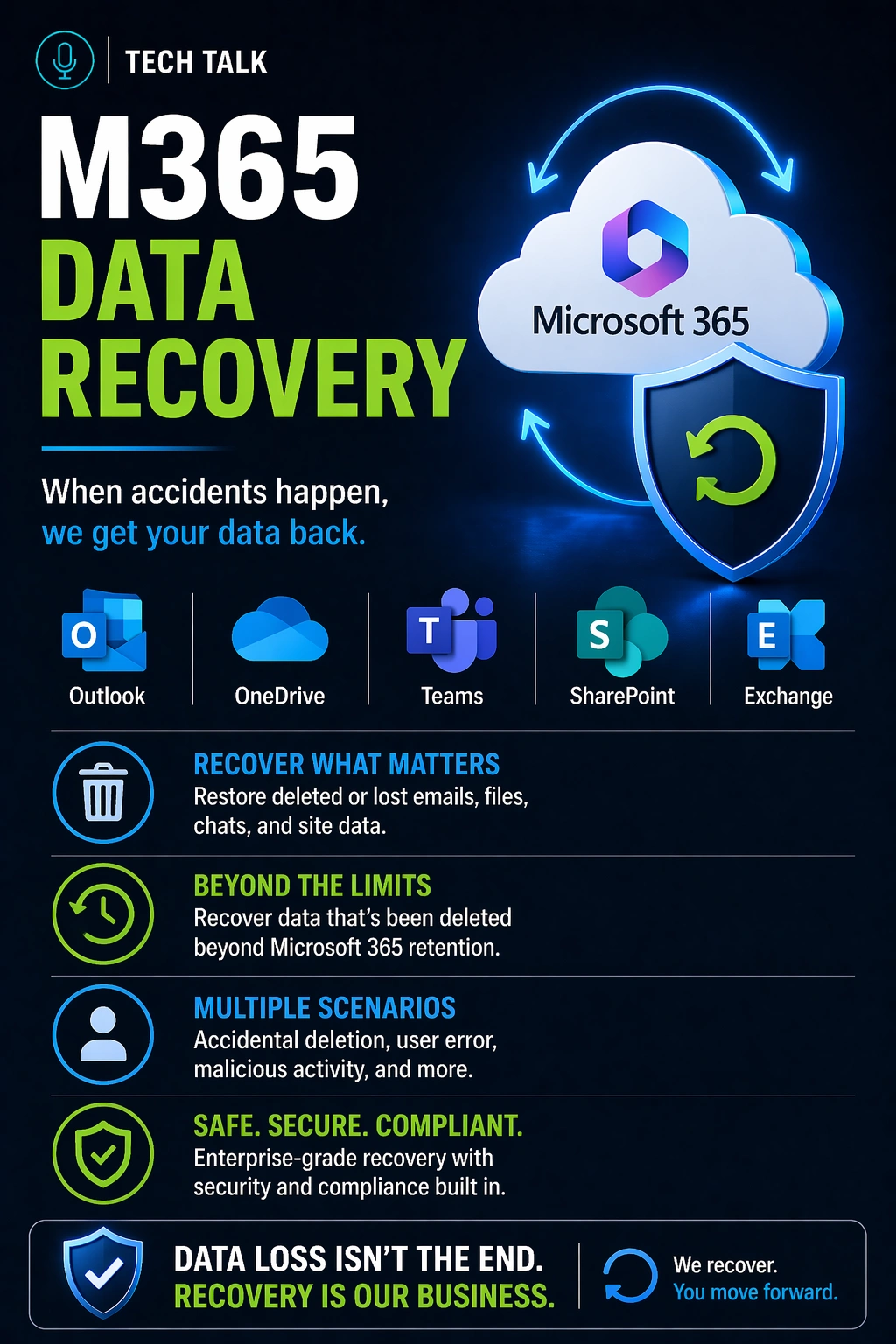
Why SaaS Data Recovery Is Often Misunderstood
Many businesses assume:
👉 “Our data is safe because it’s in Microsoft 365 or Google Workspace.”
While these platforms are reliable, they are not designed as full recovery systems.
SaaS platforms provide availability — not guaranteed long-term recovery.
What a Real SaaS Data Loss Scenario Looks Like
A typical situation:
- a user deletes emails or files
- data is moved to recycle bins
- retention periods expire
- data is permanently deleted
Or:
- an account is compromised
- files are deleted or overwritten
- changes sync across systems
At that point:
- recovery options are limited
- data may be lost permanently
SaaS platforms replicate changes quickly — including unwanted ones.
What Microsoft 365 and SaaS Platforms Actually Provide
Native tools include:
- recycle bins
- version history
- limited retention policies
These features help with:
- short-term recovery
- accidental deletion
But they are not full backup solutions.
The Limits of Native Recovery
Built-in tools have important limitations:
Limited Retention
- deleted items may only be recoverable for a short period
- retention policies may vary
Overwritten Data
- changes sync across devices
- previous versions may be limited
Account-Level Risk
- compromised accounts can modify or delete data
Native SaaS recovery tools are not designed for long-term, independent data protection.
Types of SaaS Data Recovery
Recovery depends on the situation.
1. File-Level Recovery
- restoring individual files
- using version history or recycle bins
👉 Fast, but limited scope
2. User-Level Recovery
- restoring mailboxes or user data
- dependent on retention policies
3. Full Environment Recovery
- restoring large datasets or multiple users
- often complex and time-consuming
The larger the recovery scope, the more limitations appear.
Why Ransomware Still Impacts SaaS
SaaS platforms are not immune.
Attackers can:
- access user accounts
- encrypt or delete data
- trigger synchronization
This causes:
- corrupted data to replace clean data
- recovery windows to shrink
SaaS platforms can propagate ransomware damage just as efficiently as they propagate data.
What a True SaaS Backup Solution Provides
Independent backup systems offer:
- separate copies of data
- longer retention periods
- protection from deletion and modification
- recovery outside the SaaS platform
A true backup creates an independent recovery point — not just another version inside the same system.
How SaaS Backup Fits Into a Full Strategy
SaaS backup is one layer of protection.
A complete strategy includes:
- SaaS backup
- local or hybrid backup systems
- protected storage (immutability)
Common Mistakes Businesses Make
Organizations often:
- rely only on native tools
- misunderstand retention limits
- fail to test recovery
- assume data is always recoverable
These issues lead to
backup failures
How to Know If Your SaaS Data Is Not Protected
You may be at risk if:
- you rely only on Microsoft 365 or Google Workspace
- you do not have independent backups
- you are unsure of retention policies
- you have never tested recovery
If your data exists only inside the SaaS platform, your recovery options are limited.
What This Means for Your Business
SaaS platforms improve accessibility.
But they do not eliminate risk.
Cloud platforms simplify access — but backup ensures recovery.
Final Thoughts
SaaS data recovery is not guaranteed by default.
Without the right strategy:
- data loss can occur
- recovery may be limited
Need help with this topic?
Make sure your backups actually work when it matters.
Most businesses discover backup failures during an outage. We help you validate recovery, reduce downtime risk, and build a system that works under pressure.
- Backup validation and testing
- Recovery time optimization
- Clear recovery documentation


