
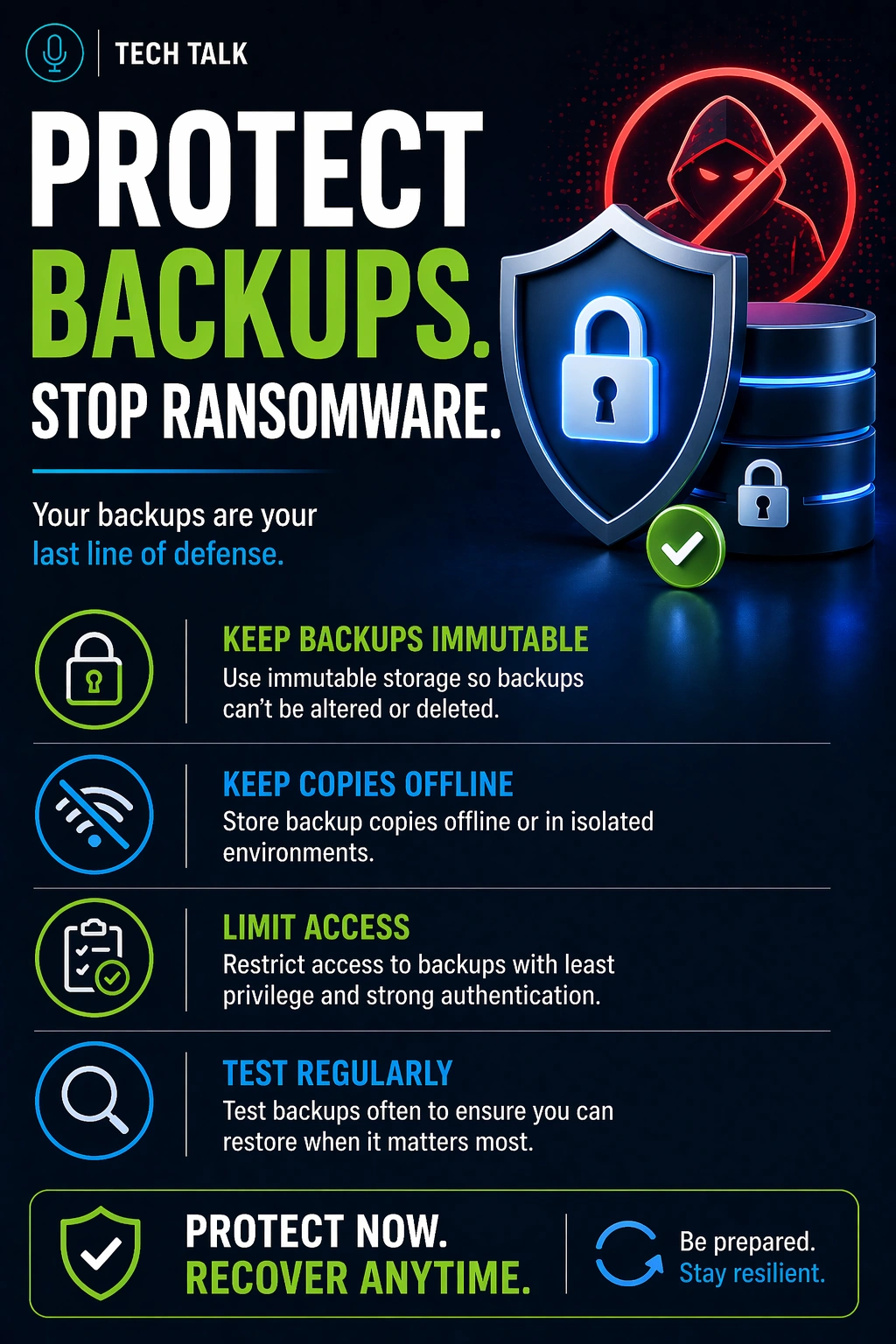
Why Backups Are a Target
Ransomware is designed to eliminate your ability to recover.
Modern attackers do not just encrypt your data — they go after your backups first.
They typically:
- locate backup systems
- disable backup jobs
- delete or encrypt backup data
- prevent recovery options
If attackers can access your backups, they can remove your ability to recover.
This is why protecting backups is a critical part of any backup and recovery strategy.
What a Real Ransomware Attack Looks Like
A typical attack follows a predictable sequence:
- attackers gain access to your network
- they escalate privileges
- they move laterally across systems
- they identify backup infrastructure
- they disable or delete backups
- they trigger encryption across production systems
By the time encryption starts:
- backups are already compromised
- recovery options are limited or gone
Backups are not targeted after an attack — they are neutralized before it begins.
Why Traditional Backups Are Not Enough
Many backup systems were designed for hardware failure — not active attacks.
Common weaknesses include:
- backups stored on the same network
- shared credentials across systems
- lack of isolation or protection
- no enforcement of retention or immutability
If your backups are accessible, they are vulnerable.
The Backup Failure Chain (How Protection Breaks)
Backup compromise rarely happens from one issue.
It happens in a chain:
- backups are accessible
- attackers gain credentials
- backup systems are reached
- backups are deleted or encrypted
- recovery fails
Backup failure is usually the result of multiple small gaps — not a single mistake.
What Actually Protects Backups
Protection is not one feature — it is a layered system.
1. Backup Isolation
Backups should be separated from production systems.
This includes:
- network segmentation
- restricted access environments
- offsite or cloud storage
👉 Why it matters:
If attackers cannot reach backups, they cannot destroy them.
2. Immutable Backups
Immutable backups cannot be altered or deleted for a defined period.
This ensures:
- data cannot be encrypted
- data cannot be deleted
- clean recovery points remain
Learn more about immutable backups.
Immutability ensures your last line of defense cannot be removed.
3. Access Control and Permissions
Access must be tightly controlled.
Best practices include:
- separate credentials for backup systems
- least-privilege access
- multi-factor authentication
👉 Why it matters:
Most attacks succeed through compromised credentials.
4. Backup Monitoring and Alerts
Monitoring detects activity — not safety.
You must detect:
- failed backup jobs
- unexpected deletions
- unauthorized access
However, monitoring must be combined with validation.
See backup monitoring vs testing.
5. Backup Testing
Protection is meaningless if recovery fails.
Without testing your backups:
- data may be corrupted
- recovery may fail
- timelines are unknown
Testing validates real-world recovery.
The Detection Delay Problem (Critical Gap)
Ransomware often goes undetected for days or weeks.
During this time:
- compromised data is backed up
- clean data is overwritten
- recovery options shrink
If your backups are not protected and retained long enough, you may only have infected data available.
This is why retention and immutability must work together.
How to Know If Your Backups Are Vulnerable
You may be at risk if:
- backups are accessible from your main network
- credentials are shared across systems
- backups can be deleted or modified
- you have never tested recovery
If your backups can be accessed, they can be compromised.
How Protection Fits Into a Real System
Modern backup systems are layered:
- local backups → fast recovery
- cloud backups → redundancy
- immutable storage → protection
Each layer serves a different purpose.
No single system provides complete protection — resilience comes from layered design.
Why This Matters for Recovery
Ransomware recovery depends entirely on backup integrity.
If backups are compromised:
- recovery may not be possible
- downtime increases significantly
- businesses may be forced to pay
Many businesses pay ransomware demands because their backups fail — not because recovery is impossible.
See ransomware recovery.
What This Means for Your Business
Backups are only valuable if they survive an attack.
The goal is not just to create backups — it is to ensure they remain usable under worst-case conditions.
Final Thoughts
Ransomware is designed to remove your ability to recover.
The only way to prevent this is to design backups that cannot be destroyed.
Need help with this topic?
Make sure your backups actually work when it matters.
Most businesses discover backup failures during an outage. We help you validate recovery, reduce downtime risk, and build a system that works under pressure.
- Backup validation and testing
- Recovery time optimization
- Clear recovery documentation


