
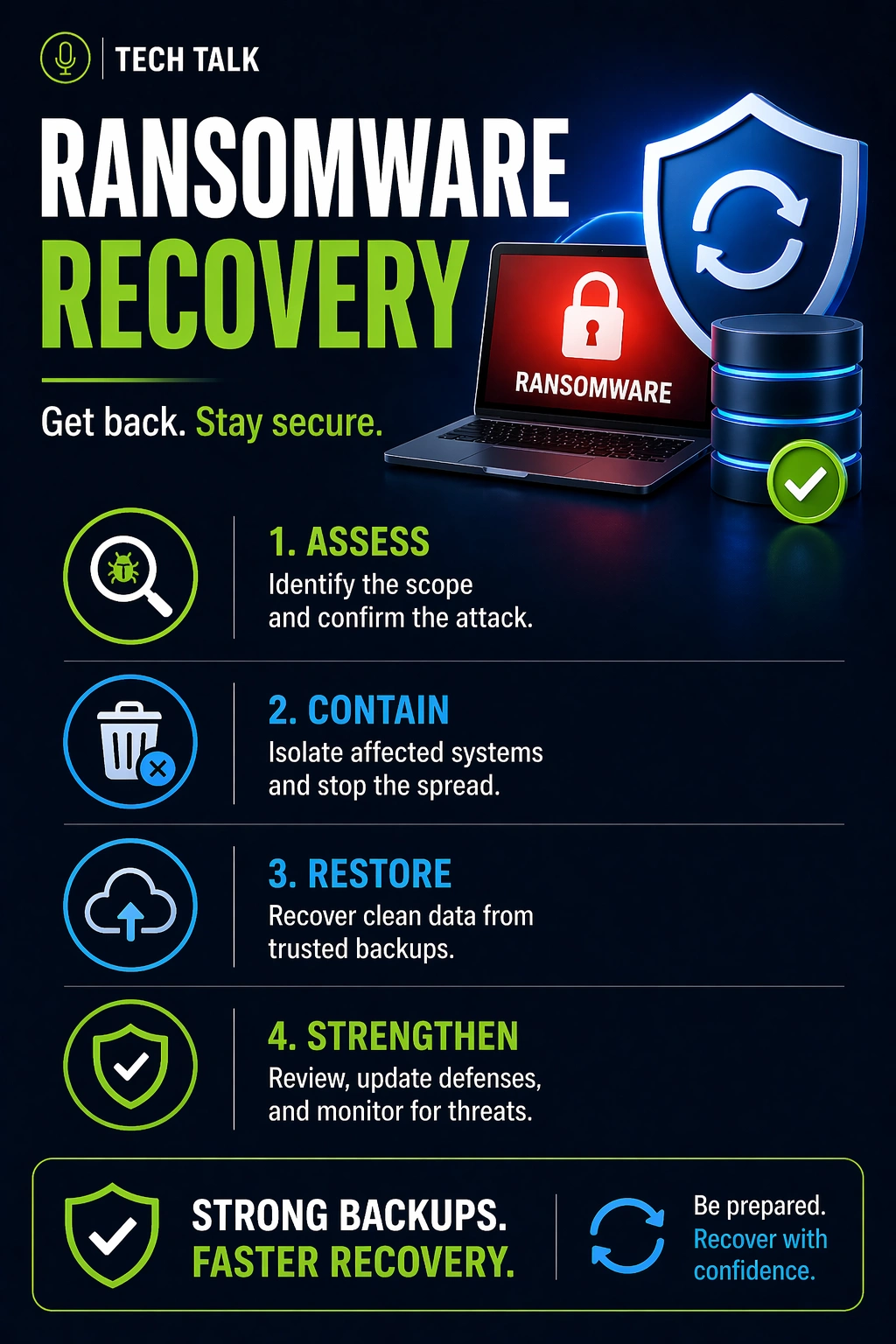
What Happens During a Ransomware Attack
Ransomware is not just a data problem — it is a full operational disruption.
A typical attack unfolds in stages:
- attackers gain access (phishing, credential compromise, vulnerabilities)
- they remain undetected while mapping your environment
- they escalate privileges and move laterally
- they locate critical systems and backup infrastructure
- they disable or delete backups
- they deploy encryption across systems
By the time encryption begins:
- backups may already be compromised
- recovery options are reduced
- business operations are already at risk
By the time ransomware is visible, the damage to your recovery capability has often already been done.
The Hidden Phase: Detection Delay
Most ransomware attacks are not immediate.
Attackers often remain undetected for days or weeks.
During this time:
- compromised data is backed up
- clean recovery points are overwritten
- backup systems are quietly accessed
Delayed detection can eliminate clean backups before you even know there is a problem.
This is why retention and immutability are critical.
Why Ransomware Recovery Fails
Most recovery failures are not caused by the attack itself.
They are caused by weaknesses that existed before the attack.
In real-world scenarios:
- backups are incomplete or outdated
- backup systems are accessible
- clean recovery points no longer exist
- recovery processes are undefined
- systems are too complex to restore quickly
Many businesses pay the ransom because recovery is not possible — not because it is the preferred option.
What a Real Recovery Process Looks Like
Recovery is not a single step.
It is a structured process:
1. Containment
- isolate infected systems
- prevent further spread
2. Assessment
- identify impacted systems
- determine scope of compromise
3. Backup Evaluation
- locate usable recovery points
- validate data integrity
4. Restore or Rebuild Decision
- restore from backups
or - rebuild systems from scratch
5. System Restoration
- recover infrastructure
- restore applications and data
6. Validation
- confirm systems function correctly
- verify clean environment
7. Operational Recovery
- bring users back online
- resume business processes
Recovery delays are often caused by coordination, dependencies, and validation — not just data restoration.
Restore vs Rebuild (Critical Decision)
In many cases, businesses must choose:
Restore from Backup
- faster if backups are clean
- dependent on backup integrity
Rebuild Systems
- slower but more secure
- required if backups are compromised
If backups cannot be trusted, rebuilding may be the only safe option.
What Actually Works for Recovery
Ransomware recovery is determined before the attack happens.
1. Isolated and Protected Backups
Backups must be separated from production systems.
This includes:
- network isolation
- restricted access
- offsite storage
Immutable backups ensure backups cannot be altered or deleted.
If attackers cannot modify your backups, recovery remains possible.
2. Verified Backup Integrity
Backups must be tested regularly.
Without testing:
- data integrity is unknown
- recovery timelines are unknown
- systems may fail during restore
See backup monitoring vs testing.
3. Defined Recovery Process
During an incident, time matters.
Your team must know:
- what to restore first
- how to initiate recovery
- how to validate systems
A structured disaster recovery plan is essential.
4. Sufficient Retention Strategy
Retention must account for delayed detection.
If retention is too short:
- clean backups are overwritten
- only infected data remains
5. Layered Backup Architecture
Modern systems require multiple layers:
- local backups → speed
- cloud backups → redundancy
- immutable storage → protection
Recovery success depends on layered design — not a single backup system.
How to Know If You Could Recover
You may not be able to recover if:
- backups are accessible from your network
- you have never tested a full restore
- you do not know recovery timelines
- you rely on a single backup location
If you cannot validate your recovery process, your ability to recover is uncertain.
Backup vs Ransomware Recovery
Backups alone do not guarantee recovery.
Backup
- Stores copies of data
- Protects against basic data loss
- Focuses on availability
Ransomware Recovery
- Restores clean systems
- Requires secure backups
- Depends on planning and validation
Why Recovery Still Fails (Even with Backups)
Even businesses with backups fail due to:
- compromised backups
- lack of testing
- unclear recovery processes
- slow recovery timelines
- system complexity
These are common backup failures.
How to Reduce Business Impact
The true cost of ransomware is downtime.
To reduce impact:
- maintain clean backups
- isolate backup systems
- test recovery regularly
- prioritize critical systems
The speed of recovery determines the real cost of a ransomware incident.
What This Means for Your Business
Ransomware recovery is not reactive.
It must be designed, tested, and validated in advance.
A complete backup strategy should already account for:
- secure backup storage
- recovery procedures
- testing and validation
Final Thoughts
Ransomware is one of the most disruptive threats businesses face.
The difference between recovery and shutdown is preparation.
Need help with this topic?
Make sure your backups actually work when it matters.
Most businesses discover backup failures during an outage. We help you validate recovery, reduce downtime risk, and build a system that works under pressure.
- Backup validation and testing
- Recovery time optimization
- Clear recovery documentation


