
Why Most Backup Strategies Fail
Most businesses believe they are protected because they “have backups.”
The reality is different.
Backups fail quietly — and those failures are usually discovered during an outage.
In many environments:
- backups have never been tested
- data is incomplete or inconsistent
- backup systems are vulnerable to ransomware
- recovery timelines are unknown
Most backup failures are discovered when there is no time left to fix them.
A backup strategy is not about storing data. It is about restoring operations under pressure.
If you have not validated your backup and recovery approach, you may be relying on assumptions instead of a working system.
What a Real Backup Failure Looks Like
A typical failure unfolds like this:
- backups run successfully for months
- no full restore is ever tested
- an issue occurs (ransomware, deletion, system failure)
- recovery is initiated
- data is incomplete or corrupted
- recovery takes significantly longer than expected
At that point:
- systems remain offline
- operations are disrupted
- recovery options may be limited
Backup failure is rarely a single issue — it is a chain of small gaps that only appear during recovery.
How Backup Systems Actually Behave Over Time
Backups are not static — they constantly change.
Each cycle:
- creates a new recovery point
- replaces or archives older data
- removes older versions based on retention
This creates a risk:
- good data can be overwritten
- compromised data can become the only available version
Backup systems can silently replace clean data with bad data if retention is not designed correctly.
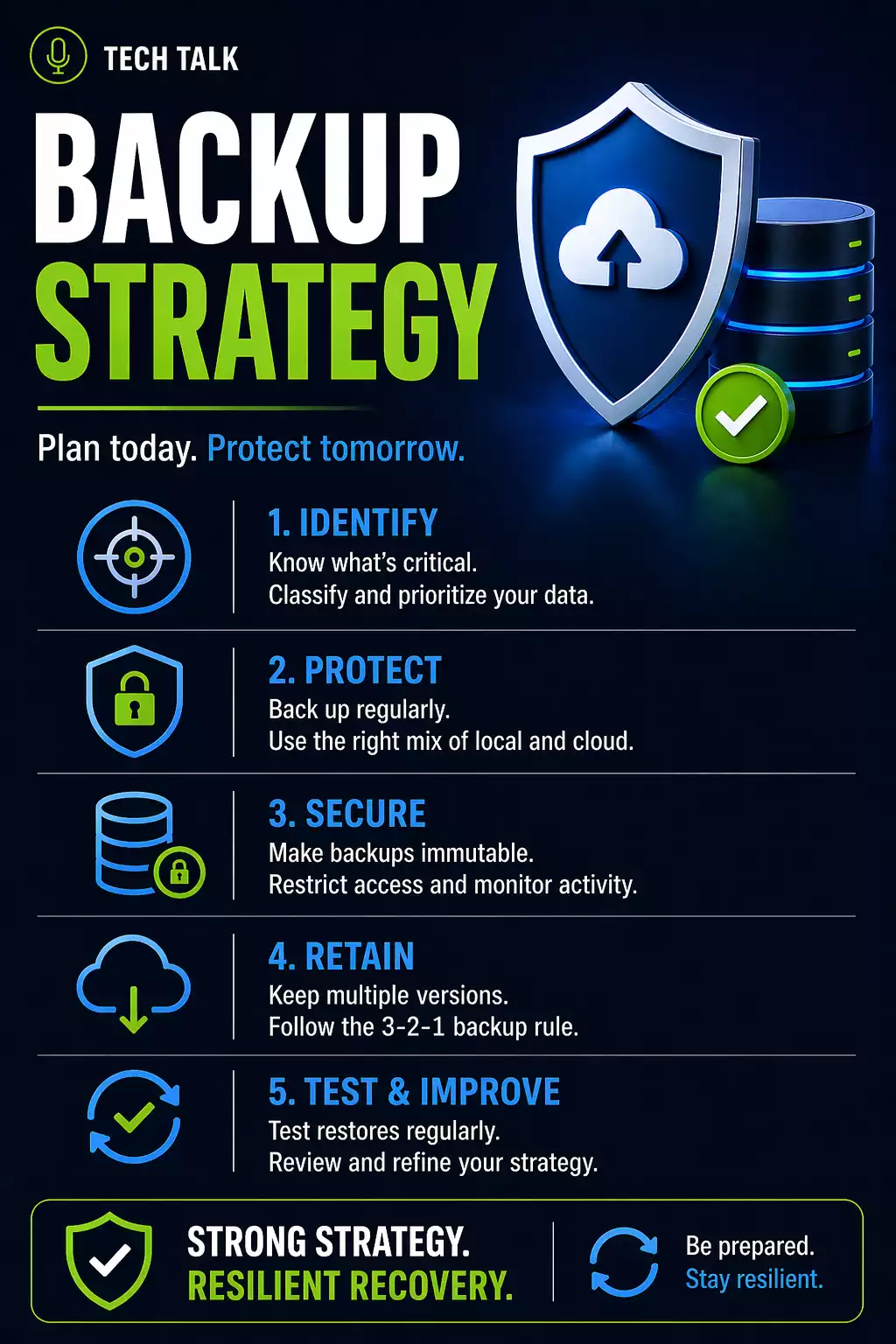
What a Reliable Backup Strategy Actually Includes
A reliable backup strategy is not a tool — it is a system.
It is built on layers that work together to ensure recovery is possible in real-world conditions.
Backups create copies. A strategy ensures those copies survive, remain clean, and can be restored under pressure.
Core Components of a Reliable Strategy
1. Multiple Backup Locations
Your data should exist in more than one place:
- local backup for fast recovery
- offsite or cloud backup for disaster scenarios
This protects against:
- hardware failure
- theft
- environmental damage
A single location creates a single point of failure.
Compare approaches in local vs cloud backup.
2. Automated Backup Processes
Backups must run automatically.
Manual processes fail due to:
- human error
- missed schedules
- inconsistent execution
Automation ensures reliability and consistency.
3. Versioning and Retention
A strong backup system keeps multiple versions of data.
This allows recovery from:
- accidental deletion
- unwanted changes
- ransomware
Without proper retention, clean data is often overwritten before issues are detected.
Learn more about backup retention.
4. Backup Monitoring
Monitoring provides visibility into backup activity.
It answers:
- Did the backup run?
- Were there errors?
- Was all data captured?
But monitoring alone does not validate recovery.
5. Backup Testing
Testing confirms that recovery will work.
Without testing:
- data integrity is unknown
- systems may fail during restore
- recovery timelines are uncertain
See backup monitoring vs testing.
The Missing Layer: Recovery Execution
Backup strategies often fail because they ignore execution.
A real recovery involves:
Detection
- identifying the problem
Backup Selection
- finding clean recovery points
Restoration
- recovering systems and data
Validation
- confirming systems function
Operational Recovery
- bringing users back online
Recovery is a multi-step process where delays occur at every stage.
What Actually Slows Down Recovery
Even strong backup systems can fail due to:
Data Size
- large datasets take time to restore
Infrastructure Limits
- network speed
- storage performance
System Dependencies
- applications rely on other systems
Human Coordination
- unclear roles
- delayed decisions
Recovery is often slowed by dependencies and coordination — not just backup systems.
How Ransomware Changes Backup Strategy
Ransomware introduces a critical challenge:
- attackers target backups first
- detection is delayed
- compromised data is backed up
If backups are accessible or retention is too short, clean recovery points may not exist.
This is why immutable backups are essential.
Strategy vs Implementation (Where Most Fail)
Many businesses have a “strategy” on paper.
But execution gaps include:
- no testing
- unclear procedures
- incomplete coverage
- lack of validation
A documented strategy does not guarantee a working system.
How to Know If Your Strategy Has Gaps
You may be at risk if:
- you have never performed a full restore
- you do not know recovery timelines
- your backups exist in one location
- your backups are not protected
If you cannot validate recovery, your strategy has critical weaknesses.
What This Means for Small Businesses
The goal of a backup strategy is not storage.
It is continuity.
The effectiveness of your strategy is measured by how quickly your business can recover.
When to Reevaluate Your Backup Strategy
Review your strategy when:
- your business grows
- systems change
- cloud platforms are added
- recovery has never been tested
Final Thoughts
A reliable backup strategy determines whether your business survives disruption.
It must be:
- tested
- validated
- protected
- continuously improved
Need help with this topic?
Make sure your backups actually work when it matters.
Most businesses discover backup failures during an outage. We help you validate recovery, reduce downtime risk, and build a system that works under pressure.
- Backup validation and testing
- Recovery time optimization
- Clear recovery documentation


