
Why Backup Strategies Degrade Over Time
Most backup strategies are created once — then left unchanged.
Over time:
- systems evolve
- data grows
- risks increase
- complexity expands
A backup strategy that is not actively improved will become less effective over time.
What a Real Degradation Scenario Looks Like
A typical situation:
- a backup system is implemented
- new applications are added over time
- changes are not reflected in backup configuration
- recovery is never re-tested
- an incident occurs
At that point:
- gaps are discovered
- recovery is incomplete
- downtime increases
Backup strategies fail when they fall out of alignment with the environment they are protecting.
What Continuous Improvement Means
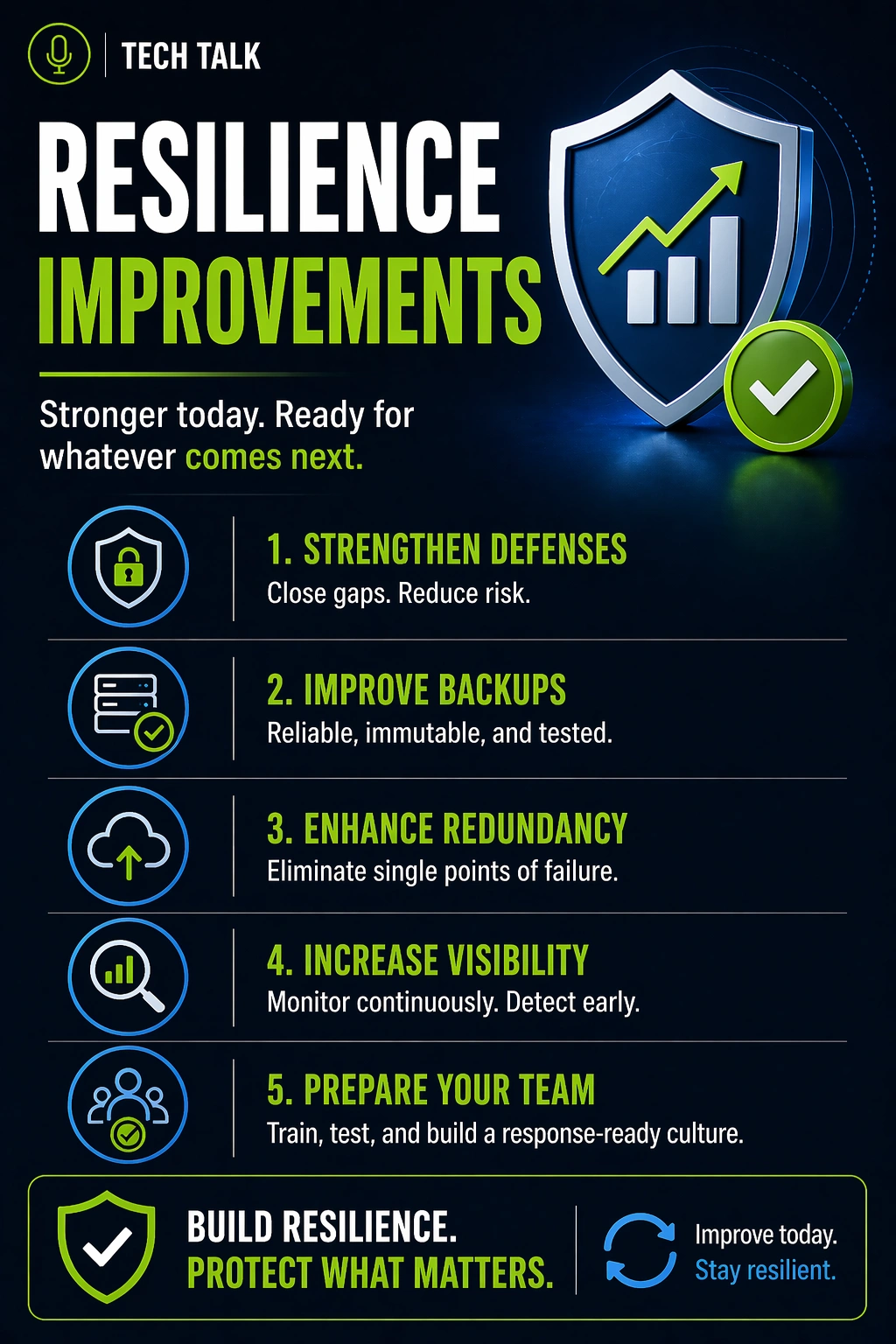
Improving resilience is not a one-time project.
It is an ongoing process of:
- evaluating risks
- identifying gaps
- implementing improvements
- validating outcomes
The Maturity Model of Backup & Recovery
Most organizations progress through stages.
Stage 1: Basic Backup
- backups exist
- minimal configuration
- limited testing
👉 High risk
Stage 2: Structured Backup
- defined schedules
- multiple backup types
- basic monitoring
👉 Moderate risk
Stage 3: Protected Backup
- immutability
- retention policies
- access controls
👉 Reduced risk
Stage 4: Validated Recovery
- recovery testing
- defined processes
- measured timelines
👉 Strong resilience
Stage 5: Optimized Resilience
- continuous improvement
- performance optimization
- proactive risk management
👉 High resilience
Resilience is not achieved — it is maintained through continuous improvement.
Where Most Businesses Stop
Many organizations stop at:
- having backups
- basic redundancy
They do not move into:
- testing
- validation
- optimization
Stopping early in the maturity model leaves significant risk unaddressed.
Key Areas for Improvement
1. Coverage Expansion
Ensure all systems are protected:
- new applications
- cloud platforms
- critical data sources
2. Frequency Optimization
Adjust backup schedules:
- increase frequency for critical systems
- reduce data loss risk
3. Retention Enhancement
Extend retention to:
- account for detection delays
- preserve recovery options
4. Protection Strengthening
Improve defenses:
- immutable backups
- isolation
- access control
5. Recovery Optimization
Reduce downtime:
- improve infrastructure
- streamline recovery processes
6. Process Improvement
Refine documentation:
- clarify roles
- improve execution steps
7. Testing and Validation
Increase testing frequency:
- simulate real scenarios
- measure performance
The Role of Feedback Loops
Improvement depends on feedback:
- test results
- incident analysis
- performance metrics
Each cycle should:
- identify gaps
- drive improvements
Every test or incident should result in a stronger recovery strategy.
How Threats Drive Improvement
Modern threats evolve:
- ransomware techniques improve
- attack surfaces expand
- risks become more complex
Your strategy must evolve as well.
A static backup strategy cannot defend against evolving threats.
How to Measure Improvement
Track progress using:
- recovery time (RTO)
- data loss (RPO)
- success rate of recovery tests
- incident response performance
Common Barriers to Improvement
Organizations often struggle due to:
- lack of time
- limited visibility
- competing priorities
- assumption that current systems are sufficient
These lead to
backup failures
How to Know If You Are Not Improving
You may have a gap if:
- your strategy has not been reviewed in 6–12 months
- testing is infrequent
- systems have changed without updates
- recovery performance is unknown
If your backup strategy has not evolved, it is likely outdated.
What This Means for Your Business
Resilience is not a fixed state.
It is an ongoing process.
The strongest backup strategies are continuously refined and improved.
Final Thoughts
Backup and recovery resilience improves over time — if it is actively managed.
If it is not:
- risk increases
- gaps expand
- recovery becomes uncertain
Need help with this topic?
Make sure your backups actually work when it matters.
Most businesses discover backup failures during an outage. We help you validate recovery, reduce downtime risk, and build a system that works under pressure.
- Backup validation and testing
- Recovery time optimization
- Clear recovery documentation


