
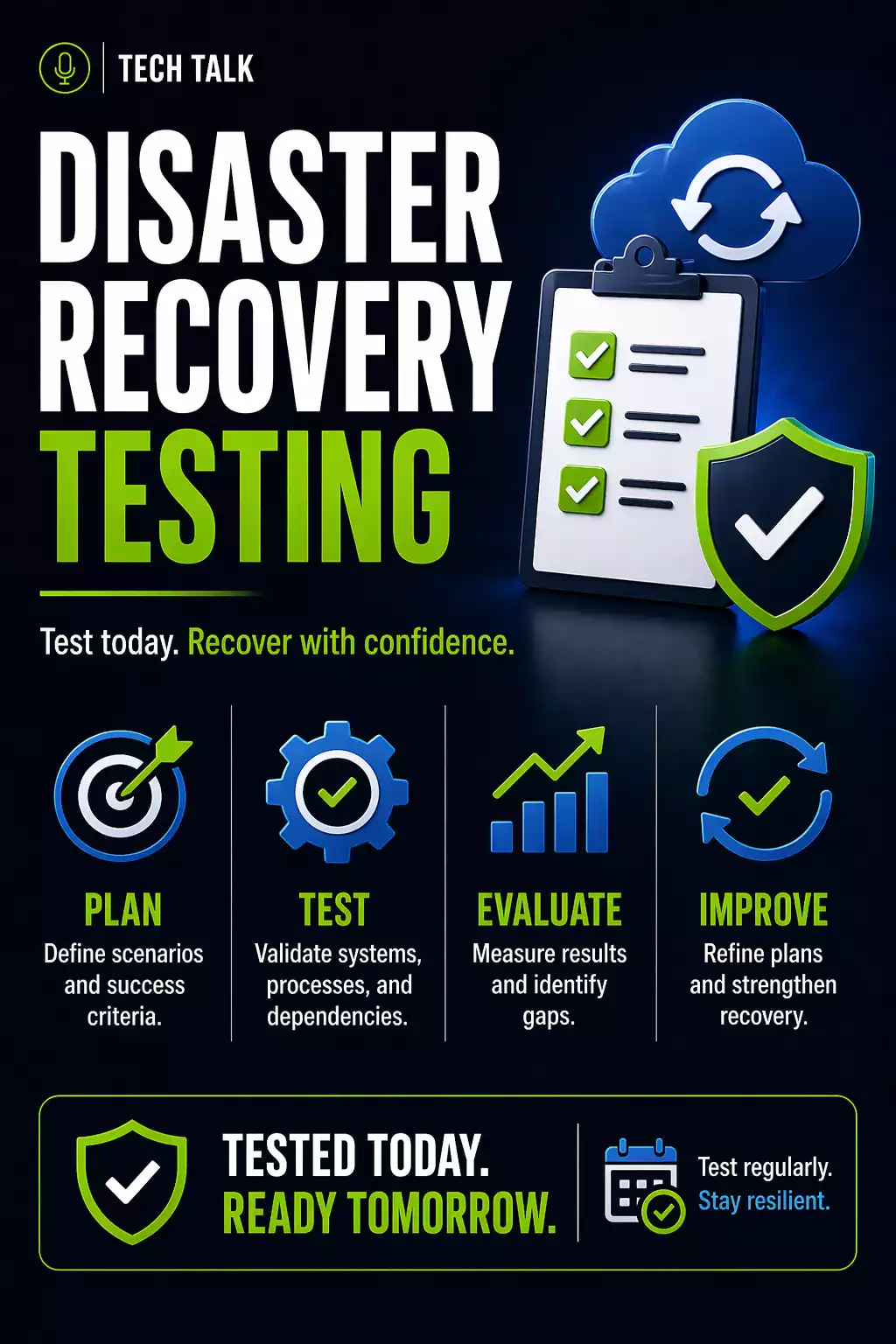
Why Disaster Recovery Testing Matters
Most businesses have some form of disaster recovery plan.
Very few know if it actually works.
Plans often exist as:
- documents
- assumptions
- untested procedures
A disaster recovery plan that has not been tested is an assumption — not a solution.
Testing is the only way to confirm:
- systems can be restored
- timelines are achievable
- teams know what to do
What a Real Recovery Attempt Looks Like
Without testing, recovery typically unfolds like this:
- an incident occurs
- teams begin recovery
- steps are unclear
- systems restore slowly
- dependencies are discovered late
- recovery takes far longer than expected
During this time:
- downtime increases
- operations are disrupted
- pressure escalates
Most recovery issues are discovered during the recovery process — not before.
What Disaster Recovery Testing Actually Validates
Testing confirms more than just backups.
- Systems can be restored successfully
- Recovery timelines match expectations
- Dependencies are understood
- Teams can execute under pressure
Types of Disaster Recovery Tests
Not all tests are equal.
1. Tabletop Testing (Discussion-Based)
- walk through recovery steps
- simulate scenarios
- identify gaps in planning
👉 Low risk, but limited validation
2. Partial System Testing
- restore specific systems or applications
- validate functionality
👉 Moderate validation
3. Full Recovery Testing
- simulate a full outage
- restore complete environments
- validate end-to-end recovery
👉 Highest confidence, highest effort
Only full recovery testing validates true business continuity.
Step-by-Step: How to Test Your Disaster Recovery Plan
Step 1: Define the Scope
Determine what will be tested:
- specific systems
- full environment
- critical applications
Focus on systems with the highest business impact.
Step 2: Set Clear Objectives
Define what success looks like:
- recovery time targets
- acceptable data loss
- system functionality
Align with
RTO and RPO.
Step 3: Prepare the Environment
Before testing:
- ensure backups are available
- verify access permissions
- isolate test environments if needed
Step 4: Execute the Recovery Process
Follow real recovery steps:
- identify recovery points
- restore data and systems
- rebuild infrastructure
Do not skip steps — simulate real conditions.
Step 5: Validate Systems
After restoration:
- confirm applications function
- verify data integrity
- test user access
Step 6: Measure Performance
Track:
- recovery time
- data loss
- system functionality
Compare results to expectations.
Step 7: Identify Gaps
Most tests reveal issues such as:
- slow recovery times
- missing dependencies
- incomplete backups
- unclear procedures
Testing should reveal problems — not confirm perfection.
Step 8: Improve and Repeat
Update your plan based on findings.
Testing is not a one-time event.
It is an ongoing process.
What Actually Breaks During Testing
Testing often reveals hidden problems:
System Dependencies
- applications rely on other systems
Data Gaps
- backups may be incomplete
Performance Bottlenecks
- large restores take longer than expected
Human Factors
- unclear roles
- delayed decisions
Most failures are caused by process and coordination — not just technology.
How Often Should You Test
Testing frequency depends on risk.
General guidelines:
- critical systems → quarterly or more
- moderate systems → semi-annually
- low-risk systems → annually
Testing should also occur when:
- systems change
- infrastructure is updated
- new applications are introduced
How Testing Connects to Backup Strategy
Testing validates your entire
backup and recovery strategy.
It ensures:
- backups are usable
- recovery processes work
- timelines are realistic
Why Testing Matters for Ransomware
Ransomware exposes weaknesses immediately.
If recovery has not been tested:
- backups may fail
- recovery may be delayed
- downtime increases
Ransomware does not create problems — it exposes existing ones.
How to Know If Your Plan Is Not Ready
You may have a gap if:
- you have never performed a full recovery test
- recovery timelines are unknown
- dependencies are unclear
- roles are not defined
If you cannot simulate a full recovery, your plan is not validated.
What This Means for Your Business
Disaster recovery is not theoretical.
It must work under real conditions.
The only way to trust your recovery plan is to test it.
Final Thoughts
Testing turns a recovery plan into a working system.
Without testing, recovery is uncertain.
Need help with this topic?
Make sure your backups actually work when it matters.
Most businesses discover backup failures during an outage. We help you validate recovery, reduce downtime risk, and build a system that works under pressure.
- Backup validation and testing
- Recovery time optimization
- Clear recovery documentation


