
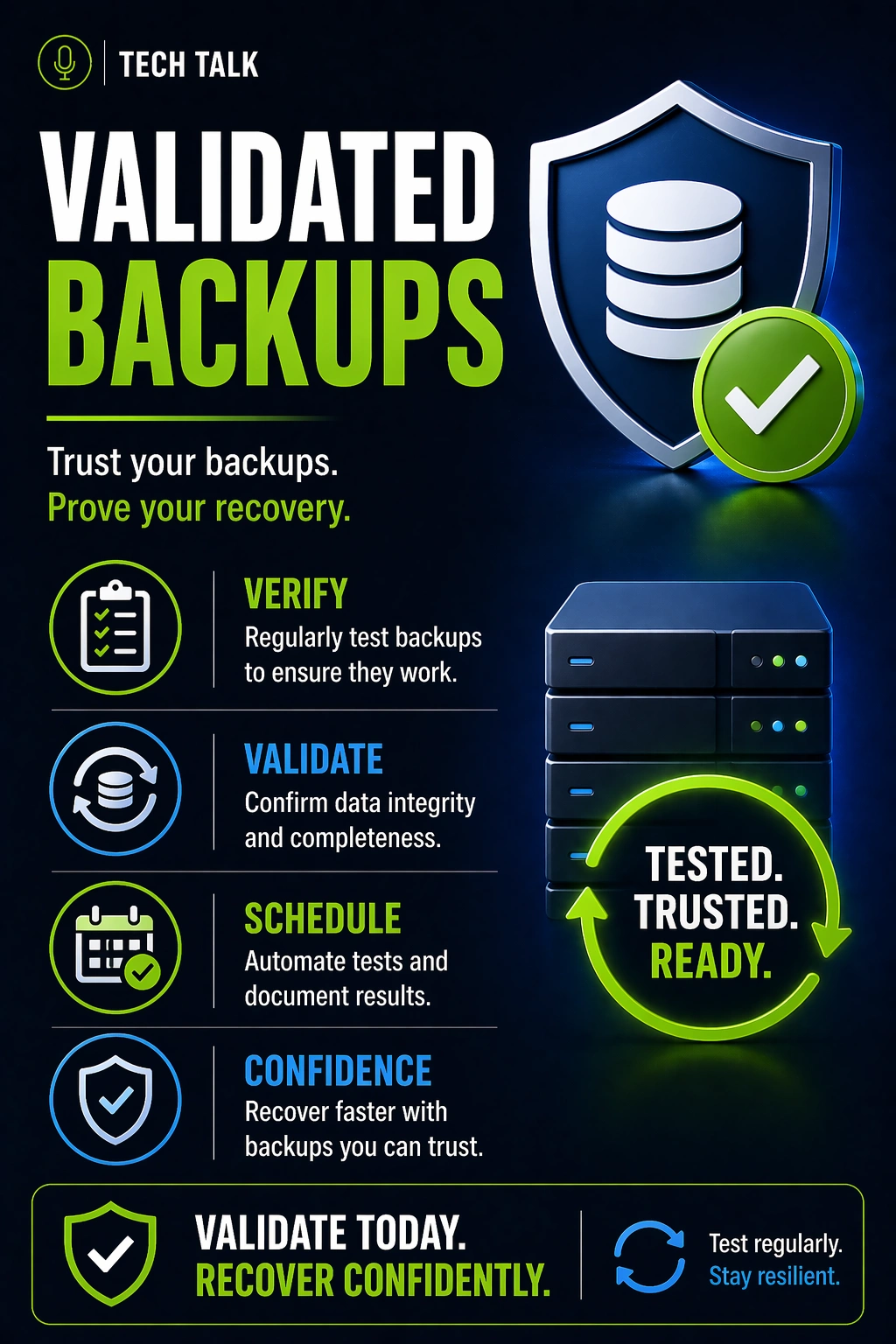
The Most Misleading Message in Backup Systems
Many businesses see messages like:
👉 “Backup completed successfully”
And assume everything is fine.
This creates a false sense of security.
A successful backup job does not guarantee successful recovery.
What a Real Failure Looks Like
A typical scenario:
- backups run daily without errors
- monitoring shows consistent success
- no one tests recovery
- an incident occurs
- recovery is attempted
- data is incomplete or corrupted
At that point:
- backups technically “worked”
- recovery still fails
Most backup failures are discovered only when recovery is needed.
What Backup Monitoring Actually Does
Monitoring focuses on:
- whether backups ran
- whether jobs completed
- whether errors occurred
It answers:
👉 “Did the backup process run successfully?”
What Monitoring Does Well
- identifies failed backup jobs
- alerts on system issues
- ensures backups are occurring
What Monitoring Does NOT Do
Monitoring does not:
- verify data integrity
- confirm recovery works
- validate system functionality
Monitoring confirms activity — not usability.
What Backup Validation Actually Means
Validation goes beyond monitoring.
It confirms:
- backups can be restored
- data is complete and accurate
- systems function after recovery
It answers:
👉 “Can we actually recover?”
The Key Difference
Monitoring
- Confirms backups ran
- Detects job failures
- Focuses on process
Validation
- Confirms recovery works
- Verifies data integrity
- Focuses on outcomes
Monitoring tells you backups are happening. Validation tells you they work.
Why Monitoring Alone Is Dangerous
Relying only on monitoring creates blind spots:
- corrupted backups may go undetected
- incomplete data may not be noticed
- recovery processes may fail
Monitoring can create confidence — even when recovery is impossible.
Common Causes of “Successful” Backup Failures
Even when backups report success:
Data Corruption
- corrupted files may be backed up
- issues may not be detected until recovery
Incomplete Backups
- partial data may be captured
- missing dependencies may exist
Misconfigured Systems
- incorrect backup settings
- excluded data
Broken Recovery Processes
- unclear steps
- missing procedures
These lead to
backup failures
What True Validation Looks Like
Validation requires actual testing.
File-Level Validation
- restoring individual files
- confirming usability
System-Level Validation
- restoring full systems
- verifying applications
Full Recovery Testing
- simulating real incidents
- validating end-to-end recovery
The Hidden Risk: Assumptions
Many organizations assume:
- backups are working
- recovery will be successful
These assumptions are rarely tested.
Assumptions are one of the leading causes of backup failure.
How Validation Improves Recovery Outcomes
Validation:
- identifies issues early
- confirms recovery timelines
- reduces uncertainty
This directly impacts
recovery time
How Validation Fits Into a Full Strategy
Validation works alongside:
- monitoring
- retention
- protection
It is a critical part of a complete
backup strategy
How to Know If You Are at Risk
You may have a gap if:
- you rely only on backup alerts
- you have never tested recovery
- you do not know if backups are usable
- recovery timelines are unknown
If you have not validated recovery, your backups are unproven.
What This Means for Your Business
Backup success is not measured by job completion.
It is measured by recovery success.
The only way to trust your backups is to validate them.
Final Thoughts
Monitoring is necessary.
But it is not enough.
Without validation:
- recovery is uncertain
- risk remains hidden
Need help with this topic?
Make sure your backups actually work when it matters.
Most businesses discover backup failures during an outage. We help you validate recovery, reduce downtime risk, and build a system that works under pressure.
- Backup validation and testing
- Recovery time optimization
- Clear recovery documentation


