
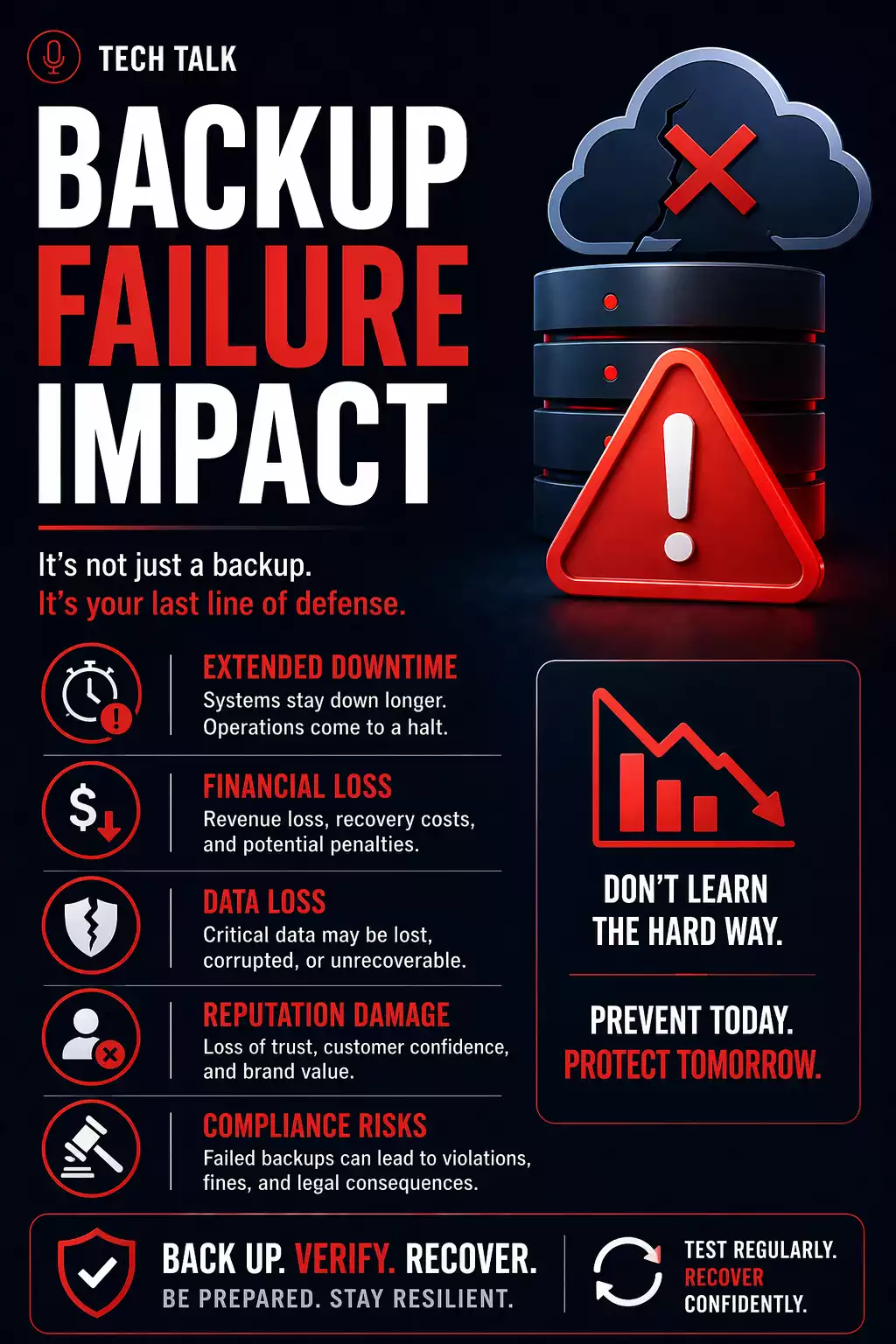
The Moment Backup Failure Becomes Real
Backup failures do not show up during normal operations.
They show up when something goes wrong — and recovery is needed.
That is when businesses discover:
- backups are incomplete
- data is corrupted
- recovery does not work
- timelines are far longer than expected
Backup failures are almost always discovered when there is no time left to fix them.
What a Real Backup Failure Looks Like
A typical failure unfolds in stages:
- backups run successfully for weeks or months
- no full restore is ever tested
- an incident occurs (ransomware, deletion, system failure)
- recovery is initiated
- issues appear (missing data, corrupted files, slow systems)
- recovery takes longer than expected
During this time:
- systems remain offline
- employees cannot work
- business operations are disrupted
Backup failure is rarely caused by one issue — it is a chain of failures that only becomes visible during recovery.
What Actually Happens During Recovery
Recovery is not a single action — it is a process.
1. Detection and Response
- identifying the issue
- determining the scope of impact
2. Backup Evaluation
- locating available backups
- identifying usable recovery points
3. Data Restoration
- restoring files, systems, or environments
4. System Validation
- confirming applications work
- verifying data integrity
5. Operational Recovery
- bringing users back online
- restoring business processes
Each step introduces delays — even when backups exist.
What Actually Happens When Backups Fail
When backups fail, the impact is immediate and widespread.
1. Systems Remain Down
Without usable backups:
- systems cannot be restored
- operations remain offline
- productivity stops
Downtime extends far beyond expectations.
2. Data May Be Permanently Lost
If recovery is not possible:
- recent data may be gone
- historical records may be unavailable
- critical business data may be unrecoverable
This is often tied to poor backup retention.
3. Business Operations Are Disrupted
Backup failure impacts more than IT.
It affects:
- customer service
- internal workflows
- financial operations
When systems are down, the entire business feels the impact — not just IT.
4. Recovery Options Become Limited
Without working backups, businesses may have to:
- rebuild systems from scratch
- rely on partial data
- attempt manual reconstruction
5. Restore vs Rebuild (Critical Decision)
In many cases, businesses must choose:
- Restore: faster, if backups are usable
- Rebuild: slower, but required if backups are compromised
If backups cannot be trusted, rebuilding may be the only safe option.
6. Ransomware Becomes More Dangerous
Backup failure makes ransomware significantly worse.
Without recovery options:
- downtime increases
- pressure to pay increases
- outcomes become uncertain
Many businesses pay ransomware demands because their backups fail.
See ransomware recovery.
Why Backup Failures Happen
Failures are rarely caused by a single issue.
They occur due to system-level gaps:
- lack of testing
- single-location backups
- short retention windows
- lack of security
- undefined recovery processes
How Failures Compound
Backup failures stack.
For example:
- untested backups
- short retention
- slow recovery
= complete recovery failure
Multiple small gaps combine into a single critical failure during recovery.
What Slows Down Recovery Even Further
Even when recovery is possible, delays occur due to:
Data Size
- large datasets take time to restore
Infrastructure Limits
- network speed
- storage performance
System Dependencies
- applications rely on multiple systems
Human Coordination
- unclear roles
- delayed decisions
Recovery is often slowed by dependencies and coordination — not just backup systems.
How to Know If You Are at Risk
You may be vulnerable if:
- you have never tested a full restore
- your backups exist in only one location
- you are unsure how long recovery takes
- your backups are not protected
If you cannot confidently validate your backups, you cannot rely on them.
How to Prevent Backup Failure
Preventing failure requires a complete approach.
This includes:
- regular backup testing
- multiple backup locations
- proper retention policies
- secure backup storage
- defined recovery procedures
A strong backup strategy addresses all of these areas.
Why This Matters More Today
Modern threats increase the risk of backup failure.
Ransomware:
- targets backup systems
- delays detection
- exploits configuration weaknesses
Today’s threats are designed to eliminate recovery options — not just disrupt systems.
What This Means for Your Business
Backup failure is not just a technical issue.
It is a business risk.
The value of your backup system is determined the moment you need it — not when it runs successfully.
Final Thoughts
Backups are one of the most important safeguards your business has.
But only if they work.
Need help with this topic?
Make sure your backups actually work when it matters.
Most businesses discover backup failures during an outage. We help you validate recovery, reduce downtime risk, and build a system that works under pressure.
- Backup validation and testing
- Recovery time optimization
- Clear recovery documentation


