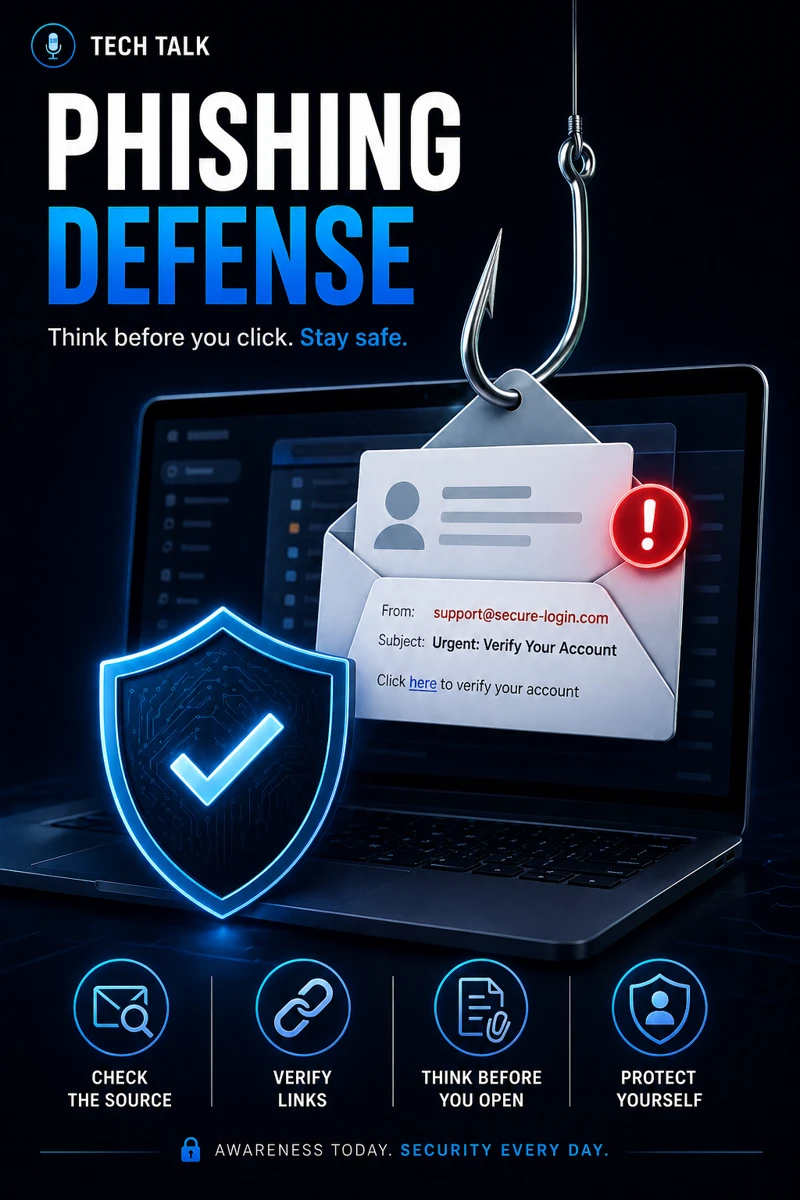
What Phishing Looks Like in the Real World
Phishing is not obvious.
Modern phishing attacks:
- look legitimate
- mimic trusted brands
- use real conversations
They are designed to:
- trick users
- create urgency
- bypass suspicion
If you need related context, see business email compromise.
Most phishing emails don’t look suspicious — they look routine.
Why Phishing Is So Effective
Phishing works because it targets:
- human behavior
- trust
- urgency
Attackers rely on:
- users acting quickly
- lack of verification
- familiarity with normal workflows
This is why phishing often leads directly to incidents covered in incident response plan basics.
How Real Phishing Attacks Happen
Real-world phishing attacks follow predictable patterns.
Scenario 1: Fake Login Pages
Users receive:
- a login request
- a security alert
- a password reset
They click a link and:
- enter credentials
- unknowingly give access to attackers
Scenario 2: Invoice or Payment Requests
Attackers send:
- fake invoices
- payment requests
- vendor updates
These often lead to:
- financial loss
This aligns with business email compromise.
Scenario 3: Internal Impersonation
Attackers impersonate:
- executives
- coworkers
They request:
- urgent actions
- sensitive information
Scenario 4: MFA Fatigue Attacks
After gaining credentials, attackers:
- trigger repeated MFA requests
- pressure users to approve
This is explained in why mfa fails.
Phishing attacks are designed to blend into normal business communication.
The Hidden Risk: Trusting Familiar Patterns
Users trust:
- familiar names
- expected requests
- routine workflows
Attackers exploit this trust.
Phishing succeeds when users trust the message instead of verifying it.
Why Technology Alone Cannot Stop Phishing
Email filtering helps.
But it cannot stop:
- well-crafted attacks
- compromised accounts
- internal impersonation
This is similar to limitations discussed in edr vs antivirus.
The Role of User Awareness
Users are the first line of defense.
They must be trained to:
- recognize suspicious requests
- question urgency
- verify before acting
The Role of Verification Processes
Verification is critical.
This includes:
- confirming requests through another channel
- validating payment changes
- checking sender identity
These processes are essential for preventing attacks like those in business email compromise.
Verification stops phishing more effectively than detection alone.
The Role of MFA
MFA reduces risk by:
- preventing account takeover
- adding an extra layer of security
But it must be:
- enforced correctly
- supported by user awareness
This aligns with microsoft 365 mfa what to require and for who.
The Role of Endpoint Security
Endpoints must be protected to:
- detect malicious activity
- prevent compromise
This aligns with endpoint security basics edr vs antivirus.
The Role of Patch Management
Unpatched systems increase risk.
This includes:
- vulnerabilities exploited after phishing
This aligns with patch management smb.
The Role of Incident Response
When phishing succeeds:
- response must be immediate
- accounts must be secured
This aligns with incident response plan basics.
Speed of response determines how much damage occurs.
The Complexity of Phishing Defense
Phishing defense requires:
- technology
- user training
- process controls
No single solution is enough.
What a Strong Phishing Defense Looks Like
A strong defense includes:
- user awareness training
- email security tools
- verification procedures
- MFA enforcement
- incident response readiness
It must also align with requirements in cyber insurance controls.
Phishing defense is strongest when people, process, and technology work together.
How Phishing Impacts Business Operations
Phishing directly leads to:
- account compromise
- financial loss
- data exposure
Without defense:
- incidents increase
- recovery becomes more difficult
Phishing is one of the most common entry points for major security incidents.
How to Know If Your Organization Is Vulnerable
You may have a gap if:
- employees are not trained
- verification processes are missing
- MFA is inconsistent
- incidents are not tracked
If your team relies only on email filtering, your phishing defense is incomplete.
How to Improve Phishing Defense
Start with:
- training employees regularly
- implementing verification procedures
- enforcing MFA
- monitoring suspicious activity
These steps align with broader cybersecurity best practices.
How This Connects to Other Cybersecurity Topics
Phishing connects to:
- business email compromise
- why mfa fails
- microsoft 365 mfa what to require and for who
- incident response plan basics
- cyber insurance controls
What This Means for Your Business
Your phishing defense determines:
- how often incidents occur
- how much damage is prevented
- how secure your organization is
It is not optional.
It is critical.
Phishing defense depends on people making the right decisions at the right time.
Final Thoughts
Phishing is not going away.
It is evolving.
But it is preventable.
When defense is strong:
- users are aware
- processes are enforced
- systems are protected
Need help with this topic?
Make sure your backups actually work when it matters.
Most businesses discover backup failures during an outage. We help you validate recovery, reduce downtime risk, and build a system that works under pressure.
- Backup validation and testing
- Recovery time optimization
- Clear recovery documentation