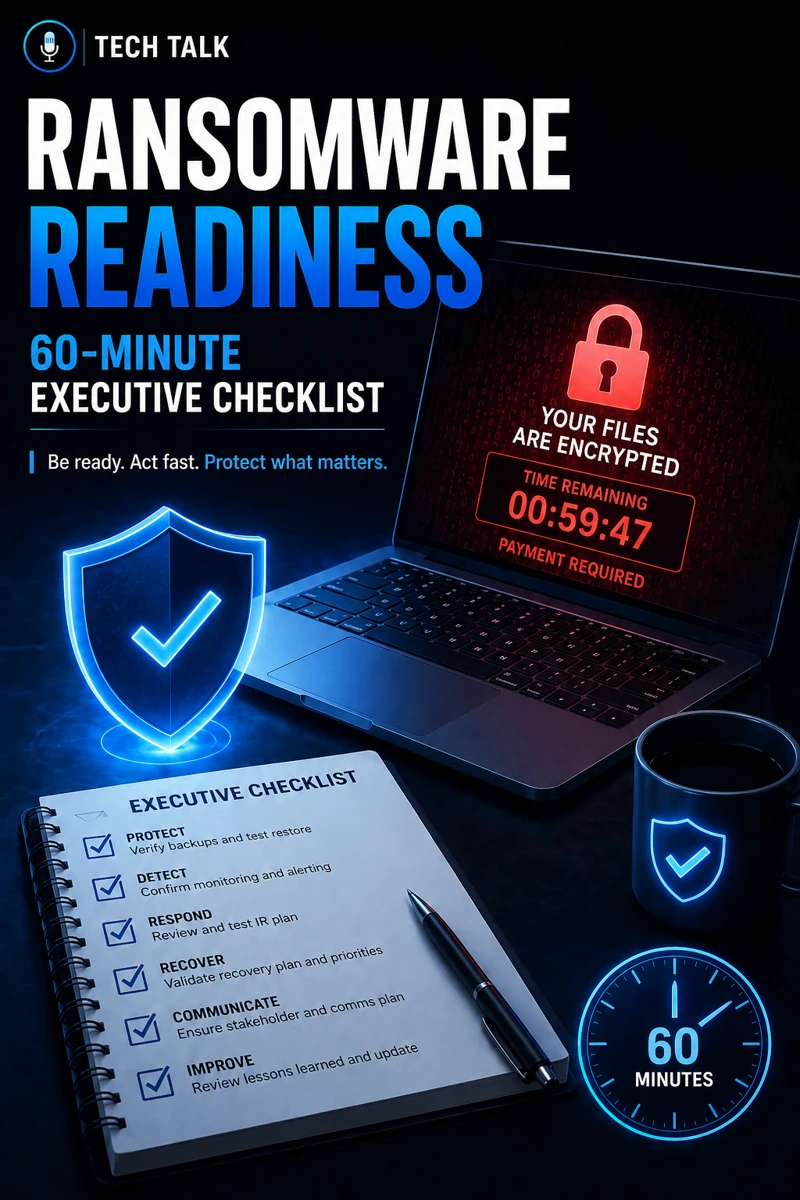
What Ransomware Readiness Really Means
Ransomware readiness is your organization’s ability to:
- prevent attacks
- detect threats early
- respond quickly
- recover successfully
It is not about avoiding attacks completely.
It is about minimizing impact.
If you need foundational context, see incident response plan basics.
Ransomware is not a question of if — it’s a question of when.
How to Use This 60-Minute Checklist
This checklist is designed for:
- executives
- decision-makers
- IT leadership
You can complete it in about one hour.
The goal is simple:
- identify gaps
- prioritize improvements
- reduce risk quickly
Step 1: Backup Readiness (10 Minutes)
Ask:
- Are backups performed regularly?
- Have backups been tested recently?
- Can systems be restored quickly?
If the answer is unclear, there is risk.
This aligns with backup validation what good looks like and recovery testing runbooks.
Unverified backups are one of the biggest ransomware failures.
Step 2: Identity and Access Security (10 Minutes)
Ask:
- Is MFA enforced for all users?
- Are admin accounts secured?
- Are login activities monitored?
Weak identity controls lead to:
- account compromise
- unauthorized access
This aligns with microsoft 365 mfa what to require and for who and why mfa fails.
Step 3: Endpoint Protection (10 Minutes)
Ask:
- Are endpoints protected with EDR?
- Is antivirus still the only defense?
- Can threats be detected in real time?
Weak endpoint protection leads to:
- undetected attacks
- delayed response
This aligns with endpoint security basics edr vs antivirus and edr vs antivirus.
Relying only on antivirus leaves your systems exposed to modern threats.
Step 4: Patch Management (5–10 Minutes)
Ask:
- Are systems updated regularly?
- Are critical patches applied quickly?
- Is patching consistent across all systems?
Unpatched systems are:
- easy targets
- highly exploitable
This aligns with patch management smb.
Step 5: Phishing Defense (10 Minutes)
Ask:
- Are employees trained to recognize phishing?
- Are verification processes in place?
- Are suspicious emails reported?
Phishing is the most common entry point.
This aligns with phishing defense real world.
Most ransomware attacks begin with a phishing email.
Step 6: Incident Response Planning (10 Minutes)
Ask:
- Is there a documented incident response plan?
- Are roles and responsibilities defined?
- Has the plan been tested?
Without a plan:
- response is delayed
- damage increases
This aligns with incident response plan basics.
Step 7: Financial and Compliance Readiness (5 Minutes)
Ask:
- Do you meet cyber insurance requirements?
- Are controls documented and enforced?
- Is coverage up to date?
This aligns with cyber insurance controls.
What Your Results Mean
After completing the checklist:
- Multiple “No” answers = High risk
- Some gaps = Moderate risk
- Fully covered = Strong readiness
Ransomware readiness is measured by how many gaps exist — not how many tools you have.
The Hidden Risk: False Confidence
Many organizations believe:
- “we have security tools, so we’re safe”
But in reality:
- tools may not be configured
- processes may not exist
- testing may not be performed
Confidence without validation is one of the biggest risks in cybersecurity.
What Strong Ransomware Readiness Looks Like
A mature organization has:
- validated backups
- enforced MFA
- EDR-enabled endpoints
- consistent patching
- trained employees
- tested incident response plans
These controls must work together.
How Ransomware Impacts Business Operations
Ransomware can cause:
- downtime
- financial loss
- operational disruption
- reputational damage
Without preparation:
- recovery is slower
- impact is greater
Ransomware can halt operations within minutes.
How This Connects to Other Cybersecurity Topics
Ransomware readiness connects to:
- backup validation what good looks like
- incident response plan basics
- phishing defense real world
- patch management smb
- cyber insurance controls
What This Means for Your Business
Your readiness determines:
- how quickly you respond
- how much damage occurs
- whether recovery is possible
It is not optional.
It is critical.
Preparation determines whether ransomware is a disruption or a disaster.
Final Thoughts
Ransomware readiness is about:
- preparation
- validation
- response
This checklist is a starting point.
But action is what reduces risk.
Need help with this topic?
Make sure your backups actually work when it matters.
Most businesses discover backup failures during an outage. We help you validate recovery, reduce downtime risk, and build a system that works under pressure.
- Backup validation and testing
- Recovery time optimization
- Clear recovery documentation