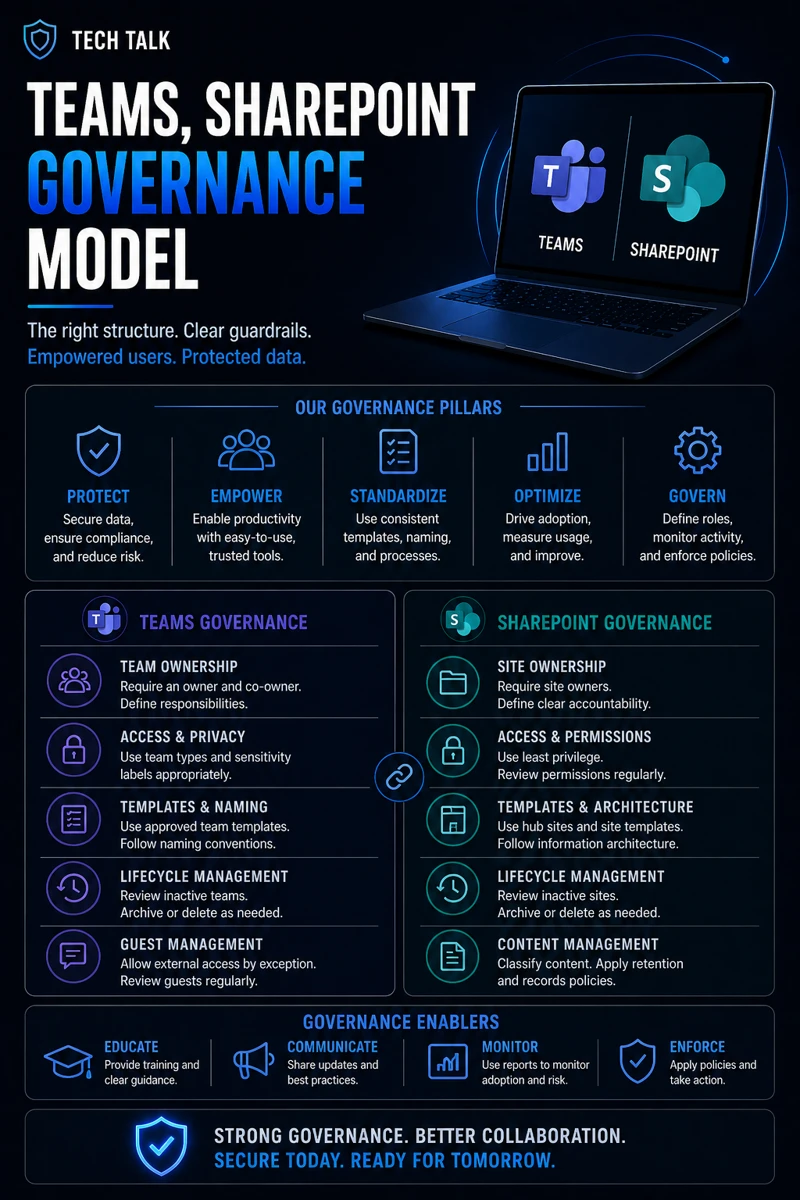
What a Teams & SharePoint Governance Model Really Means
A governance model defines:
- how Teams and SharePoint are created
- who can access data
- how information is shared
It ensures:
- consistency
- security
- control
Without governance:
- data sprawl occurs
- access becomes inconsistent
- security risks increase
Uncontrolled collaboration leads to uncontrolled data exposure.
Why Governance Is Critical
Microsoft 365 makes collaboration easy.
But without controls:
- anyone can create Teams
- files can be shared externally
- permissions become unclear
This leads to:
- data leakage
- compliance issues
- operational confusion
These risks often appear during reviews like cyber insurance controls.
The Biggest Risk: Unrestricted Sharing
Many organizations allow:
- open sharing
- external access
- unrestricted permissions
This creates:
- uncontrolled data access
- exposure to external threats
Data shared without governance can be accessed by unintended users.
Core Components of a Governance Model
A strong governance model includes several key elements.
1. Team Creation Policies
Control:
- who can create Teams
- naming conventions
- lifecycle management
This prevents:
- unnecessary Teams
- disorganized environments
2. Access and Permission Control
Define:
- who can access content
- role-based permissions
This aligns with onboarding offboarding checklist.
3. External Sharing Controls
Limit:
- guest access
- external file sharing
Ensure:
- approvals are required
- access is monitored
4. Data Classification
Categorize data based on:
- sensitivity
- usage
This helps:
- apply appropriate controls
- protect critical information
5. Retention and Lifecycle Policies
Define:
- how long data is kept
- when it is deleted
This ensures:
- compliance
- reduced data sprawl
Governance turns collaboration into a controlled and secure process.
The Role of Identity and Access Management
Access control depends on:
- user identity
- authentication
This includes:
- enforcing MFA
- managing user permissions
This aligns with microsoft 365 mfa what to require and for who.
The Role of Conditional Access
Conditional Access controls:
- when users can access data
- under what conditions
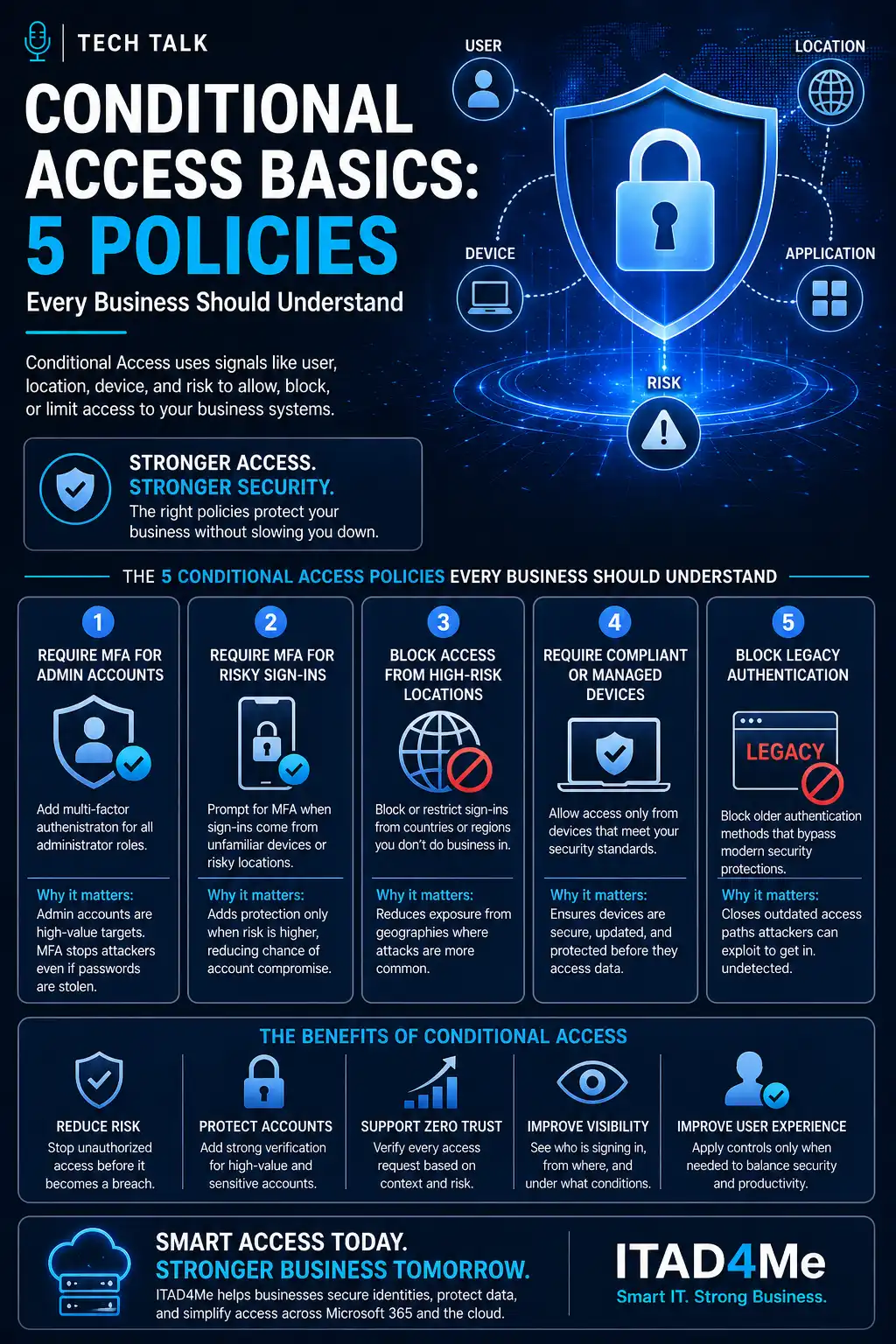
This aligns with conditional access basics 5 policies.
The Role of Endpoint Security
Devices accessing Teams and SharePoint must be:
- secure
- compliant
This aligns with endpoint security basics edr vs antivirus.
The Role of Monitoring and Auditing
Organizations must track:
- access activity
- sharing behavior
- changes to permissions
This enables:
- visibility
- accountability
The Role of Incident Response
If data exposure occurs:
- response must be immediate
- access must be restricted
This aligns with incident response plan basics.
Without governance, responding to data exposure becomes significantly more difficult.
The Complexity of Collaboration Environments
Modern environments include:
- multiple Teams
- shared files
- external users
This creates:
- complexity
- potential misconfigurations
What a Strong Governance Model Looks Like
A mature governance model includes:
- controlled Team creation
- role-based access
- monitored sharing
- defined policies
It must also align with:
- security controls
- compliance requirements
Governance should balance security with usability.
How Governance Impacts Business Operations
Governance affects:
- collaboration efficiency
- data security
- compliance
Poor governance leads to:
- confusion
- inefficiency
- increased risk
Unstructured collaboration environments increase both risk and inefficiency.
How to Know If Your Governance Is Weak
You may have a gap if:
- anyone can create Teams
- external sharing is unrestricted
- permissions are unclear
- data is not classified
If you cannot easily determine who has access to your data, your governance model needs improvement.
How to Build a Governance Model
Start with:
- defining policies
- controlling access
- monitoring activity
- enforcing standards
These steps align with broader Microsoft 365 security practices.
How This Connects to Other Cybersecurity Topics
Governance connects to:
- onboarding offboarding checklist
- microsoft 365 mfa what to require and for who
- conditional access basics 5 policies
- incident response plan basics
- cyber insurance controls
What This Means for Your Business
Your governance model determines:
- how securely data is shared
- how easily access is controlled
- how well your organization remains compliant
It is not optional.
It is essential.
Governance ensures collaboration does not compromise security.
Final Thoughts
Teams and SharePoint are powerful collaboration tools.
But without governance:
- risk increases
- control is lost
With governance:
- collaboration is secure
- data is protected
- operations are efficient
Need help with this topic?
Make sure your backups actually work when it matters.
Most businesses discover backup failures during an outage. We help you validate recovery, reduce downtime risk, and build a system that works under pressure.
- Backup validation and testing
- Recovery time optimization
- Clear recovery documentation