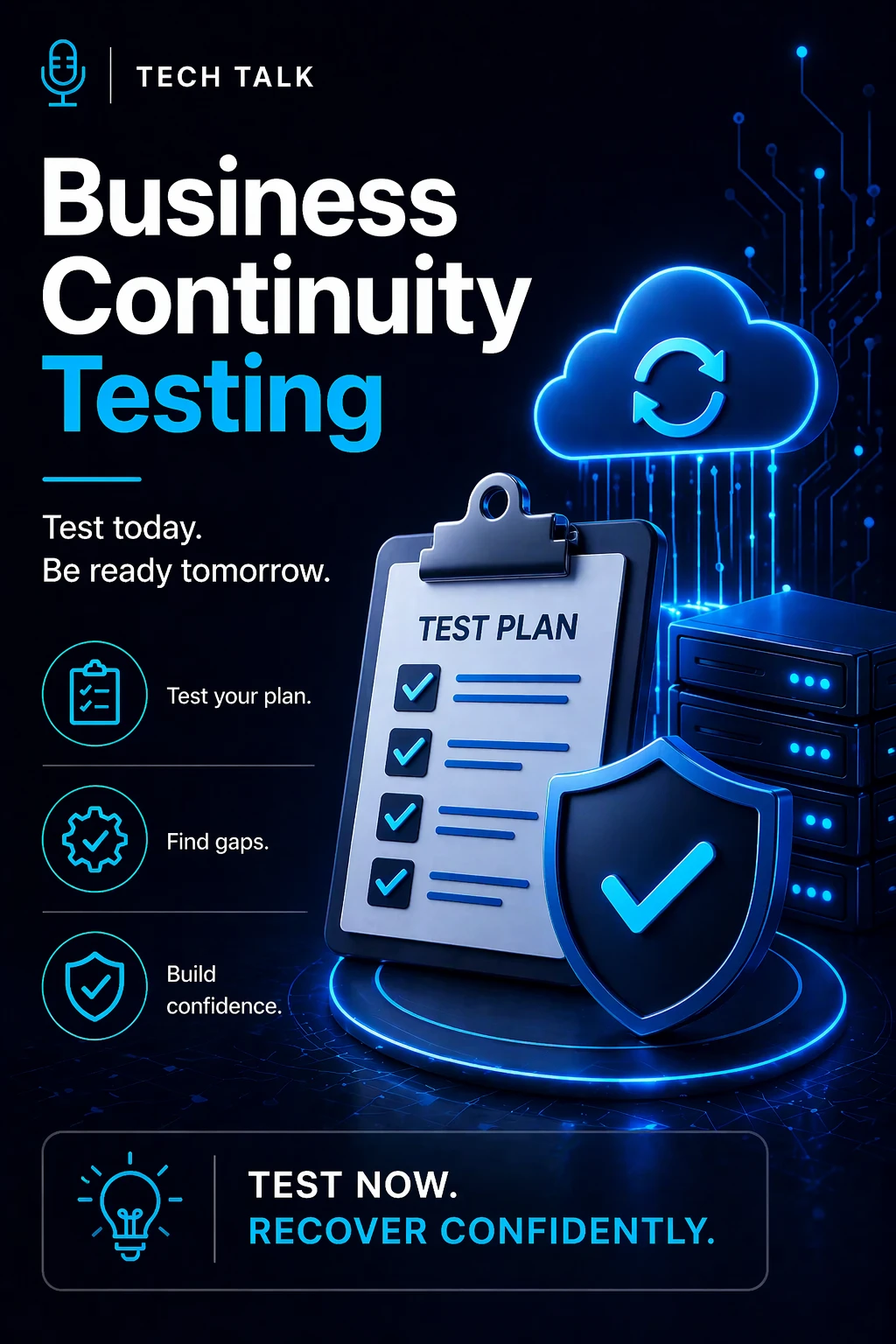
Why Testing Matters
Many organizations create business continuity plans.
But they never test them.
They assume:
- processes will work as designed
- teams will know what to do
- systems will perform as expected
In reality:
- plans break under pressure
- roles become unclear
- gaps are exposed too late
A business continuity plan that is not tested is an assumption — not a capability.
What Is Business Continuity Testing?
Business continuity testing is:
👉 the process of validating that your continuity plan works under realistic conditions
It is designed to:
- identify gaps and weaknesses
- validate processes and procedures
- ensure teams can execute under pressure
- confirm systems and workflows support operations
Testing answers:
👉 Will your business actually continue operating during a disruption?
What Testing Validates
Effective testing evaluates:
- operational workflows
- team coordination
- communication processes
- system dependencies
- decision-making under pressure
It ensures:
👉 continuity is executable — not theoretical
The Different Types of Continuity Testing
Not all testing is the same.
Each type provides a different level of validation.
1. Tabletop Exercises
- discussion-based scenarios
- teams walk through responses
- no live system impact
Best for:
- validating understanding
- identifying obvious gaps
Limitations:
- does not test real execution
2. Simulation Testing
- realistic scenario exercises
- teams actively respond to events
- partial system interaction
Best for:
- testing decision-making
- evaluating coordination
3. Technical Testing
- validates systems and infrastructure
- includes failover and recovery tests
Examples:
- backup restoration
- failover activation
- system redundancy checks
Best for:
- ensuring systems perform as expected
4. Full Interruption Testing
- real-world disruption simulation
- systems or processes are intentionally interrupted
Best for:
- validating complete readiness
Risks:
- operational impact
- requires careful planning
The more realistic the test, the more valuable the results — but also the higher the risk.
How Testing Works in Practice
A structured testing process includes:
-
Define Objectives
- what is being tested
- success criteria
-
Design the Scenario
- realistic disruption event
- clear scope
-
Execute the Test
- teams respond in real time
- processes are followed
-
Observe and Document
- identify breakdowns
- track response effectiveness
-
Review Results
- analyze gaps
- evaluate performance
-
Improve the Plan
- update processes
- refine roles and responsibilities
Testing is not about proving your plan works — it is about discovering where it fails.
What Happens When You Don’t Test
Without testing:
- plans remain theoretical
- teams lack confidence
- gaps go unnoticed
During a real incident, this leads to:
- confusion
- delays
- inconsistent response
- extended downtime
Un-tested plans fail in real-world conditions because they have never been validated.
Common Testing Mistakes
Organizations often:
- test too infrequently
- use unrealistic scenarios
- avoid challenging conditions
- fail to involve key stakeholders
- do not act on test results
These mistakes result in:
- false confidence
- incomplete validation
- repeated weaknesses
How Often Should You Test?
Testing should be:
- regular (at least annually, often quarterly for critical systems)
- varied (different scenarios and test types)
- updated (aligned with system and process changes)
Triggers for additional testing:
- major system changes
- new applications or infrastructure
- organizational changes
- regulatory requirements
How to Build an Effective Testing Program
To strengthen continuity testing:
- define clear testing objectives
- use realistic, high-impact scenarios
- involve cross-functional teams
- test both systems and processes
- document all findings
- continuously improve based on results
Testing should evolve as your business evolves.
How to Know If Your Testing Is Inadequate
Warning signs include:
- plans that have never been tested
- teams unsure of their roles
- repeated issues during incidents
- lack of documented test results
- overconfidence without evidence
If you cannot prove your continuity plan works, you should assume it does not.
What This Means for Your Business
Business continuity testing determines:
- how well your organization responds under pressure
- how quickly operations stabilize
- how effectively teams coordinate
- how resilient your business truly is
Testing turns a continuity plan into a reliable operational capability.
Final Thoughts
A business continuity plan is not complete when it is written.
It is complete when it is proven.
Testing ensures:
- readiness
- reliability
- resilience
Need help with this topic?
Make sure your backups actually work when it matters.
Most businesses discover backup failures during an outage. We help you validate recovery, reduce downtime risk, and build a system that works under pressure.
- Backup validation and testing
- Recovery time optimization
- Clear recovery documentation