Why This Decision Matters
Choosing between cloud and on-premise infrastructure is one of the most important IT decisions a business can make.
It affects:
- performance
- security
- cost structure
- scalability
- business continuity
- operational complexity
Many businesses assume one option is always better.
But the reality is:
👉 The right choice depends on your business—not the technology trend
Choosing the wrong infrastructure model can create long-term cost, performance, and operational challenges.
What Is On-Premise Infrastructure?
On-premise infrastructure means:
👉 your servers, storage, and systems are physically located and managed at your business or a private data center
This includes:
- local servers
- networking equipment
- storage systems
- backup devices
- physical security controls
Key Characteristics
- full control over systems
- physical access to infrastructure
- internal management responsibility
- capital expense (hardware purchases)
What Is Cloud Infrastructure?
Cloud infrastructure means:
👉 your systems are hosted in a provider’s environment and accessed over the internet
Examples include:
- Microsoft Azure
- Amazon Web Services (AWS)
- Google Cloud
Cloud environments provide:
- virtual servers
- scalable storage
- managed services
- remote accessibility
Key Characteristics
- subscription-based cost model
- scalable resources
- provider-managed hardware
- accessible from anywhere
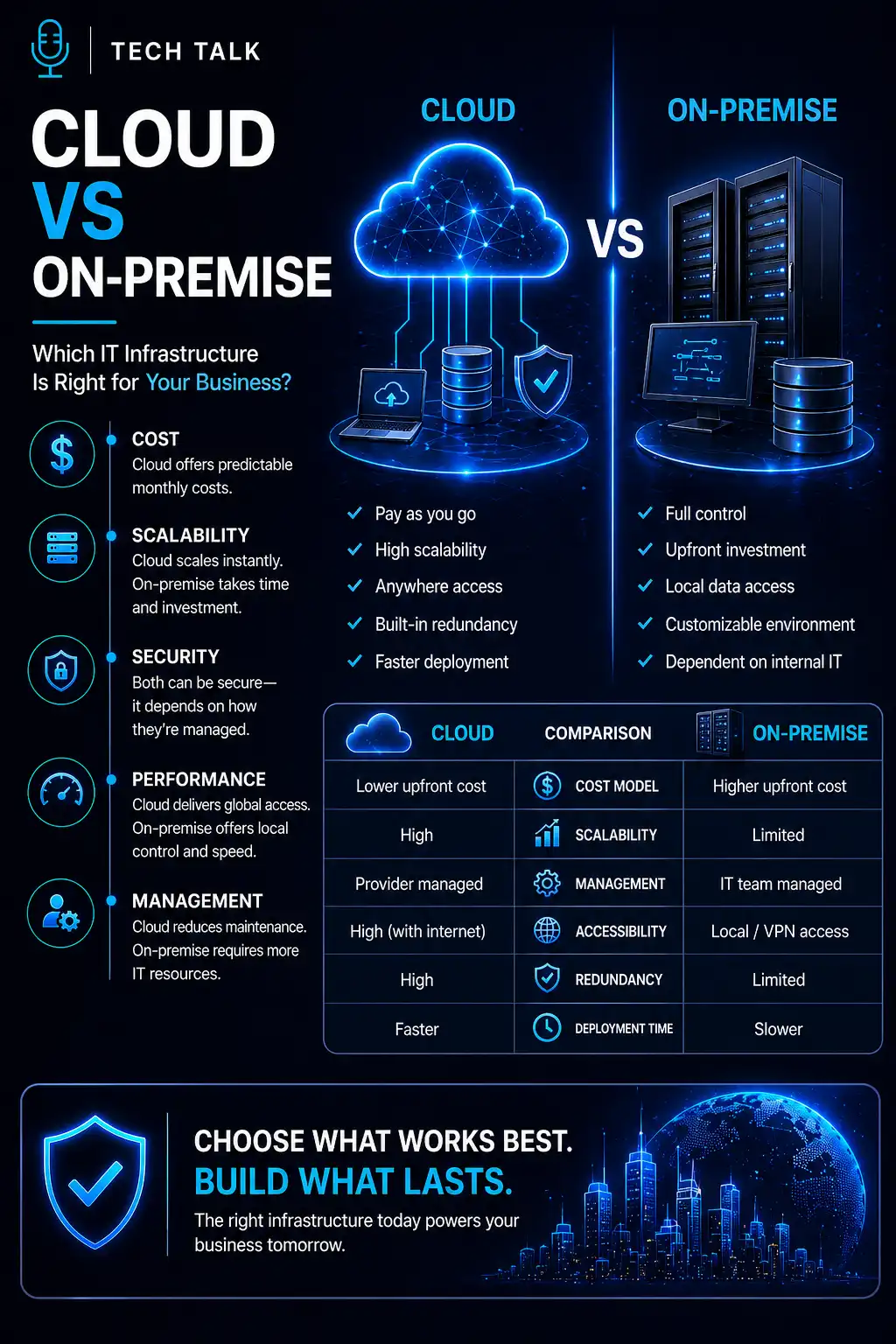
Cloud vs On-Premise: Core Differences
| Feature | Cloud | On-Premise |
|---|---|---|
| Cost Model | Operational (monthly) | Capital (upfront) |
| Scalability | High | Limited by hardware |
| Maintenance | Provider-managed | Internal responsibility |
| Accessibility | Anywhere | Typically local/VPN |
| Deployment Speed | Fast | Slower |
| Control | Shared | Full |
| Flexibility | High | Lower |
Cost: Upfront vs Ongoing
On-Premise Costs
- hardware purchases
- maintenance and upgrades
- power and cooling
- IT staff time
- replacement cycles
Costs are:
👉 front-loaded and ongoing
Cloud Costs
- subscription fees
- usage-based billing
- storage and data transfer
- scaling costs
Costs are:
👉 spread over time and tied to usage
The Reality About Cost
Neither option is always cheaper.
Cloud can become expensive if:
- resources are not optimized
- systems run continuously without scaling
- storage grows unchecked
On-premise can become expensive if:
- hardware is underutilized
- upgrades are frequent
- downtime impacts operations
The best cost model is the one aligned with your actual usage—not assumptions.
Performance Considerations
On-Premise Performance
- fast local access
- low latency for internal users
- dependent on internal network quality
Cloud Performance
- dependent on internet connectivity
- optimized for distributed users
- scalable under load
Cloud performance improves significantly with:
- proper architecture
- load balancing
- optimized scaling
Related reading:
Scalability: One of the Biggest Differences
On-Premise Scaling
- requires purchasing new hardware
- takes time to deploy
- limited by physical space and budget
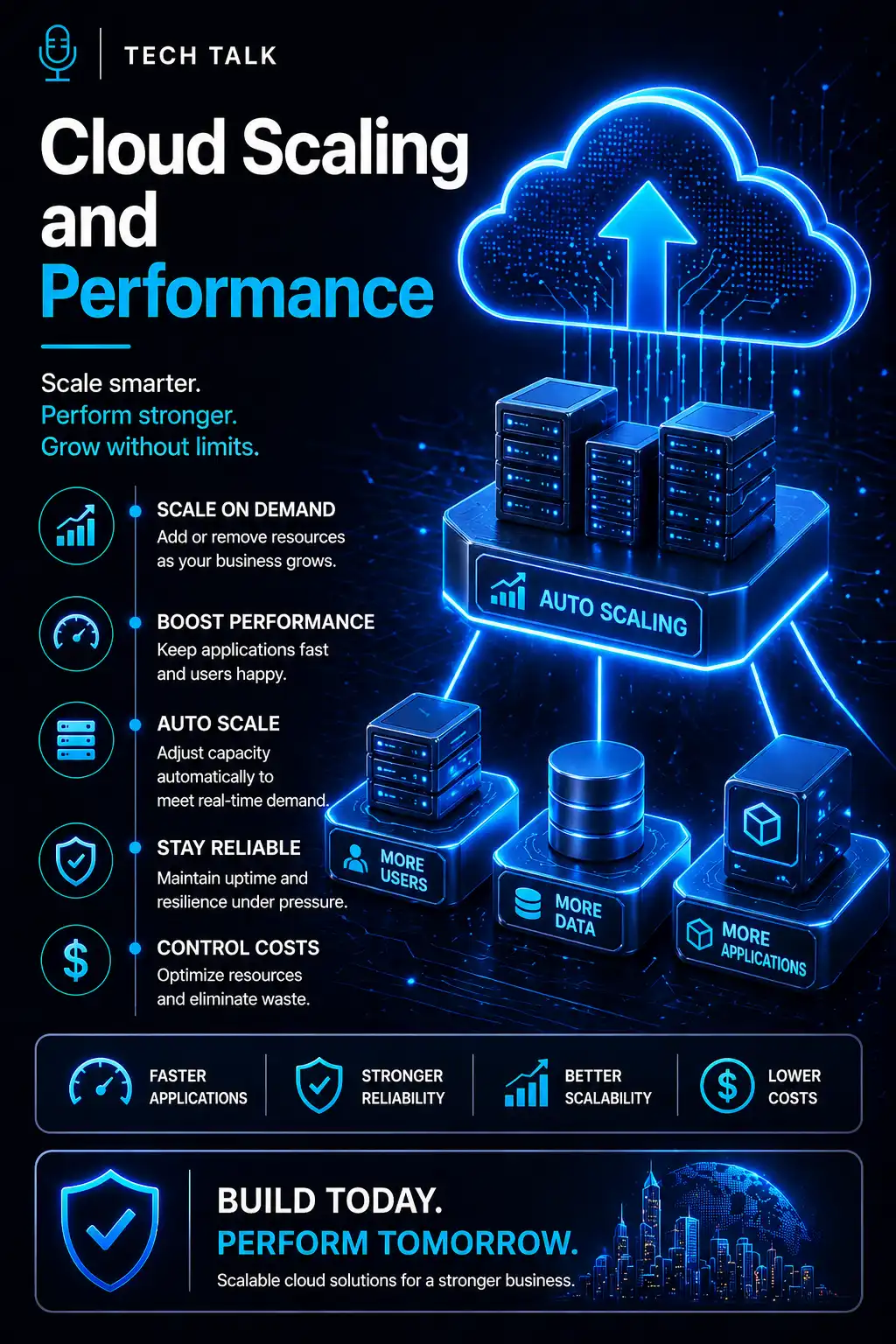
Cloud Scaling
- resources can be added instantly
- supports auto scaling
- adapts to demand
Cloud enables:
👉 growth without hardware delays
Security: Control vs Responsibility
On-Premise Security
- full control over systems
- internal responsibility for protection
- requires strong internal expertise
Cloud Security
- shared responsibility model
- provider secures infrastructure
- business secures data and access
Cloud security can be strong—but only if configured correctly.
Related reading:
Misconfigured cloud environments can create serious security vulnerabilities.
Business Continuity and Resilience
Infrastructure directly impacts:
- uptime
- disaster recovery
- operational continuity
On-Premise Challenges
- single location risk
- hardware failure impact
- limited redundancy
Cloud Advantages
- geographic redundancy
- built-in failover capabilities
- faster recovery options
Related reading:
Maintenance and Management
On-Premise
- hardware maintenance
- patching and updates
- system monitoring
- lifecycle management
Cloud
- provider manages infrastructure
- internal team manages configuration
- reduced hardware burden
Cloud reduces physical workload—but not strategic responsibility.
Hybrid Infrastructure: The Best of Both
Many businesses use a hybrid model:
👉 combining cloud and on-premise systems
This allows:
- sensitive workloads to stay local
- scalable workloads to move to cloud
- gradual migration
- flexibility across environments
Hybrid is often ideal for:
- growing businesses
- compliance-driven industries
- complex application environments
Common Mistakes Businesses Make
- assuming cloud automatically solves all problems
- staying on-premise without evaluating growth needs
- ignoring performance requirements
- underestimating cloud costs
- neglecting security configuration
- failing to plan for scaling
These mistakes create:
- inefficiencies
- higher costs
- security risks
- operational limitations
How to Choose the Right Approach
The right choice depends on:
- business size
- growth plans
- application requirements
- compliance needs
- budget structure
- internal IT capabilities
Ask:
- Do we need flexibility or control?
- Are our workloads predictable or variable?
- Can we manage infrastructure internally?
- Do we need geographic redundancy?
Signs You May Need to Move to the Cloud
- rapid business growth
- remote workforce expansion
- frequent hardware upgrades
- need for scalability
- performance issues during demand spikes
Signs On-Premise May Still Work
- stable, predictable workloads
- strict compliance requirements
- existing infrastructure investment
- need for full control
What This Means for Your Business
The decision is not:
👉 cloud vs on-premise
The real decision is:
👉 which model supports your business goals, risk tolerance, and growth strategy
Many businesses succeed with:
- cloud-first
- hybrid
- or selective on-premise retention
Final Thoughts
There is no universal “best” infrastructure.
Only:
👉 what works best for your business
Cloud provides:
- flexibility
- scalability
- accessibility
On-premise provides:
- control
- predictability
- direct ownership
The key is alignment.
Next Step
If you are unsure whether your current infrastructure is holding your business back:
- evaluate performance
- review costs
- assess scalability
- analyze security posture
Need help with this topic?
Make sure your backups actually work when it matters.
Most businesses discover backup failures during an outage. We help you validate recovery, reduce downtime risk, and build a system that works under pressure.
- Backup validation and testing
- Recovery time optimization
- Clear recovery documentation