Why Validation Matters
Many organizations believe they are prepared.
They have:
- documented continuity plans
- testing procedures
- defined recovery processes
But preparation is often based on:
- assumptions
- limited testing
- incomplete scenarios
Without validation:
- confidence may be misplaced
- gaps may remain hidden
- real incidents expose weaknesses
A business continuity plan is not proven until it has been validated under realistic conditions.
What Is Business Continuity Validation?
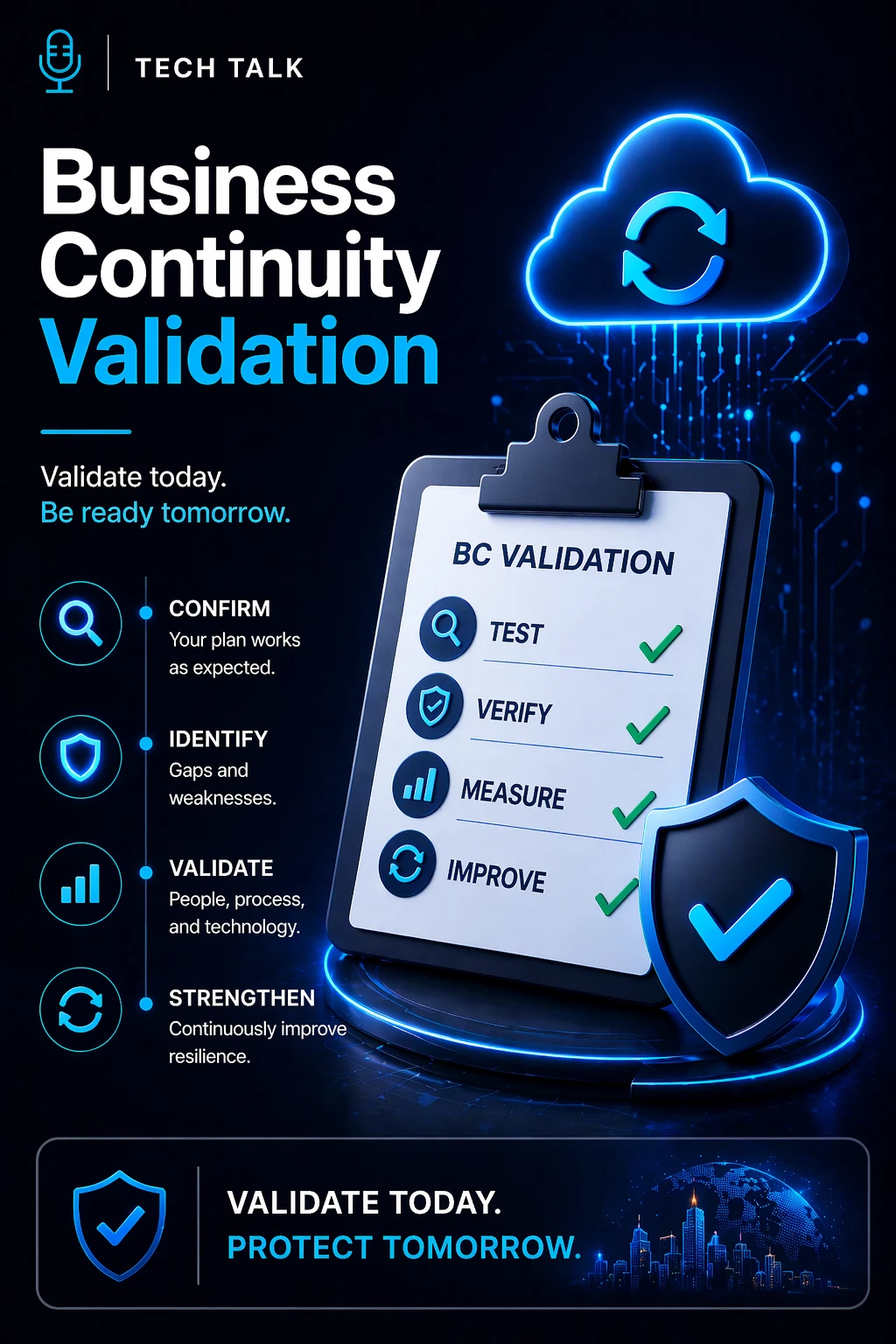
Business continuity validation is:
👉 the process of confirming that your continuity strategy works effectively under real-world conditions
It goes beyond testing by:
- verifying full execution capability
- confirming operational effectiveness
- ensuring systems and processes work together
Validation answers:
👉 Can your organization actually perform during a real disruption?
Testing vs Validation (Core Difference)
Testing and validation are closely related — but not the same.
Testing
- Identifies gaps and weaknesses
- Focuses on specific scenarios or components
- May be partial or simulated
- Evaluates readiness
Validation
- Confirms full plan effectiveness
- Tests complete, integrated execution
- Simulates real-world conditions
- Proves readiness
Testing tells you where your plan may fail — validation proves whether it will succeed.
What Validation Includes
Validation evaluates the full continuity capability.
This includes:
- operational workflows
- team coordination
- communication effectiveness
- system performance under load
- integration between continuity and recovery
It ensures:
👉 everything works together under pressure
How Validation Works in Practice
Validation is typically conducted through:
1. Integrated Scenario Testing
- full-scale disruption simulations
- multiple systems and teams involved
- realistic, high-impact conditions
2. End-to-End Execution
- continuity processes are fully executed
- recovery runs in parallel
- operations are maintained throughout
3. Realistic Constraints
- limited information
- time pressure
- resource limitations
These conditions replicate:
👉 real incident environments
4. Measured Outcomes
Validation evaluates:
- response time
- operational continuity
- system performance
- decision-making effectiveness
5. Formal Review and Sign-Off
Results are:
- documented
- analyzed
- approved by leadership
This creates:
👉 confidence backed by evidence
Validation is not theoretical — it is evidence that your continuity plan works.
Why Testing Alone Is Not Enough
Testing identifies issues — but does not confirm readiness.
Without validation:
- individual components may work
- full execution may fail
- dependencies may break under pressure
This leads to:
- incomplete preparedness
- unexpected failures
- higher impact during real incidents
Testing in isolation does not guarantee that your entire continuity strategy will function as a system.
What Happens Without Validation
Organizations that skip validation often experience:
- breakdowns between teams
- communication failures
- system integration issues
- delays in decision-making
During a real incident, this results in:
- extended downtime
- operational disruption
- increased financial impact
How to Build a Validation Process
To implement effective validation:
- design full-scale, realistic scenarios
- involve all critical teams and systems
- test end-to-end continuity and recovery
- measure performance against objectives
- document results and lessons learned
- obtain leadership review and approval
Validation should be:
- structured
- repeatable
- continuously improved
How Often Should You Validate?
Validation should occur:
- periodically (at least annually)
- after major changes to systems or processes
- after significant incidents
- when new risks are identified
More frequent validation may be required for:
- high-risk environments
- critical operations
How to Know If You Lack Validation
Warning signs include:
- reliance on assumptions rather than evidence
- testing limited to isolated components
- lack of full-scale scenario testing
- no documented proof of readiness
If you cannot prove your continuity plan works end to end, your readiness is unverified.
What This Means for Your Business
Validation determines:
- how well your organization performs during disruption
- how effectively systems and processes integrate
- how quickly operations stabilize
- how confident leadership can be in continuity planning
Validation turns confidence into certainty by proving your plan works under real conditions.
Final Thoughts
Testing is essential.
But validation is what proves readiness.
Without validation:
- plans are assumptions
- risk remains
With validation:
- readiness is measurable
- resilience is real
Need help with this topic?
Make sure your backups actually work when it matters.
Most businesses discover backup failures during an outage. We help you validate recovery, reduce downtime risk, and build a system that works under pressure.
- Backup validation and testing
- Recovery time optimization
- Clear recovery documentation