Why This Matters
Many businesses believe they are protected because they have failover systems in place.
They assume:
- systems will automatically switch
- downtime will be minimal
- operations will continue uninterrupted
But during real disruptions:
- failover may not cover every system
- processes may still break
- employees may not know how to continue
That gap exists because:
👉 failover maintains system availability — business continuity maintains business operations
Failover keeps systems online — it does not guarantee your business continues to operate effectively.
What Is Failover?
Failover is:
👉 the automatic switching to a backup system when a primary system fails
It is designed to:
- maintain system uptime
- reduce service interruption
- provide redundancy
Failover typically applies to:
- servers and infrastructure
- cloud environments
- network connectivity
- applications and databases
Failover answers:
👉 Can your systems stay online when something breaks?
What Is Business Continuity?
Business continuity is:
👉 the ability to maintain critical operations during and after disruption
It focuses on:
- keeping business functions running
- maintaining service delivery
- adapting processes when systems are unavailable
Continuity answers:
👉 Can your business keep operating when systems fail or degrade?
Failover vs Continuity (Core Difference)
Failover
- Maintains system availability
- Automatic or near-automatic response
- Focuses on infrastructure and technology
- Reduces downtime at the system level
Business Continuity
- Maintains business operations
- Includes people, processes, and systems
- Focuses on service delivery
- Ensures the business continues functioning
Failover without continuity can leave your systems online — but your operations still disrupted.
How Failover Works in Practice
When a failure occurs:
-
Primary System Fails
- server crash
- network outage
- cloud service disruption
-
Failover Triggers
- backup system activates
- traffic is redirected
-
Secondary System Takes Over
- applications continue running
- users regain access
This process is designed to be:
- automatic
- fast
- transparent to users
Failover reduces downtime — but it does not eliminate disruption across all systems and processes.
Where Failover Falls Short
Failover is powerful — but limited.
It does not address:
- manual business processes
- communication breakdowns
- dependencies between systems
- partial system failures
- user confusion during incidents
Real-world gaps include:
- VoIP systems fail over, but call routing breaks
- applications are online, but integrations fail
- employees have access, but processes are unclear
Failover protects systems — not the workflows that depend on them.
How Continuity Complements Failover
Business continuity fills the gaps failover cannot cover.
It ensures:
- employees know what to do
- alternative processes exist
- communication remains clear
- operations continue even with degraded systems
Examples include:
- manual order processing if systems lag
- alternate communication channels if email fails
- fallback workflows for critical functions
What Happens During a Real Incident
Consider a realistic scenario:
- a cloud outage impacts your primary systems
- failover shifts workloads to a secondary environment
With Failover Only:
- systems come back online
- performance may degrade
- integrations may fail
- teams struggle to operate
With Failover + Continuity:
- failover restores system access
- continuity processes guide operations
- teams adapt quickly
- customer impact is minimized
Failover restores access — continuity restores usability.
Why Failover Alone Is Not Enough
Failover solves:
- system downtime
- infrastructure failure
- service availability
It does not solve:
- operational disruption
- process gaps
- decision-making during incidents
- coordination across teams
This leads to:
- confusion during outages
- inconsistent response
- reduced productivity
Businesses invest in failover technology — but not in the processes required to use it effectively.
What a Complete Strategy Looks Like
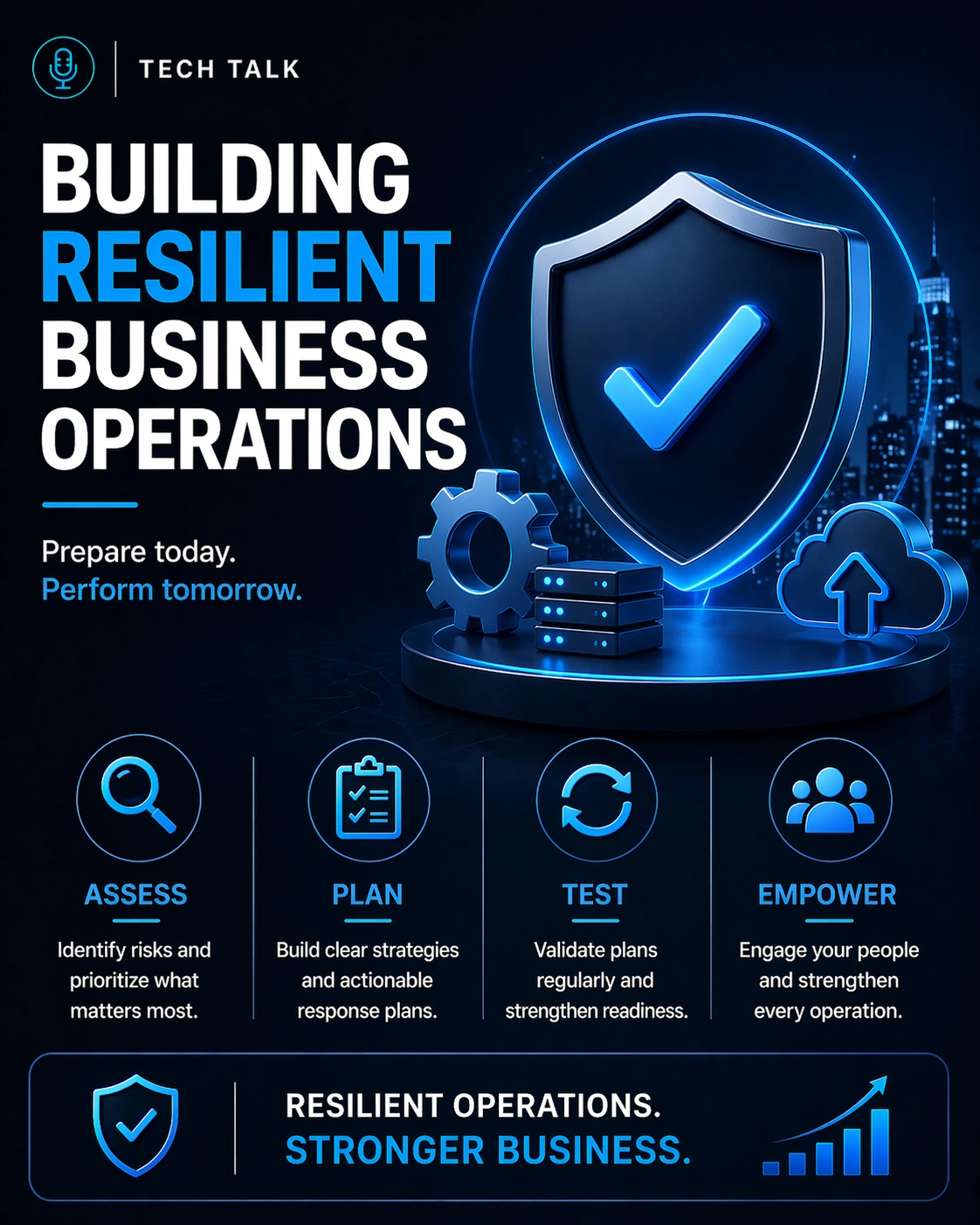
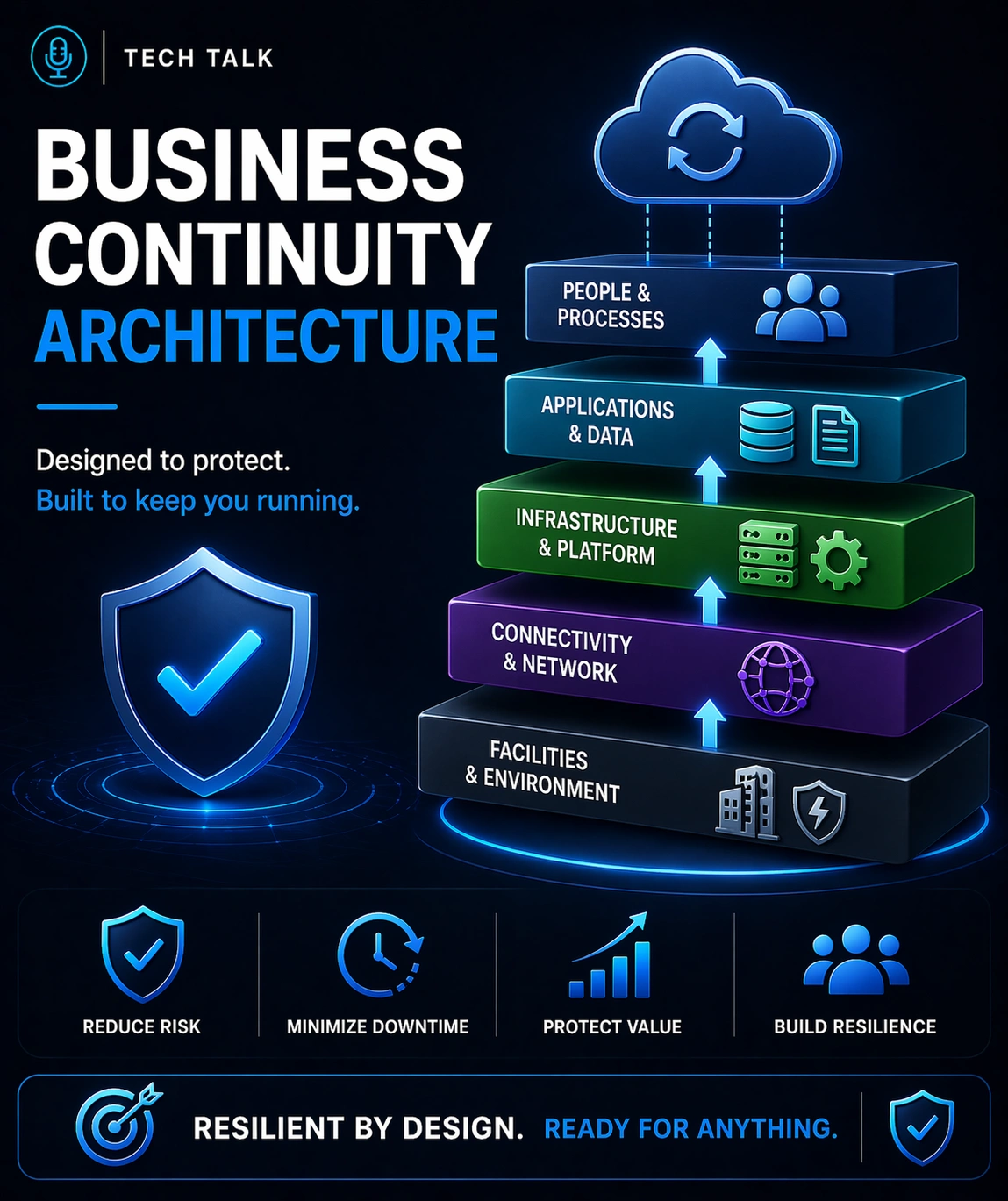
A resilient strategy includes both failover and continuity.
Failover Capabilities
- redundant infrastructure
- cloud failover environments
- automated system switching
- load balancing and replication
Business Continuity Capabilities
- documented fallback processes
- clear roles and responsibilities
- communication planning
- continuity testing
Together, they ensure:
👉 systems stay available and operations continue
How to Know If You Have a Gap
You may be relying too heavily on failover if:
- operations slow down even when systems are online
- employees are unsure how to proceed during outages
- processes depend entirely on system availability
- continuity plans are undocumented or untested
If your systems can fail over but your business cannot operate smoothly, your continuity strategy is incomplete.
What This Means for Your Business
The relationship between failover and continuity determines:
- how much downtime you actually experience
- how efficiently your teams operate during disruption
- how customers experience outages
- how resilient your business truly is
Failover keeps systems running — continuity keeps your business running.
Final Thoughts
Failover is essential.
But it is only part of the solution.
Business continuity ensures your organization can operate through disruption — not just survive it.
Need help with this topic?
Make sure your backups actually work when it matters.
Most businesses discover backup failures during an outage. We help you validate recovery, reduce downtime risk, and build a system that works under pressure.
- Backup validation and testing
- Recovery time optimization
- Clear recovery documentation