Why This Difference Matters
When disruption happens, most businesses focus on:
- identifying the issue
- stopping the problem
- restoring systems
This is incident response.
But during that time:
- operations may stop
- employees may be idle
- customers may be impacted
That gap exists because:
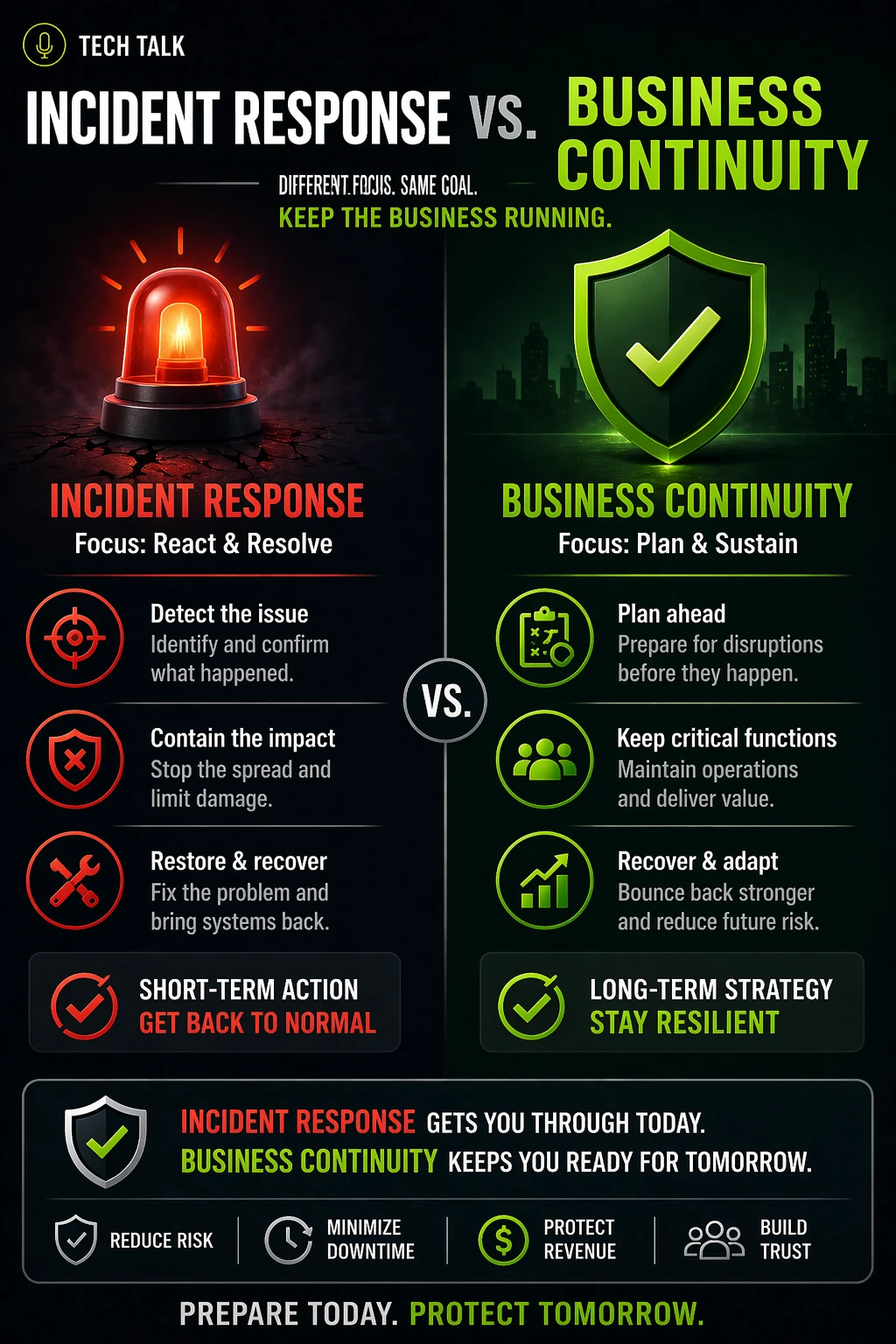
👉 incident response manages the incident — business continuity manages the business
Stopping the problem does not keep your business running.
What Is Incident Response?
Incident response is the process of:
👉 detecting, analyzing, containing, and resolving a disruption or security event
It focuses on:
- identifying the root cause
- containing the issue
- mitigating damage
- restoring system integrity
Incident response answers:
👉 How do we stop and fix the problem?
What Is Business Continuity?
Business continuity is the ability to:
👉 maintain critical operations during and after disruption
It focuses on:
- keeping business functions active
- maintaining service delivery
- adapting processes during outages
Business continuity answers:
👉 How does the business keep operating while the problem is being resolved?
Incident Response vs Business Continuity (Core Difference)
Incident Response
- Manages and resolves the incident
- Focuses on technical containment and recovery
- Stops the problem
- Executed by IT/security teams
Business Continuity
- Maintains operations during disruption
- Focuses on business processes and services
- Keeps the business running
- Executed across the organization
You can successfully resolve an incident — and still have your business down.
What Happens in a Real Incident
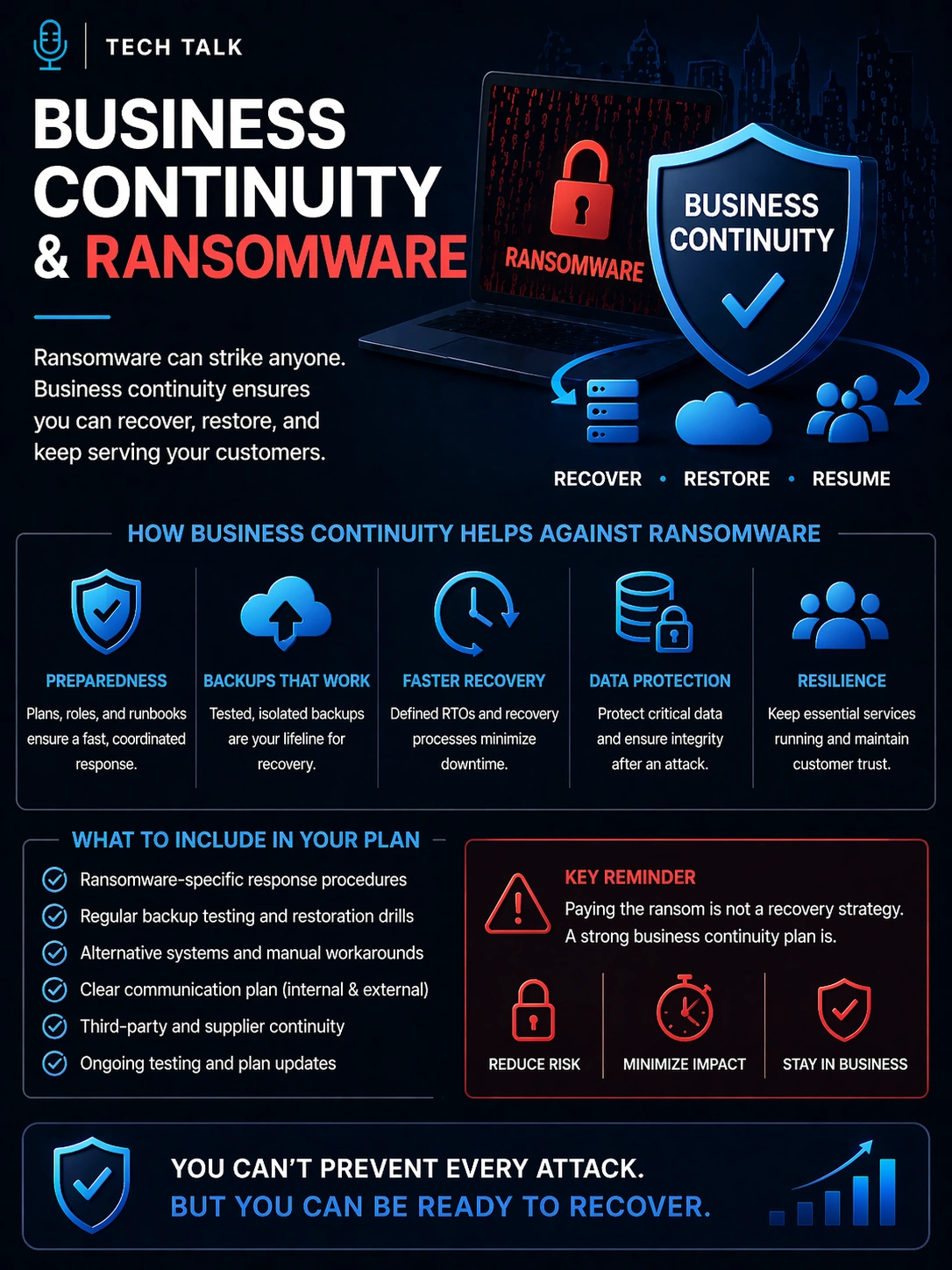
Consider a ransomware attack:
- systems are compromised
- access is restricted
- data may be unavailable
Incident Response:
- identifies the attack
- isolates affected systems
- removes the threat
- begins system restoration
Business Continuity:
- activates fallback processes
- maintains critical operations
- ensures employees can continue working
Both run simultaneously.
Incident response works on the problem — continuity works around it.
Why Incident Response Alone Is Not Enough
Incident response focuses on:
- stopping the issue
- restoring systems
It does not focus on:
- maintaining operations
- keeping employees productive
- serving customers during disruption
This creates a gap:
- the business waits for resolution
Without continuity, your business stops while incident response is in progress.
How They Work Together
Incident response and business continuity must be coordinated.
- incident response reduces damage
- business continuity reduces impact
- together, they minimize disruption
A coordinated approach ensures:
- faster recovery
- continued operations
- reduced business loss
The Timeline of a Disruption
Understanding timing is critical.
-
Incident Occurs
- systems are impacted
-
Incident Response Begins
- issue is identified and contained
-
Business Continuity Activates
- operations continue through fallback processes
-
Recovery Progresses
- systems are restored
-
Return to Normal
- continuity processes phase out
Incident response manages the event — continuity ensures the business does not stop during it.
Where Most Businesses Get It Wrong
Common mistakes include:
- focusing only on incident response
- assuming systems will be restored quickly
- failing to plan for operational continuity
- not coordinating response and continuity
This leads to:
- unnecessary downtime
- operational disruption
- increased impact
What a Complete Strategy Looks Like
A strong approach includes:
Incident Response
- detection and monitoring
- response procedures
- containment strategies
- recovery processes
Business Continuity
- fallback processes
- operational prioritization
- communication planning
- continuity testing
Together, they create:
👉 resilience
How to Know If You Have a Gap
You may be over-relying on incident response if:
- operations stop during incidents
- employees cannot work without systems
- continuity processes are undefined
- recovery is the only focus
If your business cannot operate during an incident, your strategy is incomplete.
What This Means for Your Business
The difference between incident response and continuity determines:
- how long your business is disrupted
- how customers experience incidents
- how much impact is sustained
Resolving the incident is not enough — your business must continue while it is being resolved.
Final Thoughts
Incident response is essential.
But it solves only part of the problem.
Business continuity ensures your organization can function while that problem is being solved.
Need help with this topic?
Make sure your backups actually work when it matters.
Most businesses discover backup failures during an outage. We help you validate recovery, reduce downtime risk, and build a system that works under pressure.
- Backup validation and testing
- Recovery time optimization
- Clear recovery documentation