What Cloud Infrastructure Really Is
Most businesses believe they “use the cloud.”
What they actually use is a collection of services built on top of cloud infrastructure.
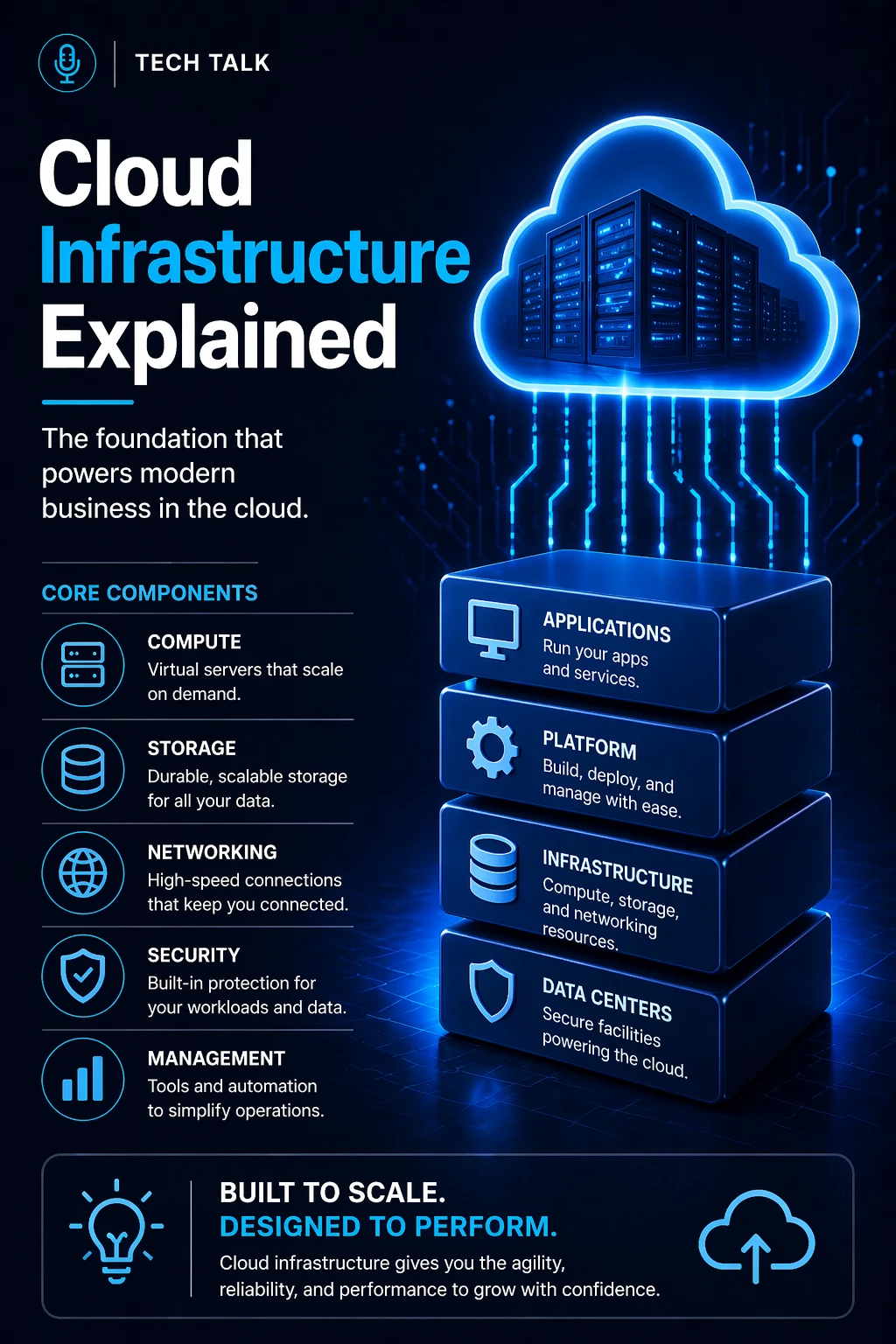
Cloud infrastructure is the underlying system that powers everything:
- applications
- data storage
- user access
- system performance
- recovery capability
It is not a single tool or platform.
It is a layered, interconnected environment.
Using cloud software does not mean your infrastructure is properly designed, secure, or resilient.
What a Real Infrastructure Failure Looks Like
Cloud infrastructure rarely fails all at once.
Failures develop in stages.
A typical real-world scenario:
- systems operate normally under low demand
- usage increases (growth, new users, peak activity)
- performance begins to degrade
- dependencies become strained
- bottlenecks appear (network, storage, compute)
- systems slow or fail
At that point:
- users experience downtime
- applications become unreliable
- recovery becomes complex
Cloud infrastructure failures often happen during growth or stress — not during normal operation.
How Cloud Infrastructure Actually Works
Cloud infrastructure operates through virtualization and distributed systems.
Instead of relying on physical hardware in one location:
- resources are virtualized
- workloads are distributed
- systems are dynamically allocated
At a high level:
- Resources are provisioned (compute, storage, networking)
- Systems are connected through virtual networks
- Applications run on top of these resources
- Monitoring and automation manage performance
This allows:
- rapid scaling
- flexible resource allocation
- global availability
But it also introduces:
- complexity
- dependency chains
- configuration risk
The Core Layers of Cloud Infrastructure
Every cloud environment is built on multiple layers.
Each layer plays a critical role — and each can fail independently.
1. Compute Layer (Where Work Happens)
This is where applications and services run.
Includes:
- virtual machines (VMs)
- containers
- serverless functions
This layer determines:
- processing power
- system responsiveness
- application performance
What breaks here:
- insufficient resources under load
- poor scaling configuration
- misallocated compute
2. Storage Layer (Where Data Lives)
This layer handles all data.
Types include:
- block storage (databases, systems)
- file storage (shared access)
- object storage (cloud-native data)
This layer determines:
- data availability
- performance
- durability
What breaks here:
- slow I/O performance
- lack of redundancy
- insufficient retention
3. Networking Layer (How Everything Connects)
Networking is often the most misunderstood layer.
It includes:
- virtual private clouds (VPCs)
- subnets
- routing rules
- firewalls
- load balancers
This layer controls:
- traffic flow
- system communication
- external access
Many cloud outages are caused by networking misconfigurations — not system failures.
4. Security Layer (What Protects Everything)
Security exists across all layers.
It includes:
- identity and access management (IAM)
- encryption
- logging and monitoring
This layer determines:
- who can access systems
- how data is protected
- how threats are detected
What breaks here:
- overly permissive access
- lack of visibility
- unprotected backups
5. Management & Automation Layer (What Keeps It Running)
Modern cloud environments rely heavily on automation.
This includes:
- auto-scaling
- monitoring tools
- infrastructure as code (IaC)
This layer allows:
- consistent deployments
- fast scaling
- reduced human error
What breaks here:
- lack of monitoring
- manual processes
- inconsistent configurations
How These Layers Interact (Where Complexity Comes From)
Cloud infrastructure is not linear.
It is deeply interconnected.
Example:
- an application (compute)
- accesses a database (storage)
- through a private network (networking)
- secured by permissions (security)
- monitored by automated systems (management)
If one layer fails:
- the entire system is affected
Cloud systems are only as strong as their weakest layer — and most failures come from how layers interact.
Why Architecture Matters More Than Provider
Many businesses focus on:
- AWS
- Azure
- Google Cloud
But the provider does not determine success.
Architecture does.
A poorly designed environment will fail on any platform.
The cloud provider gives you tools — your architecture determines whether they work.
What a Poorly Designed Cloud Environment Looks Like
Most environments evolve without planning.
Common issues include:
- overprovisioned resources
- underprovisioned systems
- lack of redundancy
- insecure configurations
- no monitoring or alerting
These problems lead to:
- slow systems
- unpredictable outages
- rising costs
What a Well-Designed Cloud Environment Looks Like
A strong architecture includes:
- scalable compute resources
- redundant and distributed storage
- segmented networks
- strict access controls
- automated monitoring and scaling
Well-designed cloud infrastructure balances performance, cost, and resilience — not just one of them.
The Hidden Complexity Most Businesses Miss
Cloud environments look simple from the outside.
Internally, they are:
- highly distributed
- dependent on multiple services
- constantly changing
This creates:
- hidden dependencies
- cascading failure risks
- difficult troubleshooting
The more your cloud environment grows, the more complex — and fragile — it can become without proper design.
What Breaks Cloud Infrastructure (Most Common Causes)
Failures are rarely random.
They come from predictable issues:
- misconfiguration
- lack of visibility
- poor scaling design
- weak security
- untested recovery processes
How to Know If You Don’t Fully Understand Your Environment
You may have a gap if:
- you cannot diagram your infrastructure
- you do not know system dependencies
- you rely on default configurations
- you cannot explain recovery steps
If your infrastructure cannot be clearly explained, it cannot be fully controlled or trusted.
How This Connects to Other Cloud Topics
Understanding infrastructure is the foundation for:
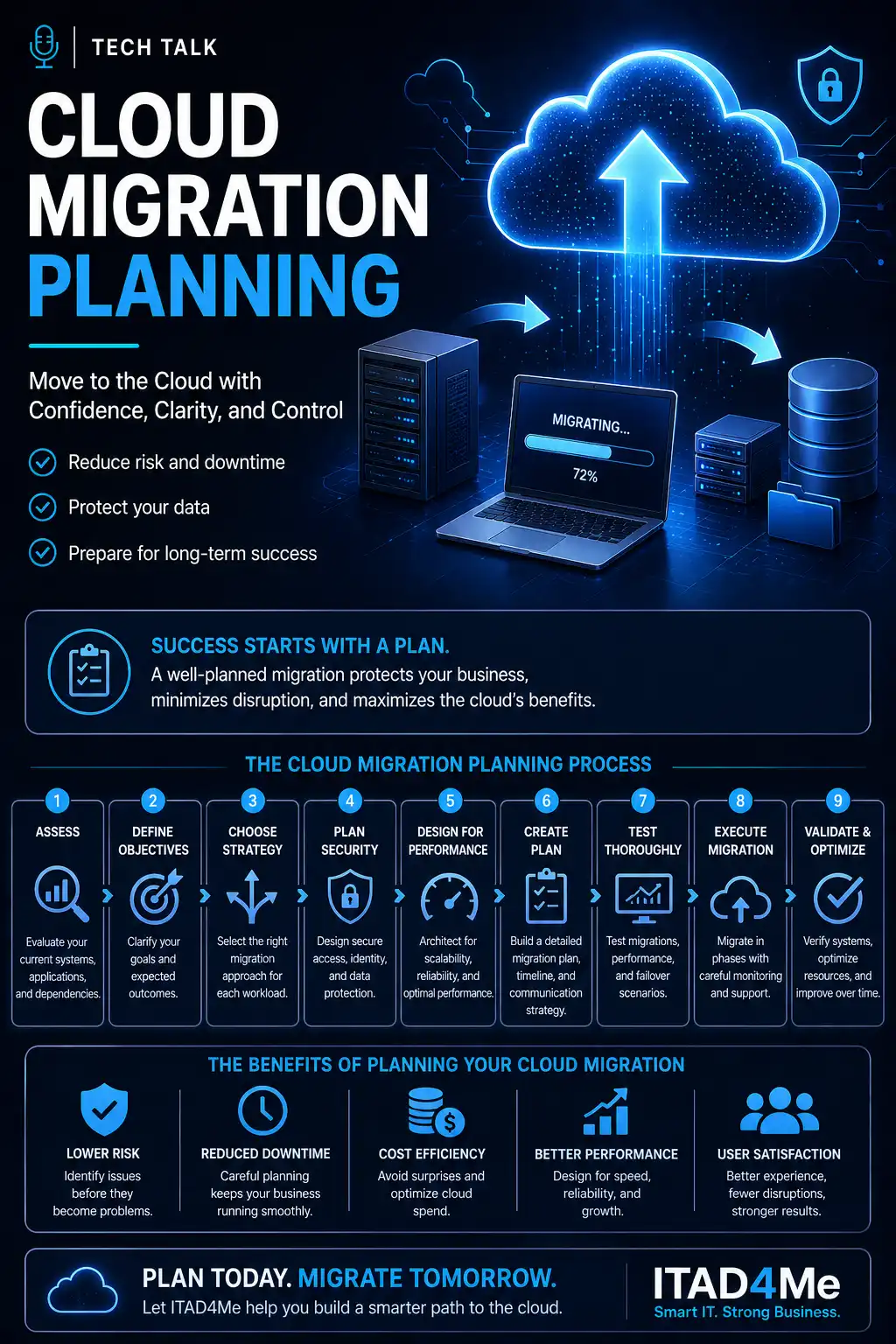
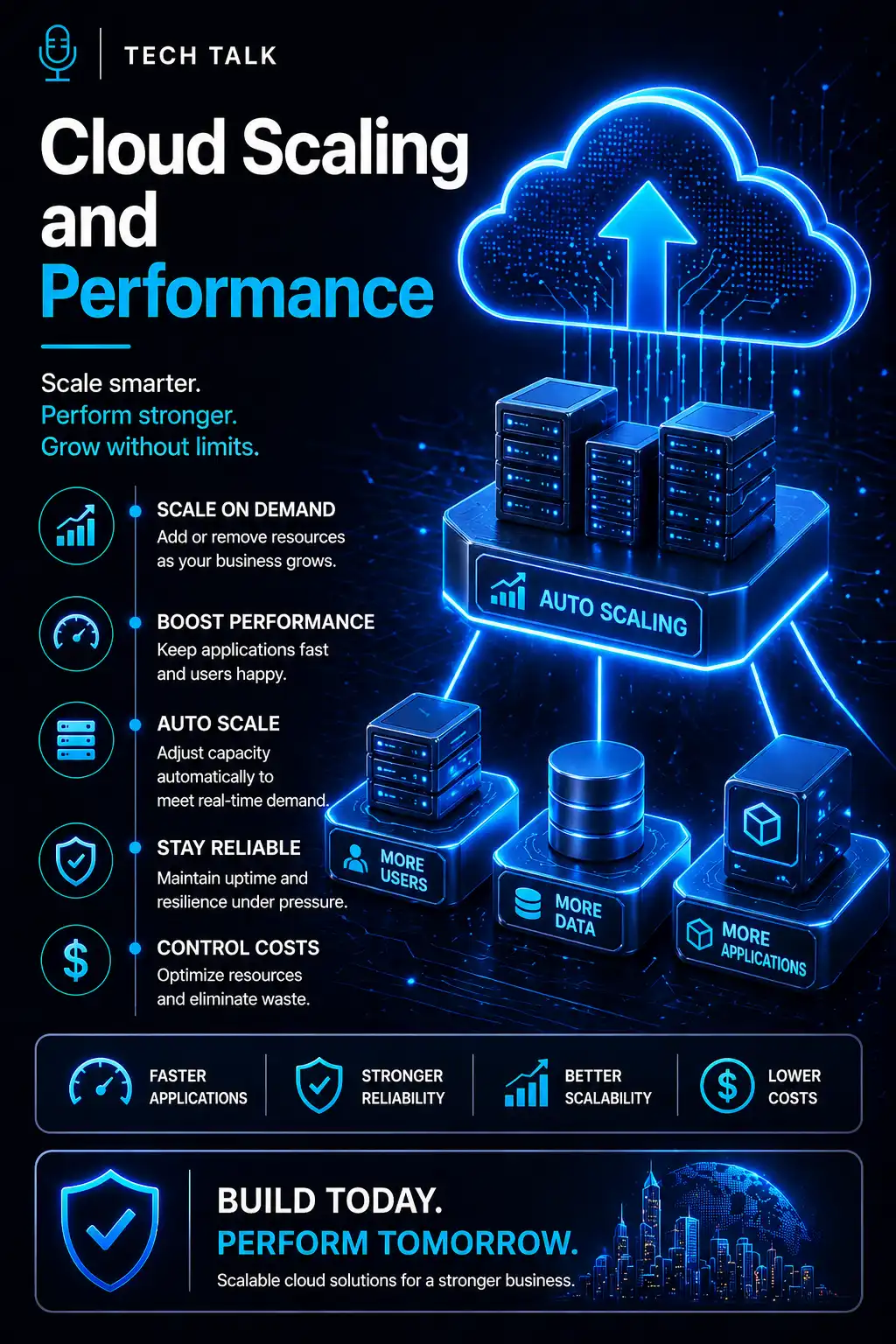
- cloud scaling and performance
- cloud infrastructure security
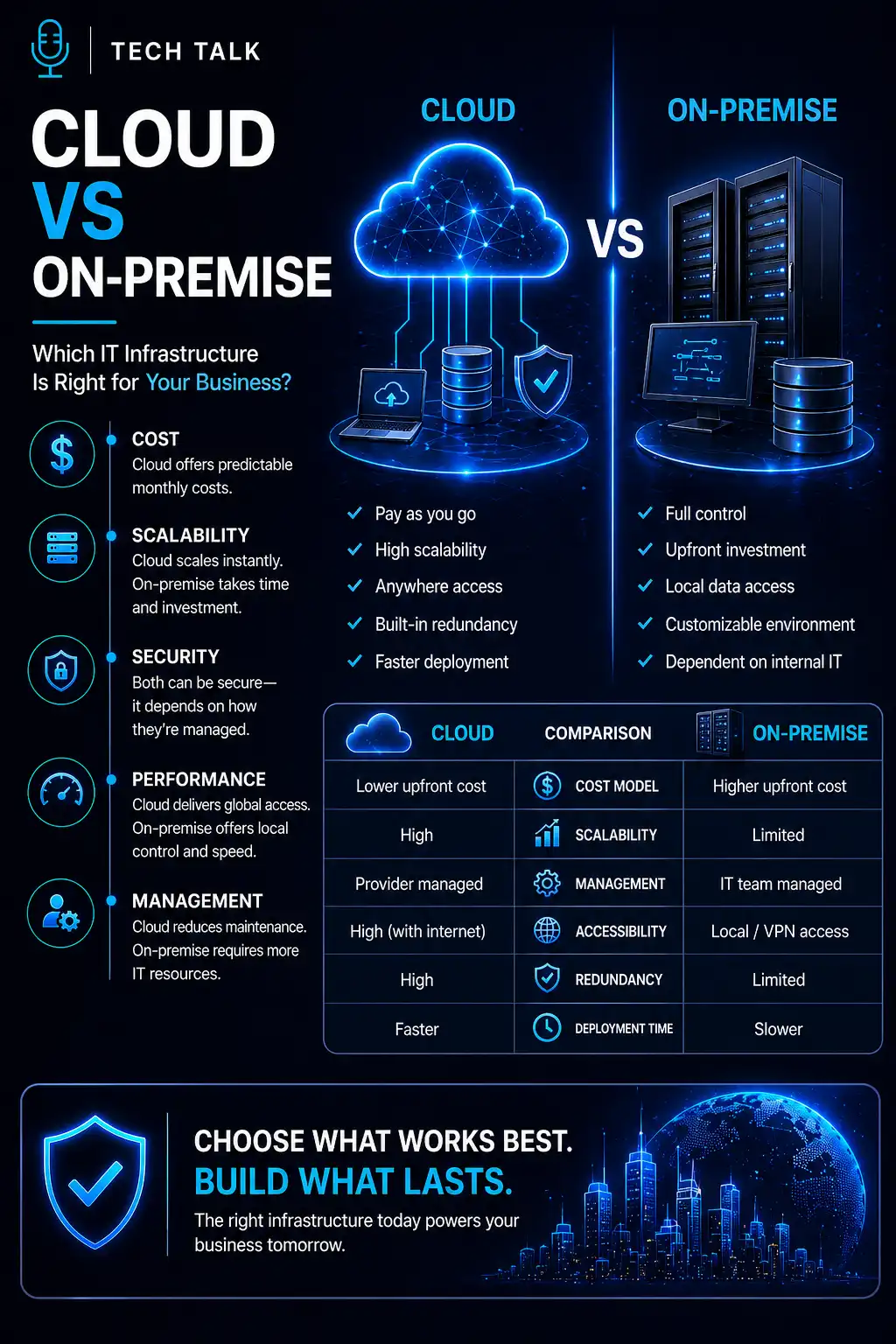
- cloud vs on-premise
- cloud architecture design
What This Means for Your Business
Your infrastructure determines:
- how your systems perform
- how your business scales
- how quickly you recover from failure
It is not just technical.
It is operational.
Your infrastructure defines the limits of your business — not just your technology.
Final Thoughts
Cloud infrastructure is not about moving to the cloud.
It is about designing systems that work under real conditions:
- high demand
- unexpected failures
- security threats
Need help with this topic?
Make sure your backups actually work when it matters.
Most businesses discover backup failures during an outage. We help you validate recovery, reduce downtime risk, and build a system that works under pressure.
- Backup validation and testing
- Recovery time optimization
- Clear recovery documentation