What Help Desk Triage Really Means
Help desk triage is the process of:
- evaluating incoming tickets
- assigning priority
- routing issues correctly
It determines:
- how quickly issues are addressed
- who handles them
- how much impact occurs
Without triage:
- tickets pile up
- priorities are unclear
- critical issues are delayed
Not all IT issues are equal — triage determines what gets attention first.
Why Triage Categories Matter
Triage categories help organizations:
- reduce response time
- improve efficiency
- minimize downtime
They also ensure:
- critical issues are escalated
- routine issues are handled efficiently
This is especially important when dealing with incidents described in incident response plan basics.
The Biggest Risk: Treating All Tickets the Same
Many organizations:
- use generic ticket queues
- lack prioritization
This leads to:
- delayed responses
- missed critical issues
If everything is treated as urgent, nothing is prioritized correctly.
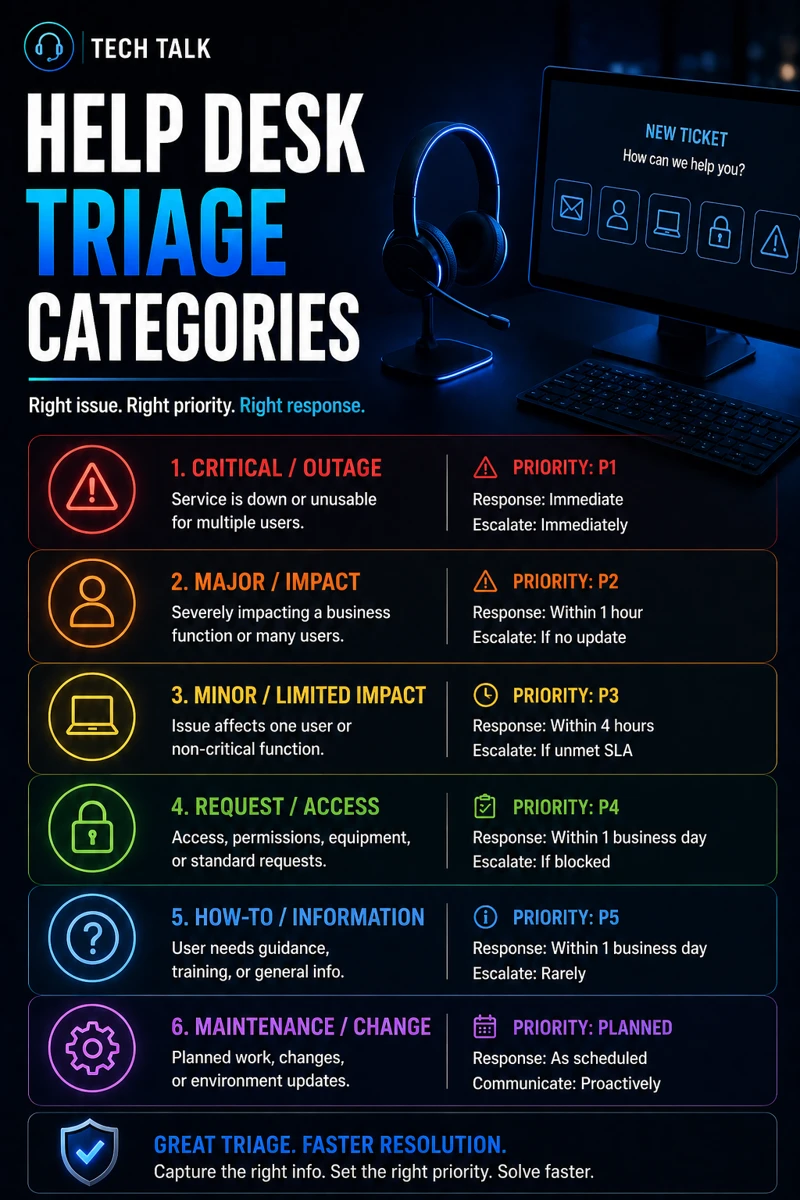
Core Help Desk Triage Categories
A strong triage model includes clear categories.
1. Critical (P1) – Immediate Response Required
These issues include:
- system outages
- security incidents
- ransomware attacks
These must be:
- addressed immediately
- escalated quickly
This aligns with ransomware readiness 60-minute executive checklist.
2. High Priority (P2) – Major Impact
These issues include:
- degraded systems
- multiple users affected
- critical functionality issues
These require:
- rapid response
- prioritized handling
3. Medium Priority (P3) – Limited Impact
These issues include:
- single-user problems
- non-critical disruptions
These can be:
- scheduled
- handled in normal workflow
4. Low Priority (P4) – Routine Requests
These include:
- password resets
- access requests
- general support
These are:
- important
- but not urgent
5. Security Incidents (Special Category)
Security-related tickets must be separated.
These include:
- suspicious activity
- phishing reports
- account compromise
This aligns with phishing defense real world and business email compromise.
Security incidents should always bypass normal queues and be escalated immediately.
The Role of Severity vs Priority
Triage involves two key factors:
- severity (impact)
- priority (urgency)
Understanding both ensures:
- accurate categorization
- proper response timing
The Role of Automation in Triage
Automation can help:
- categorize tickets
- assign priorities
- route issues
But it must be:
- monitored
- validated
The Role of User Input
Users must provide:
- clear descriptions
- accurate impact details
Poor input leads to:
- misclassification
- delayed response
The Hidden Risk: Misclassified Tickets
Misclassification leads to:
- delayed response
- unresolved issues
- increased downtime
This is especially dangerous for:
- security incidents
- system outages
Misclassified tickets can turn small issues into major disruptions.
The Role of Security in Triage
Security must be integrated into triage.
This includes:
- identifying suspicious behavior
- escalating potential threats
This aligns with:
The Role of Documentation
Triage categories must be:
- clearly defined
- consistently applied
This ensures:
- predictable workflows
- improved efficiency
The Role of Incident Response Integration
Triage must connect to:
- incident response plans
- escalation procedures
This aligns with incident response plan basics.
Triage is the first step in incident response.
The Complexity of Help Desk Operations
Help desk teams handle:
- high ticket volume
- varying issue types
- different priorities
This creates:
- operational complexity
- risk of errors
What a Strong Triage System Looks Like
A strong system includes:
- clearly defined categories
- consistent prioritization
- automated routing
- escalation procedures
It must also align with:
- security practices
- operational workflows
Effective triage combines structure, automation, and human judgment.
How Triage Impacts Business Operations
Triage directly affects:
- response time
- downtime
- user satisfaction
Poor triage leads to:
- delays
- inefficiency
- increased risk
Proper triage reduces downtime and improves operational efficiency.
How to Know If Your Triage Process Is Weak
You may have a gap if:
- tickets are misprioritized
- response times are inconsistent
- critical issues are delayed
- escalation is unclear
If your help desk feels reactive instead of structured, your triage process needs improvement.
How to Improve Help Desk Triage
Start with:
- defining clear categories
- training staff on prioritization
- implementing automation
- integrating security escalation
These steps align with broader operational improvements.
How This Connects to Other Cybersecurity Topics
Triage connects to:
- incident response plan basics
- phishing defense real world
- business email compromise
- endpoint security basics edr vs antivirus
- ransomware readiness 60-minute executive checklist
What This Means for Your Business
Your triage process determines:
- how quickly issues are resolved
- how effectively resources are used
- how much risk is reduced
It is not optional.
It is essential.
Triage is the foundation of effective IT support and incident management.
Final Thoughts
Help desk triage is more than ticket management.
It is:
- prioritization
- risk management
- operational control
When done correctly:
- issues are resolved faster
- teams are more efficient
- risks are reduced
Need help with this topic?
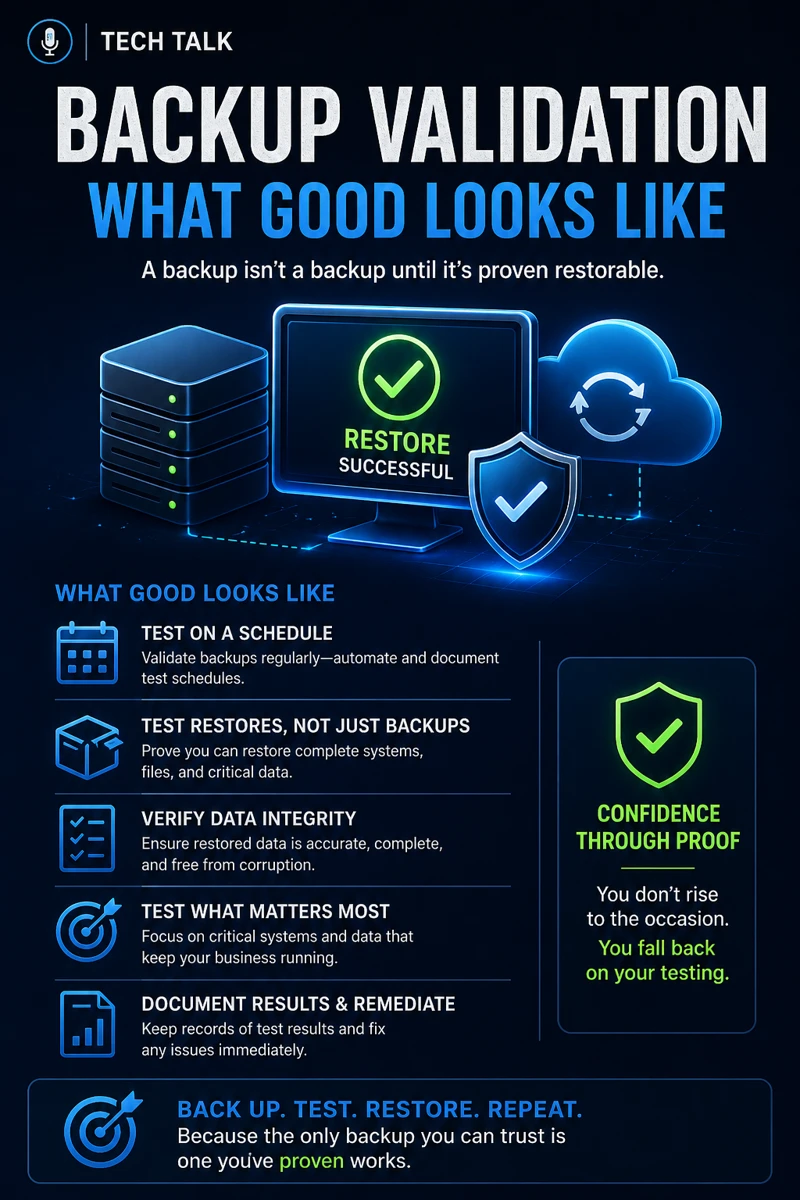
Make sure your backups actually work when it matters.
Most businesses discover backup failures during an outage. We help you validate recovery, reduce downtime risk, and build a system that works under pressure.
- Backup validation and testing
- Recovery time optimization
- Clear recovery documentation