What Cloud Disaster Recovery Really Means
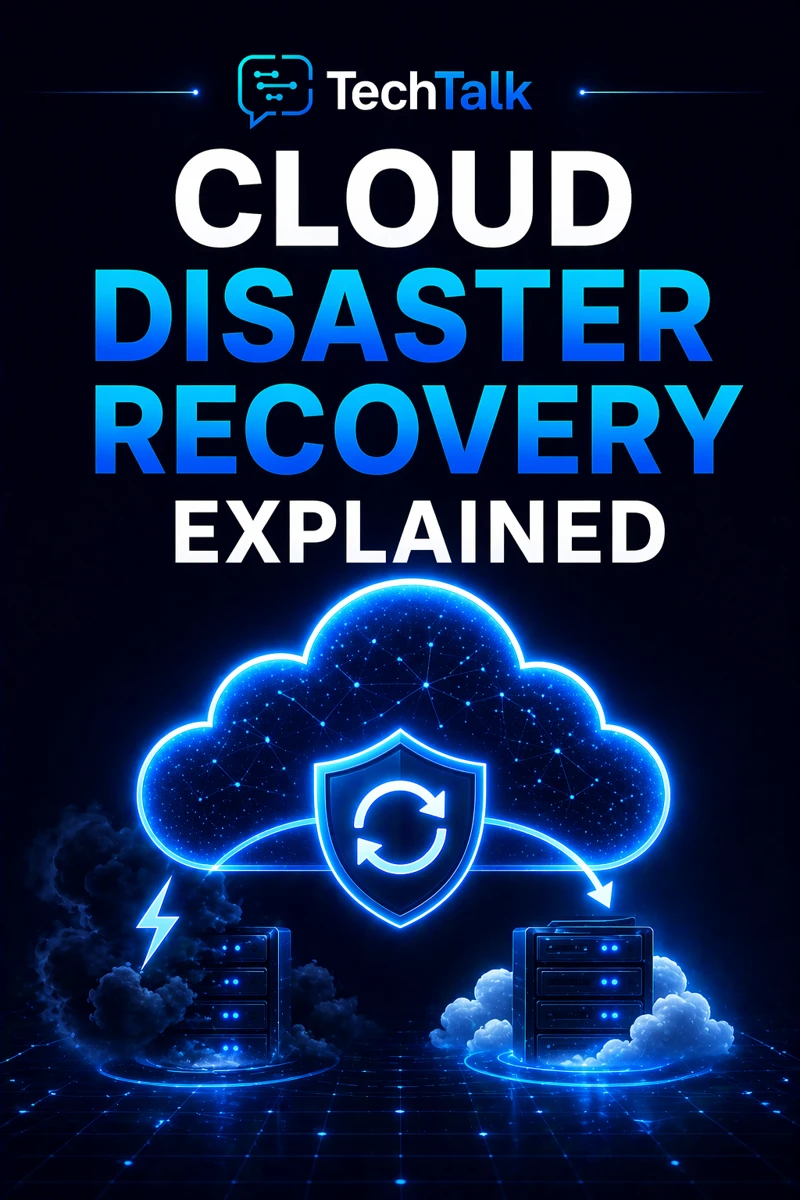
Cloud disaster recovery (DR) is the process of restoring systems and data after a major failure.
It focuses on:
- recovering critical systems
- restoring data
- minimizing downtime
It is not about preventing failure.
It is about recovering from it effectively.
If you need foundational context, start with what cloud infrastructure is.
Failures are inevitable — disaster recovery determines how quickly your business can recover.
Why Disaster Recovery Matters for Business
When systems fail:
- operations stop
- data may be lost
- customers are impacted
Without disaster recovery:
- recovery is slow
- downtime increases
- business impact grows
This makes DR a core part of cloud infrastructure and business continuity.
What a Real Disaster Scenario Looks Like
A typical scenario:
- a major system failure occurs
- data is unavailable
- no recovery plan exists
- systems remain offline
At that point:
- downtime extends
- operations are disrupted
- recovery becomes complex
These failures are often tied to poor cloud infrastructure planning.
Most disaster recovery failures are caused by lack of preparation — not the failure itself.
The Core Components of Disaster Recovery
Effective disaster recovery includes multiple elements.
Backup Systems (Protecting Data)
Data must be backed up regularly.
This includes:
- file backups
- database backups
- system snapshots
These principles align with backup and recovery strategies.
Recovery Processes (Restoring Systems)
You must define how systems are restored.
This includes:
- step-by-step recovery procedures
- system restoration workflows
Recovery Time Objectives (RTO)
How quickly systems must be restored.
Examples:
- minutes
- hours
- days
Recovery Point Objectives (RPO)
How much data loss is acceptable.
Examples:
- real-time replication
- periodic backups
Failover Systems (Maintaining Operations)
Failover systems can keep systems running during failure.
This aligns with cloud failover strategy.
Disaster recovery is defined by how quickly you recover and how much data you lose.
The Hidden Risk: Assuming Backups Are Enough
Many businesses assume:
- “we have backups, so we are covered”
In reality:
- backups must be accessible
- recovery must be fast
- processes must be tested
This is a common issue in environments lacking cloud infrastructure strategy.
Backups alone do not ensure recovery — processes and testing do.
What Breaks Disaster Recovery
DR fails when:
- backups are incomplete
- recovery processes are unclear
- systems are not tested
- failover is not configured
These issues are often tied to cloud misconfigurations and risk.
The Role of Architecture in Disaster Recovery
Recovery depends on system design.
Good architecture ensures:
- data redundancy
- system replication
- efficient restoration
This aligns with cloud infrastructure architecture.
Disaster recovery must be designed into systems — not added later.
The Complexity of Disaster Recovery in Modern Systems
Modern cloud environments are:
- distributed
- interconnected
- dynamic
This creates:
- dependency chains
- complex recovery paths
- potential for cascading failures
These challenges are explained in cloud infrastructure explained.
What a Strong Disaster Recovery Strategy Looks Like
A strong DR strategy includes:
- regular backups
- defined recovery processes
- automated failover
- tested recovery scenarios
It must also align with cloud infrastructure reliability.
Disaster recovery should be tested regularly to ensure it works under real conditions.
How Disaster Recovery Impacts Business Operations
Disaster recovery directly affects:
- downtime duration
- data loss
- operational continuity
Poor DR leads to:
- extended outages
- lost data
- financial impact
Disaster recovery determines how your business survives major disruptions.
How to Know If Your Disaster Recovery Is Weak
You may have a gap if:
- backups are not tested
- recovery processes are unclear
- RTO and RPO are undefined
- failover is not configured
If you cannot quickly restore systems and data, your disaster recovery is at risk.
How to Improve Disaster Recovery
Start with:
- implementing regular backups
- defining recovery objectives
- automating failover
- testing recovery processes
These steps align with broader cloud infrastructure strategy.
How This Connects to Other Cloud Topics
Disaster recovery is part of a complete infrastructure system.
It connects to:
- what is cloud infrastructure
- cloud infrastructure and business continuity
- cloud failover strategy
- cloud infrastructure reliability
- cloud infrastructure strategy
What This Means for Your Business
Your disaster recovery determines:
- how quickly you recover
- how much data you lose
- how resilient your operations are
It is not optional.
It is essential.
Disaster recovery ensures your business can recover — not just survive — failure.
Final Thoughts
Cloud disaster recovery is not automatic.
It must be:
- designed
- implemented
- tested
When done correctly:
- downtime is minimized
- data is protected
- operations recover quickly
Need help with this topic?
Make sure your backups actually work when it matters.
Most businesses discover backup failures during an outage. We help you validate recovery, reduce downtime risk, and build a system that works under pressure.
- Backup validation and testing
- Recovery time optimization
- Clear recovery documentation