What a Cloud Redundancy Strategy Really Means
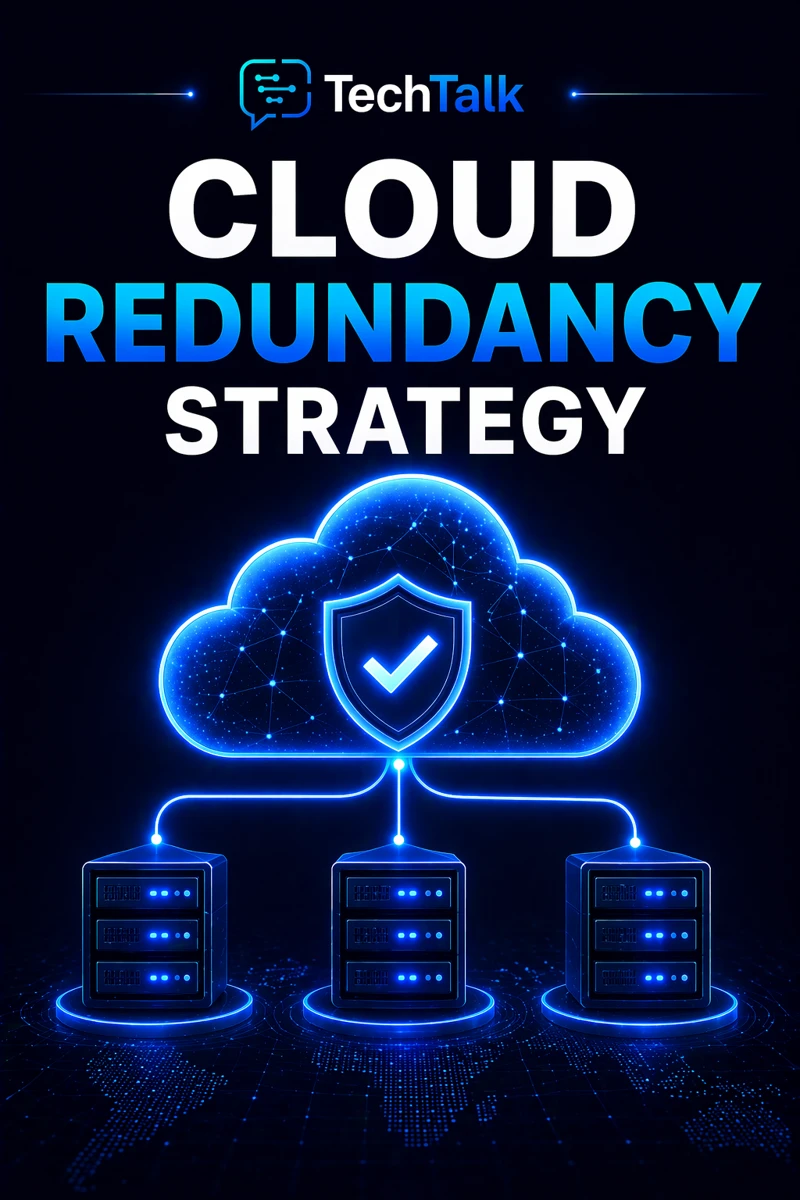
A cloud redundancy strategy ensures that critical systems have backups.
It involves duplicating components so that if one fails:
- another takes over
- systems continue operating
- downtime is minimized
Redundancy is not optional for critical systems.
It is foundational.
If you need foundational context, start with what cloud infrastructure is.
Every system will fail at some point — redundancy determines whether that failure causes downtime.
Why Redundancy Matters for Business
Without redundancy:
- a single failure can stop operations
- downtime increases
- recovery takes longer
With redundancy:
- systems remain available
- failures have minimal impact
- operations continue
This makes redundancy a core part of cloud infrastructure reliability.
What a Real Redundancy Failure Looks Like
A typical scenario:
- a critical server fails
- no backup system exists
- the application goes offline
At that point:
- users lose access
- operations stop
- recovery takes time
These failures are often tied to poor cloud infrastructure architecture.
Most outages are caused by single points of failure — not complex system issues.
The Core Types of Redundancy
Redundancy can be implemented in different ways.
Infrastructure Redundancy (System Duplication)
Duplicate core systems.
Examples:
- multiple servers
- replicated databases
This aligns with high availability in cloud infrastructure.
Data Redundancy (Protecting Information)
Ensure data exists in multiple locations.
Examples:
- backups
- replication
This ties into cloud disaster recovery explained.
Network Redundancy (Connectivity Protection)
Ensure network paths are duplicated.
Examples:
- multiple network routes
- redundant connections
Geographic Redundancy (Location Protection)
Distribute systems across locations.
Examples:
- multiple availability zones
- multiple regions
This aligns with multi-region cloud architecture.
Redundancy must exist across infrastructure, data, network, and location.
The Hidden Risk: Partial Redundancy
Many businesses implement redundancy in one area but not others.
Examples:
- redundant servers without data replication
- backups without failover
- multi-zone without multi-region
This creates:
- gaps in protection
- unexpected failures
This issue is common in environments lacking cloud infrastructure planning.
Partial redundancy creates a false sense of security.
What Breaks Redundancy
Redundancy fails when:
- systems are not synchronized
- failover is not configured
- monitoring is insufficient
- configurations are inconsistent
These issues are often tied to cloud misconfigurations and risk.
The Role of Failover in Redundancy
Redundancy alone is not enough.
Systems must switch to backup resources.
This requires:
- automated failover
- monitoring
- testing
This aligns with cloud failover strategy.
Redundancy without failover does not prevent downtime.
The Complexity of Redundant Systems
Redundant systems are:
- more complex
- harder to manage
- more expensive
They require:
- synchronization
- monitoring
- consistent configuration
These challenges are explained in cloud infrastructure explained.
What a Strong Redundancy Strategy Looks Like
A strong strategy includes:
- duplicated systems
- synchronized data
- automated failover
- continuous monitoring
It must also align with cloud infrastructure strategy.
Redundancy should be seamless, automated, and continuously validated.
How Redundancy Impacts Cost
Redundancy increases cost.
This includes:
- duplicate resources
- additional storage
However, it reduces:
- downtime risk
- business impact
Redundancy is an investment in uptime and reliability.
How to Know If Your Infrastructure Lacks Redundancy
You may have a gap if:
- systems rely on single resources
- backups are not replicated
- failover is not configured
- outages occur unexpectedly
If your infrastructure has single points of failure, redundancy is missing.
How to Improve Your Redundancy Strategy
Start with:
- identifying critical systems
- duplicating resources
- implementing failover
- improving monitoring
These steps align with broader cloud infrastructure strategy.
How This Connects to Other Cloud Topics
Redundancy is part of a complete infrastructure system.
It connects to:
- what is cloud infrastructure
- cloud infrastructure reliability
- high availability in cloud infrastructure
- cloud disaster recovery explained
- cloud infrastructure strategy
What This Means for Your Business
Your redundancy determines:
- how resilient your systems are
- how much downtime you experience
- how stable your operations remain
It is not optional.
It is essential.
Redundancy ensures your systems keep running — even when components fail.
Final Thoughts
Cloud redundancy is not about duplication for its own sake.
It is about resilience.
When done correctly:
- failures are absorbed
- downtime is minimized
- systems remain operational
Need help with this topic?
Make sure your backups actually work when it matters.
Most businesses discover backup failures during an outage. We help you validate recovery, reduce downtime risk, and build a system that works under pressure.
- Backup validation and testing
- Recovery time optimization
- Clear recovery documentation