What Right-Sizing Cloud Resources Really Means
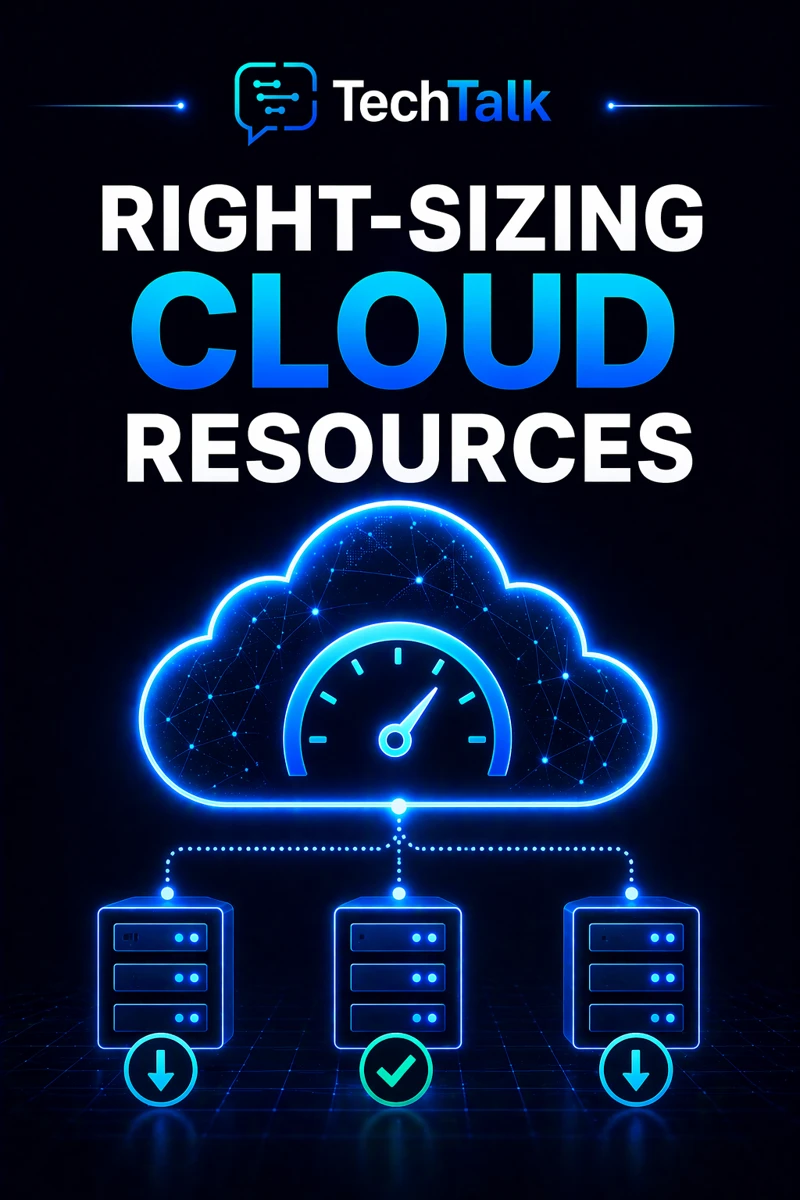
Right-sizing is the process of matching cloud resources to actual usage.
It ensures:
- systems have enough capacity
- resources are not wasted
- performance is maintained
It is about balance.
Not too much. Not too little.
If you need foundational context, start with what cloud infrastructure is.
Most cloud environments are either overprovisioned or underprovisioned — rarely optimized.
Why Right-Sizing Matters
Cloud environments are dynamic.
Without adjustment:
- resources become inefficient
- costs increase
- performance suffers
Right-sizing ensures:
- efficient resource usage
- controlled costs
- stable performance
This builds on concepts in cloud infrastructure cost optimization.
What a Real Right-Sizing Problem Looks Like
A typical scenario:
- systems are initially sized for expected demand
- usage changes over time
- resources are not adjusted
- inefficiencies grow
At that point:
- costs increase
- performance becomes inconsistent
- scaling becomes less effective
These issues are often tied to lack of cloud infrastructure monitoring.
Cloud environments drift out of optimal sizing without continuous adjustment.
The Two Sides of Right-Sizing
Right-sizing addresses two key problems.
Overprovisioning (Too Much Capacity)
This occurs when resources exceed demand.
Examples:
- oversized servers
- unused storage
This creates:
- unnecessary cost
- inefficiency
This aligns with cloud overprovisioning risks.
Underprovisioning (Too Little Capacity)
This occurs when resources cannot meet demand.
Examples:
- insufficient compute
- limited memory
This creates:
- slow performance
- system instability
This impacts cloud infrastructure reliability.
Optimal performance comes from balancing resource allocation with actual usage.
The Hidden Risk: Static Resource Allocation
Many businesses:
- provision resources once
- do not adjust over time
This leads to:
- inefficiency
- increased cost
- performance issues
This is common in environments lacking cloud infrastructure strategy.
Static infrastructure cannot keep up with dynamic workloads.
What Breaks Right-Sizing
Right-sizing fails when:
- usage is not monitored
- resources are not reviewed
- scaling is not implemented
- architecture is inefficient
These issues are often tied to cloud misconfigurations and risk.
The Role of Monitoring in Right-Sizing
Monitoring provides the data needed to adjust resources.
This includes:
- usage metrics
- performance tracking
- trend analysis
This aligns with cloud infrastructure monitoring.
You cannot right-size resources without understanding how they are used.
The Role of Scaling in Right-Sizing
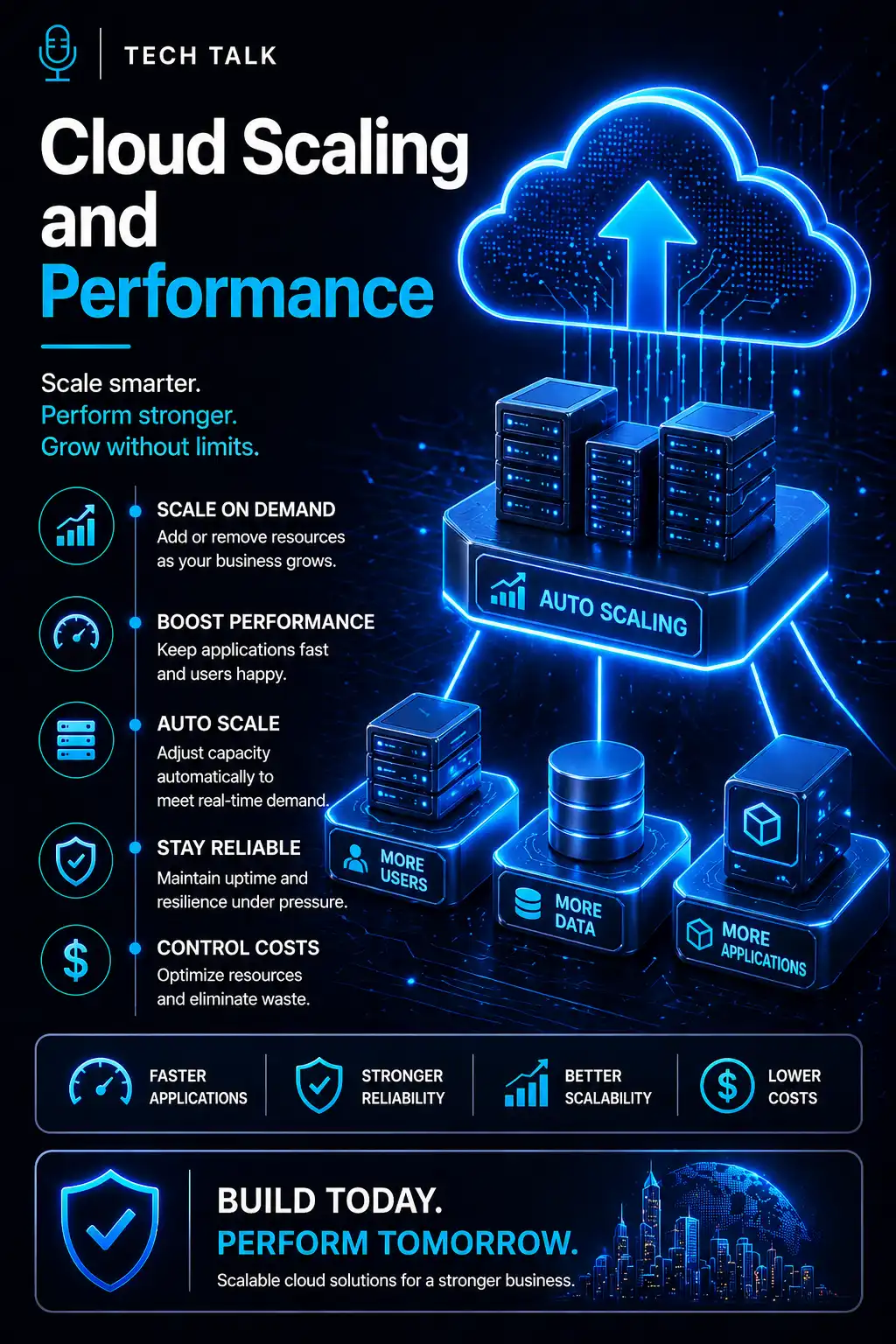
Scaling allows resources to adjust dynamically.
This includes:
- auto-scaling
- demand-based allocation
This ties into scaling cloud infrastructure.
The Role of Architecture in Resource Efficiency
Efficient architecture ensures:
- balanced workloads
- scalable systems
- minimal waste
This aligns with cloud infrastructure architecture.
What a Well-Sized Environment Looks Like
A strong environment includes:
- properly sized resources
- dynamic scaling
- continuous monitoring
- efficient architecture
It must also align with cloud cost management strategies.
Right-sizing should be continuous — not a one-time adjustment.
How Right-Sizing Impacts Cost and Performance
Right-sizing directly affects:
- cost efficiency
- system performance
- scalability
Poor sizing leads to:
- wasted resources
- performance bottlenecks
- increased costs
Right-sizing ensures your infrastructure operates efficiently and cost-effectively.
How to Know If Your Resources Are Not Right-Sized
You may have a gap if:
- usage is consistently low or high
- performance is inconsistent
- costs are higher than expected
- scaling is not used
If your resource usage does not match demand, your environment is not optimized.
How to Implement Right-Sizing
Start with:
- monitoring resource usage
- analyzing performance trends
- adjusting capacity
- implementing scaling
These steps align with broader cloud infrastructure strategy.
How This Connects to Other Cloud Topics
Right-sizing is part of a complete infrastructure system.
It connects to:
- what is cloud infrastructure
- cloud infrastructure cost optimization
- cloud overprovisioning risks
- cloud infrastructure monitoring
- cloud infrastructure strategy
What This Means for Your Business
Your resource sizing determines:
- how efficient your infrastructure is
- how well systems perform
- how scalable your environment is
It is not optional.
It is essential.
Right-sizing ensures your infrastructure delivers performance without waste.
Final Thoughts
Right-sizing cloud resources is one of the most effective ways to improve efficiency.
When done correctly:
- costs are reduced
- performance improves
- systems scale effectively
Need help with this topic?
Make sure your backups actually work when it matters.
Most businesses discover backup failures during an outage. We help you validate recovery, reduce downtime risk, and build a system that works under pressure.
- Backup validation and testing
- Recovery time optimization
- Clear recovery documentation