What Scaling Cloud Infrastructure Really Means
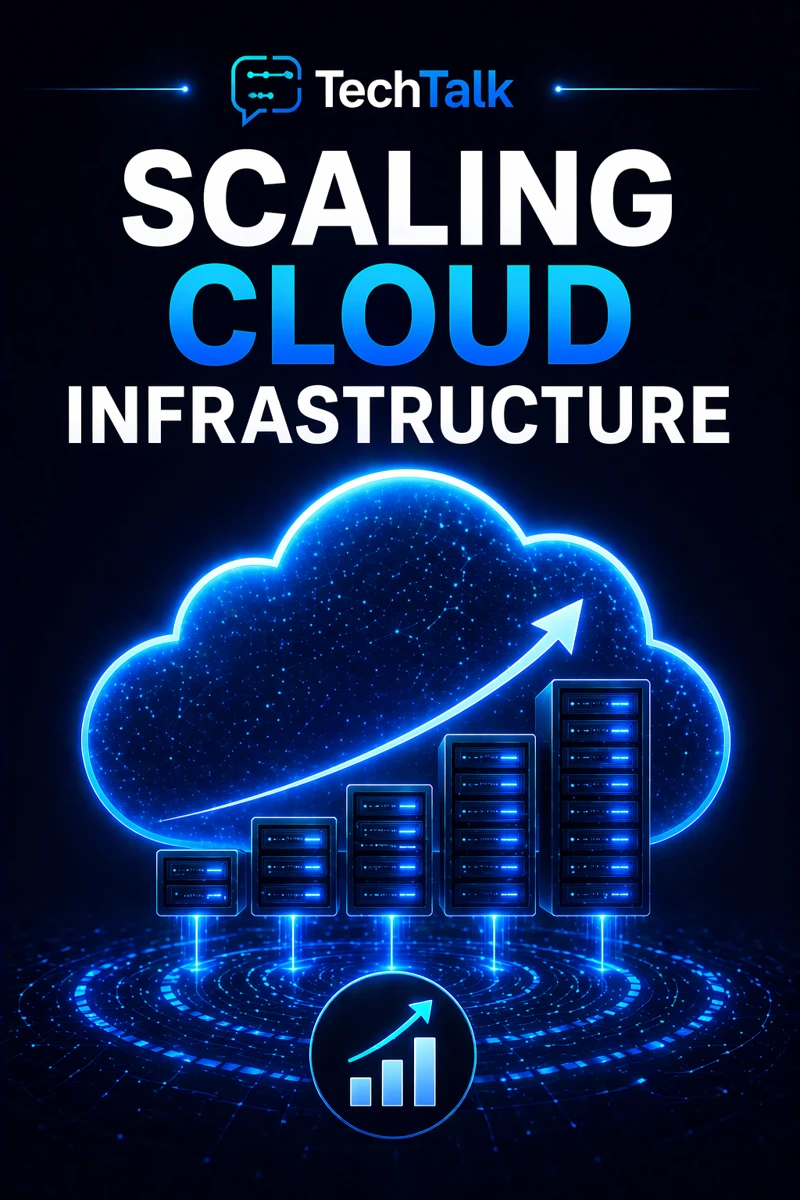
Scaling cloud infrastructure is the ability to increase or decrease resources based on demand.
It ensures your systems can:
- handle growth
- maintain performance
- avoid unnecessary cost
Scaling is not just adding more resources.
It is about scaling efficiently and predictably.
If you need foundational context, start with what cloud infrastructure is.
Scaling is not automatic — it must be designed and configured correctly.
Why Scaling Matters for Business Growth
As your business grows:
- more users access systems
- more data is processed
- workloads increase
Without proper scaling:
- systems slow down
- performance degrades
- outages occur
This makes scaling a core part of cloud infrastructure reliability.
What a Real Scaling Failure Looks Like
A typical scenario:
- systems perform well initially
- user demand increases
- resources are not scaled properly
- systems become overloaded
- performance drops or fails
At that point:
- downtime occurs
- user experience suffers
- revenue may be impacted
These failures are often tied to poor cloud infrastructure architecture.
Scaling failures typically happen during growth — not during normal operation.
The Core Types of Scaling
There are different ways to scale cloud infrastructure.
Vertical Scaling (Scaling Up)
Increase the size of a resource.
Examples:
- more CPU
- more memory
Pros:
- simple to implement
Cons:
- limited capacity
- potential downtime
Horizontal Scaling (Scaling Out)
Add more resources.
Examples:
- additional servers
- distributed systems
Pros:
- high scalability
- improved reliability
Cons:
- more complex
Auto Scaling (Dynamic Scaling)
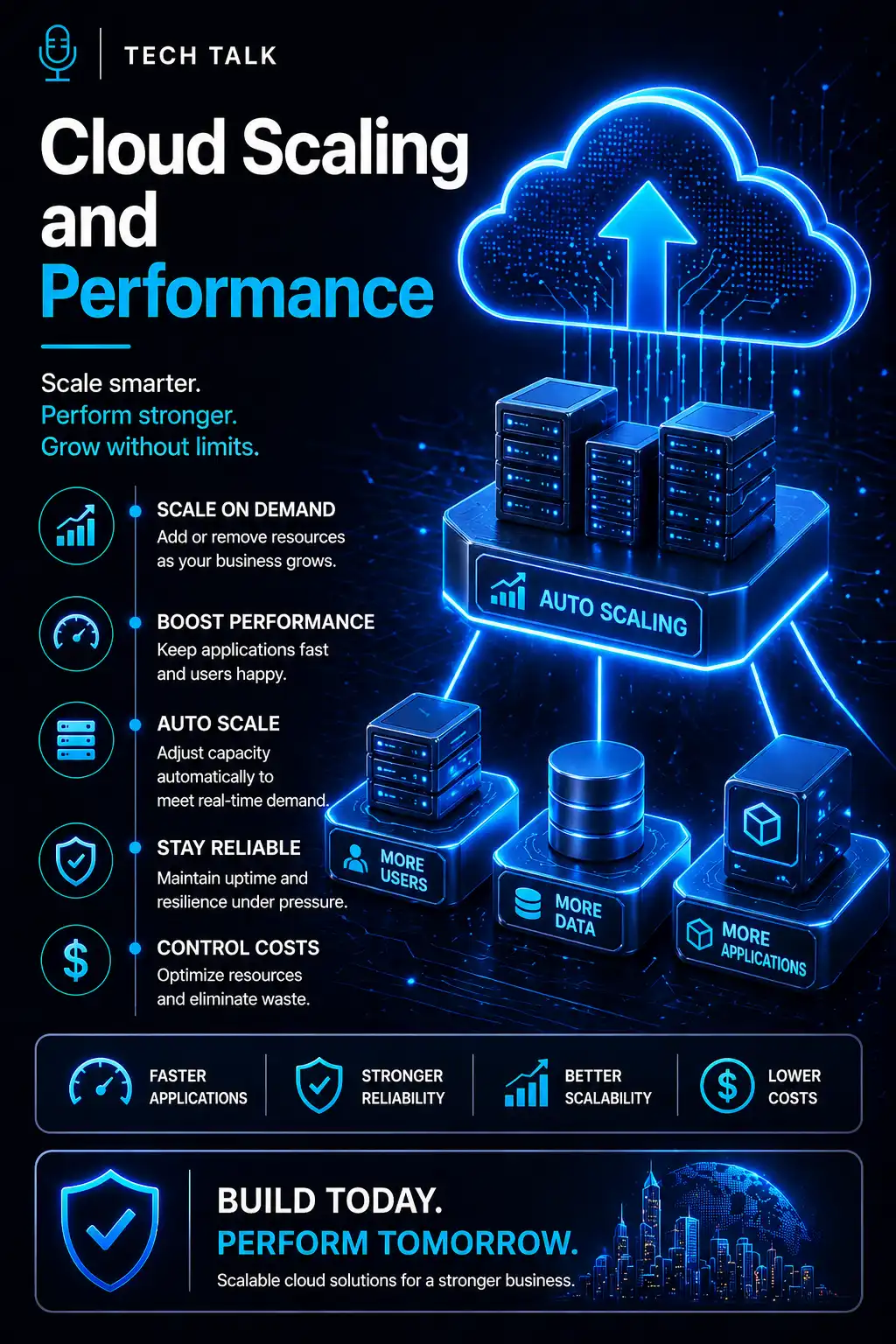
Automatically adjust resources based on demand.
Examples:
- scaling up during peak usage
- scaling down during low demand
This is closely related to cloud performance optimization.
Effective scaling balances performance, reliability, and cost.
The Hidden Risk: Reactive Scaling
Many businesses scale reactively.
This means:
- adding resources after issues appear
- increasing capacity without planning
This leads to:
- inconsistent performance
- higher costs
- inefficient systems
This is common in environments lacking cloud infrastructure strategy.
Reactive scaling solves short-term problems but creates long-term inefficiencies.
What Breaks Cloud Scaling
Scaling fails when:
- systems are not designed for distribution
- dependencies limit scalability
- resources are misconfigured
- monitoring is insufficient
These issues are often tied to cloud misconfigurations and risk.
The Role of Components in Scaling
Scaling depends on how components work together.
These include:
- compute
- storage
- networking
Understanding these interactions is critical.
See cloud infrastructure components.
Scaling is limited by the weakest component in your infrastructure.
The Complexity of Scaling Modern Systems
Modern cloud environments are:
- distributed
- interconnected
- dynamic
This creates:
- dependency chains
- bottlenecks
- scaling challenges
These complexities are explained in cloud infrastructure explained.
What a Scalable Cloud Environment Looks Like
A strong environment includes:
- distributed architecture
- load balancing
- auto-scaling
- optimized resource allocation
It must also align with designing cloud infrastructure.
Scalable systems are designed to handle growth without manual intervention.
How Scaling Impacts Cost
Scaling directly affects cost.
Poor scaling leads to:
- overprovisioned resources
- inefficient usage
- increased expenses
Effective scaling ensures:
- resources match demand
- costs remain controlled
Scaling should increase efficiency — not just capacity.
How to Know If Your Infrastructure Cannot Scale
You may have a gap if:
- systems slow down during growth
- performance is inconsistent
- scaling requires manual changes
- costs increase rapidly
If your systems cannot handle growth smoothly, your scaling strategy needs improvement.
How to Improve Cloud Scaling
Start with:
- implementing auto-scaling
- optimizing architecture
- improving monitoring
- balancing workloads
These steps align with broader cloud infrastructure strategy.
How This Connects to Other Cloud Topics
Scaling is part of a complete infrastructure system.
It connects to:
- what is cloud infrastructure
- cloud infrastructure reliability
- cloud performance optimization
- cloud infrastructure architecture
- cloud infrastructure strategy
What This Means for Your Business
Your scaling determines:
- how your systems handle growth
- how consistent performance remains
- how efficiently resources are used
It is not optional.
It is essential.
Scaling ensures your infrastructure grows with your business — not against it.
Final Thoughts
Scaling cloud infrastructure is not just about growth.
It is about controlled growth.
When done correctly:
- systems remain stable
- performance is consistent
- costs are managed
Need help with this topic?
Make sure your backups actually work when it matters.
Most businesses discover backup failures during an outage. We help you validate recovery, reduce downtime risk, and build a system that works under pressure.
- Backup validation and testing
- Recovery time optimization
- Clear recovery documentation